
MarVS2
Members
-
Joined
-
Last visited
Everything posted by MarVS2
-
 i knew it! it looks like.. so happy for her Elite was kinda boring
Nina with IMG models i think she is about to be in IMG or is already a IMG girl. they look amazing together tho
Chanel Iman, Hannah Ferguson, Shanina Shaik, Joan Smalls and Nina Agdal attend the W Hotel party to celebrate the opening of W Dubai on August 17, 2016 in New York City.
its probably that the magazine inside have different shots hopefully someone can get them
thank u fisker!
Summer Of Swim - Intimates : http://www.si.com/swim-daily/video/2016/08/16/summer-swim-intimates-nina-agdal
its this week SI magazine if somebody can get it share the pics inside of Nina please
Apparently the official pics of Summer Of swim are not only going to be online and on this SI mag too
no new tits plus white t shirts makes u bigger
via SI swim twitter
i knew it! it looks like.. so happy for her Elite was kinda boring
Nina with IMG models i think she is about to be in IMG or is already a IMG girl. they look amazing together tho
Chanel Iman, Hannah Ferguson, Shanina Shaik, Joan Smalls and Nina Agdal attend the W Hotel party to celebrate the opening of W Dubai on August 17, 2016 in New York City.
its probably that the magazine inside have different shots hopefully someone can get them
thank u fisker!
Summer Of Swim - Intimates : http://www.si.com/swim-daily/video/2016/08/16/summer-swim-intimates-nina-agdal
its this week SI magazine if somebody can get it share the pics inside of Nina please
Apparently the official pics of Summer Of swim are not only going to be online and on this SI mag too
no new tits plus white t shirts makes u bigger
via SI swim twitter im still super surprised ...Nina cant dance lmao but the show is huge i think in models only was Gigi there anyways thats so cool!.

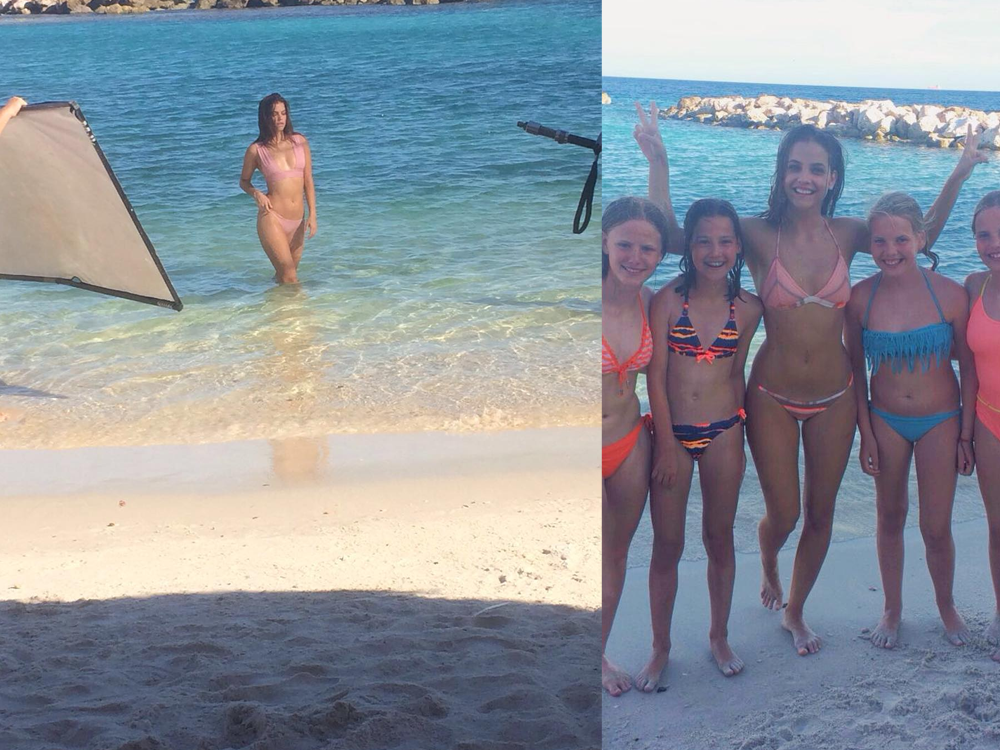
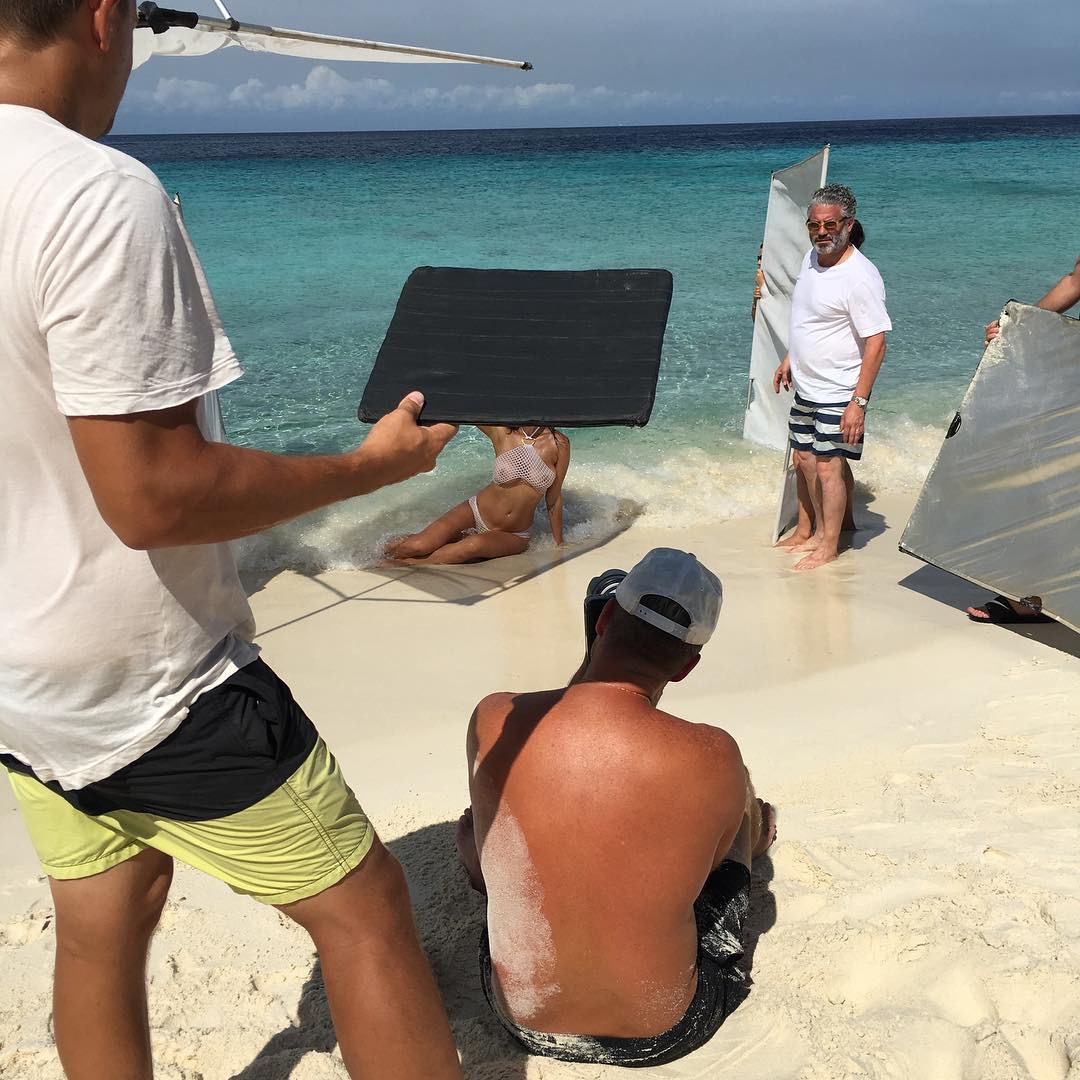

Account
Navigation
Search
Configure browser push notifications
Chrome (Android)
- Tap the lock icon next to the address bar.
- Tap Permissions → Notifications.
- Adjust your preference.
Chrome (Desktop)
- Click the padlock icon in the address bar.
- Select Site settings.
- Find Notifications and adjust your preference.
Safari (iOS 16.4+)
- Ensure the site is installed via Add to Home Screen.
- Open Settings App → Notifications.
- Find your app name and adjust your preference.
Safari (macOS)
- Go to Safari → Preferences.
- Click the Websites tab.
- Select Notifications in the sidebar.
- Find this website and adjust your preference.
Edge (Android)
- Tap the lock icon next to the address bar.
- Tap Permissions.
- Find Notifications and adjust your preference.
Edge (Desktop)
- Click the padlock icon in the address bar.
- Click Permissions for this site.
- Find Notifications and adjust your preference.
Firefox (Android)
- Go to Settings → Site permissions.
- Tap Notifications.
- Find this site in the list and adjust your preference.
Firefox (Desktop)
- Open Firefox Settings.
- Search for Notifications.
- Find this site in the list and adjust your preference.