All Activity
- Past hour
-
 Barbie Velez




-

 Stevebalboni joined the community

 TheCandyManCan joined the community

 radiancebeautyinc joined the community
- Today

 Muriel Villera
- Yesterday
 aibmag changed their profile photo
 Really lovely--thanks!
 aibmag joined the community
Qatar GP was insane!🇶🇦 thank you qatarairways for the hospitality🫶🏼 can you believe that race result?
aibmag joined the community
Qatar GP was insane!🇶🇦 thank you qatarairways for the hospitality🫶🏼 can you believe that race result?



 biostatistics joined the community
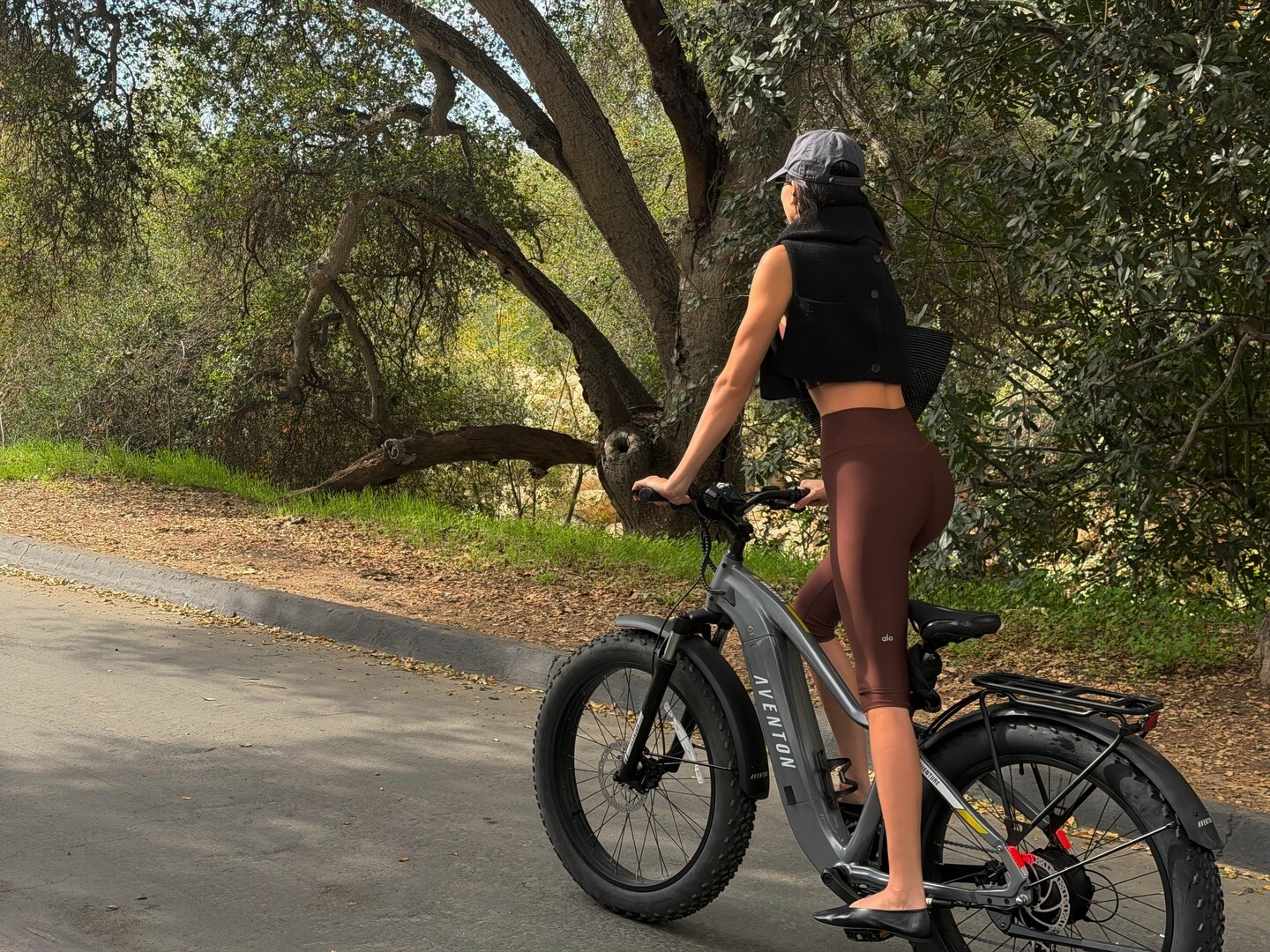
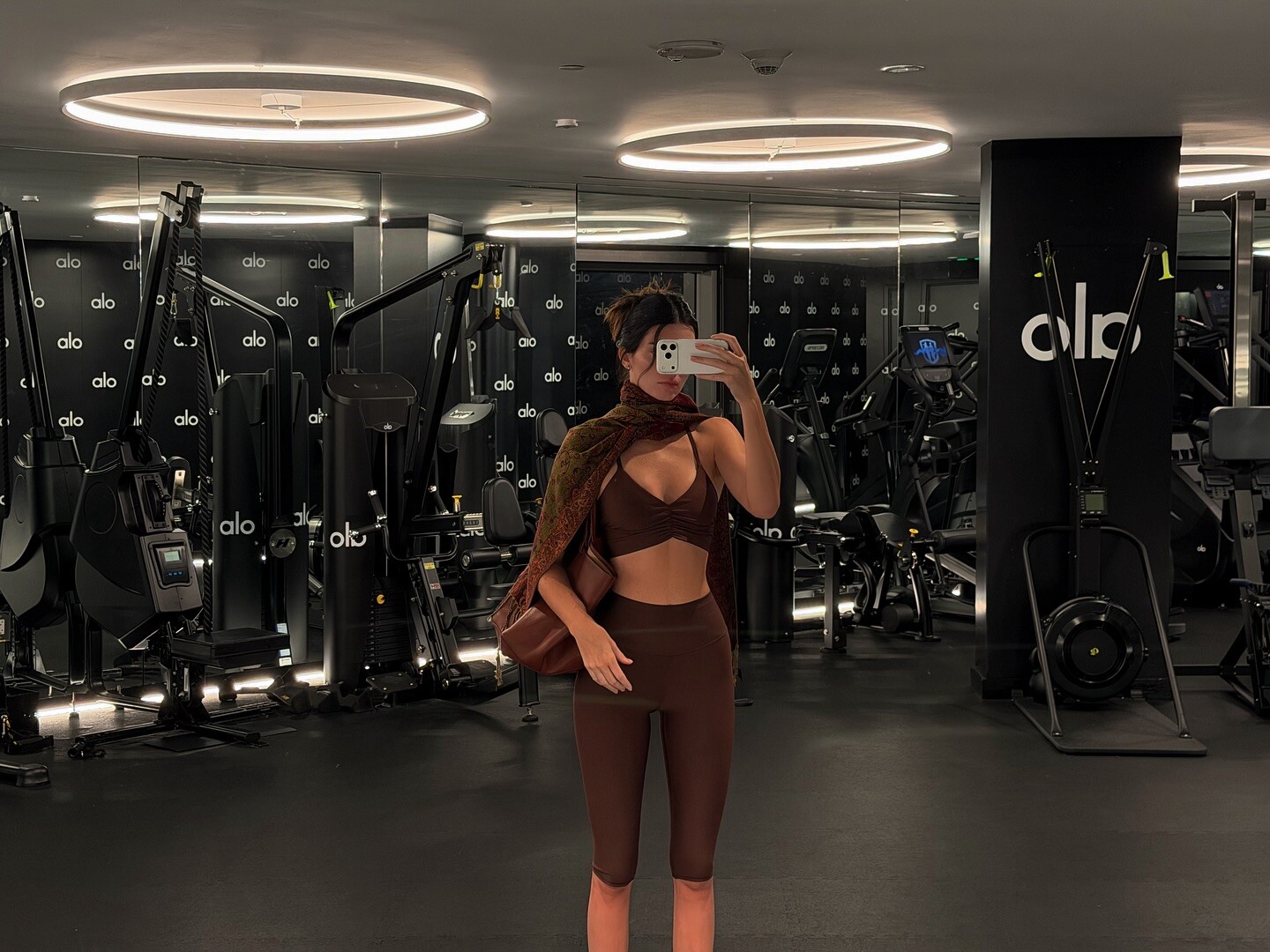
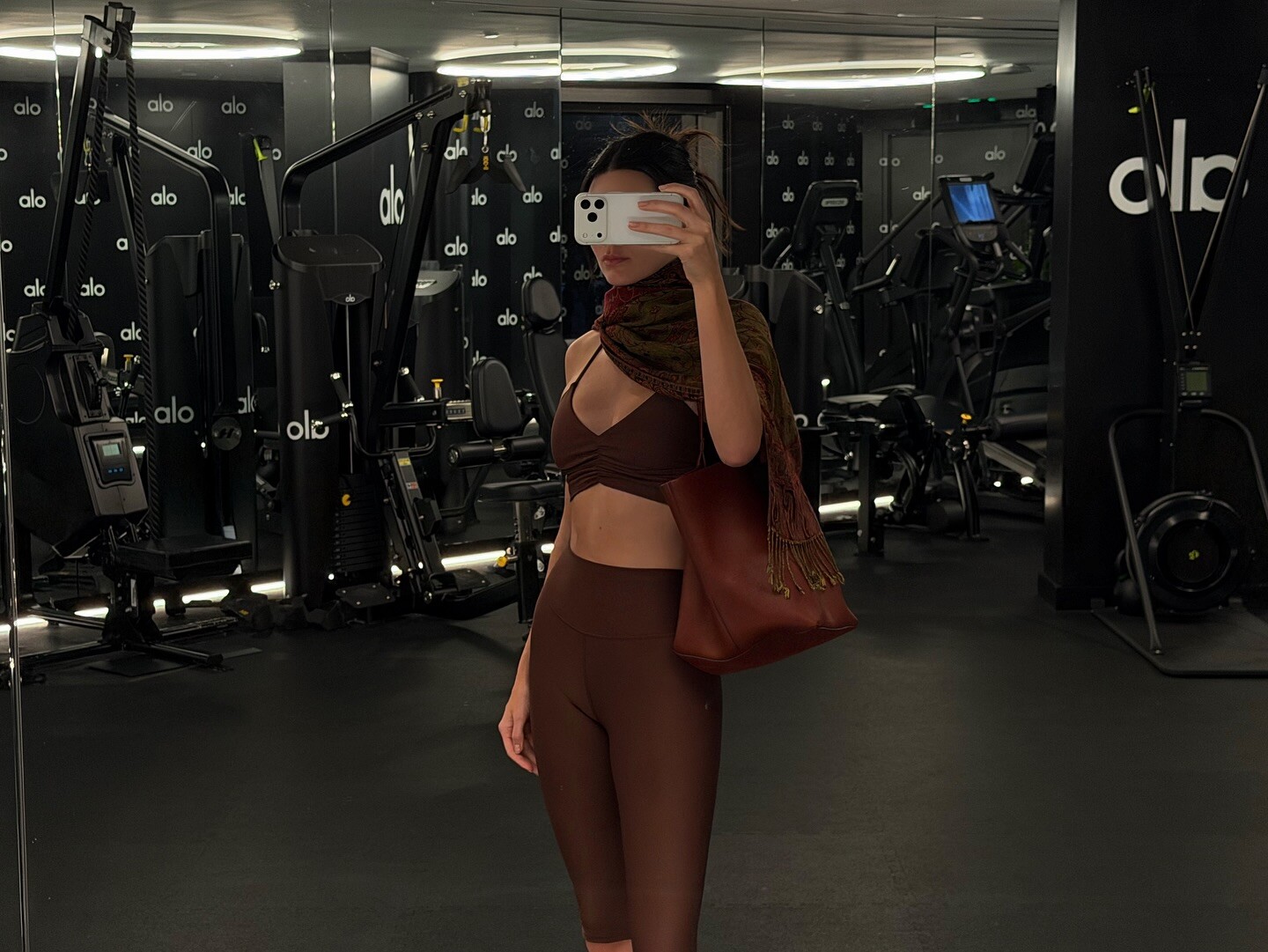
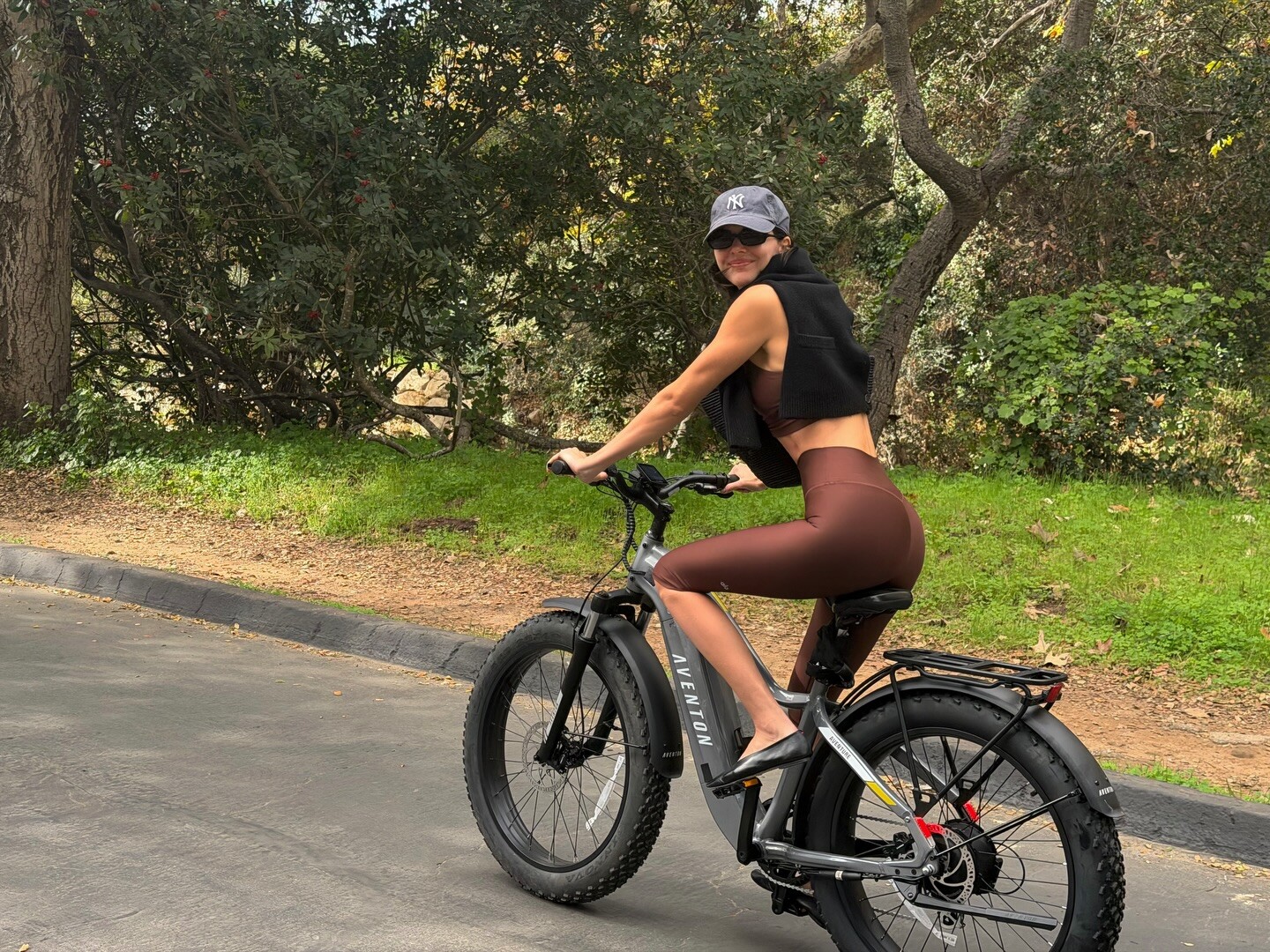
otw to pilates alo video [2025.12.01] kendalljenner_DRut4DyDzjl.mp4
biostatistics joined the community
otw to pilates alo video [2025.12.01] kendalljenner_DRut4DyDzjl.mp4


 Perhaps my favorite of all IS editorials. THanks!
Account
Search
Configure browser push notifications
Chrome (Android)
- Tap the lock icon next to the address bar.
- Tap Permissions → Notifications.
- Adjust your preference.
Chrome (Desktop)
- Click the padlock icon in the address bar.
- Select Site settings.
- Find Notifications and adjust your preference.
Safari (iOS 16.4+)
- Ensure the site is installed via Add to Home Screen.
- Open Settings App → Notifications.
- Find your app name and adjust your preference.
Safari (macOS)
- Go to Safari → Preferences.
- Click the Websites tab.
- Select Notifications in the sidebar.
- Find this website and adjust your preference.
Edge (Android)
- Tap the lock icon next to the address bar.
- Tap Permissions.
- Find Notifications and adjust your preference.
Edge (Desktop)
- Click the padlock icon in the address bar.
- Click Permissions for this site.
- Find Notifications and adjust your preference.
Firefox (Android)
- Go to Settings → Site permissions.
- Tap Notifications.
- Find this site in the list and adjust your preference.
Firefox (Desktop)
- Open Firefox Settings.
- Search for Notifications.
- Find this site in the list and adjust your preference.