All Activity
- Past hour
-
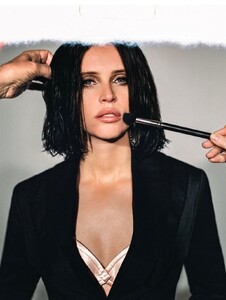
 French Fries Magazine felicity-jones-france.sosugary.com



-

-
 @byttech Please STOP quoting images from YEARS ago and just saying "OMG!!! So beautiful. OMG!!!" It contributes nothing to the thread and is super annoying. And yes, we know. Maggie is hot. No shit.
 -

-

-
Financial Times felicity-jones-france.sosugary.com


-

-
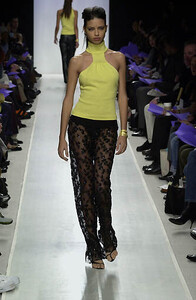
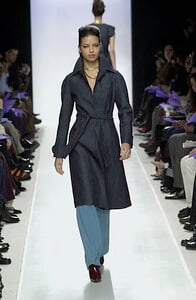
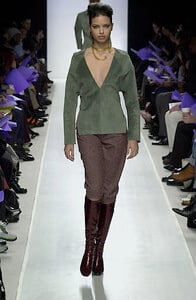
Rebecca Danenberg F/W 2000



-
 . StorySaver.net-sophupton-Video-1765149244793.mp4
 -
Felicity Jones "People Love The Brutalist's Intermission!"
-
-
Sorry for the low quality


-
 timtakd joined the community
 -
ph Caitlin Cronenberg felicity-jones-france.sosugary.com




-
 @Martial What do you think of Loan Chabanol?
 -
.



.thumb.jpg.6f6872cb28398d1573f3ec834474673f.jpg)
.thumb.jpg.981df46df7e77df748b1d49dc1e66fdb.jpg)
.thumb.jpg.026afeb40588934cc6d2aed640b7bded.jpg)

-
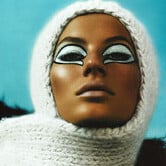 Thank you for the id @parisienne.
 TommyNow by Tommy Hilfiger - 2018 SS RTW vogue.com
 https://www.adrianalima.sosugary.com/ On this website you can find many fashion shows
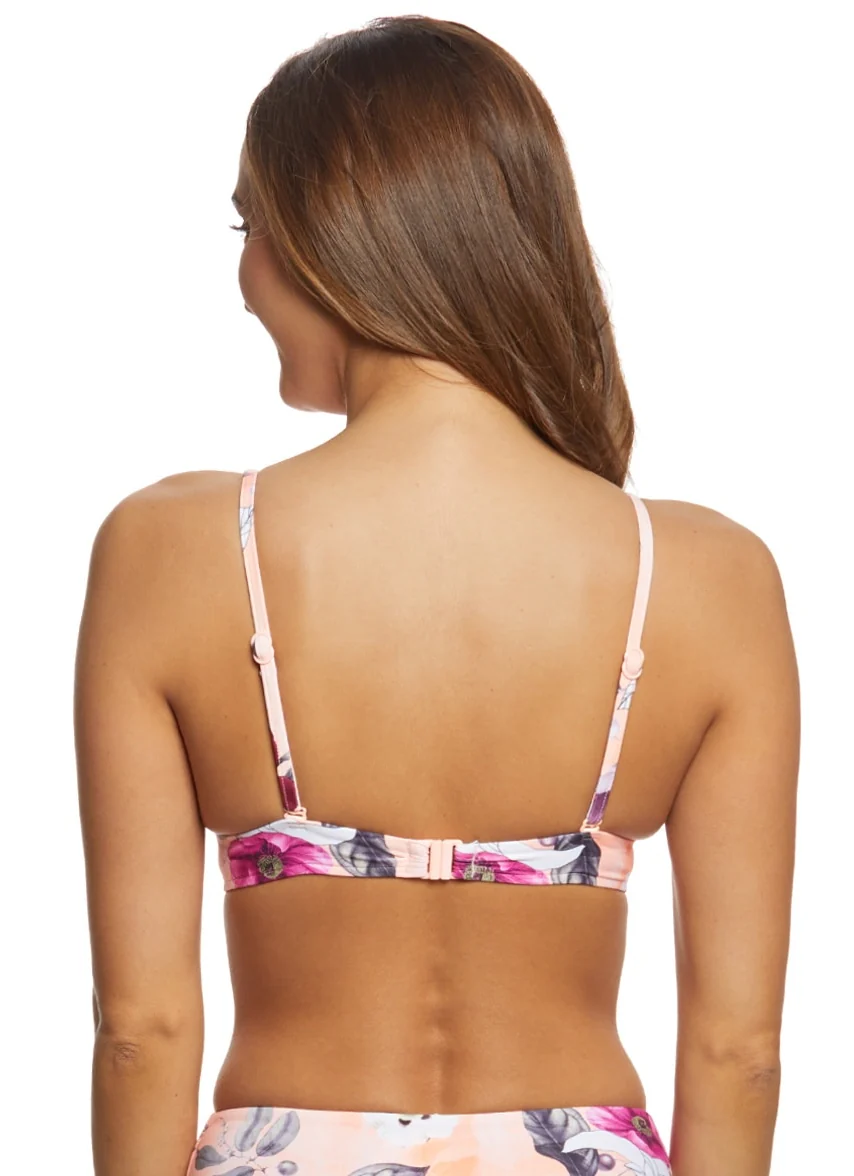
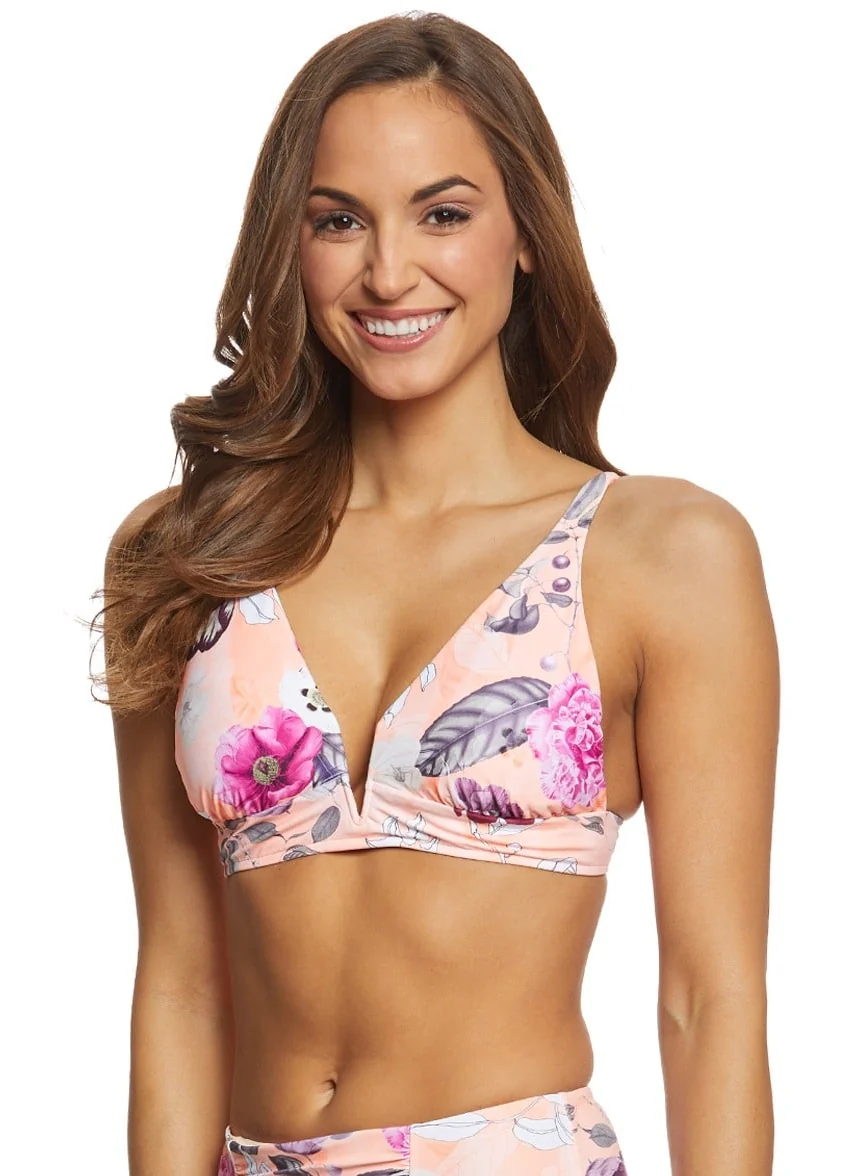
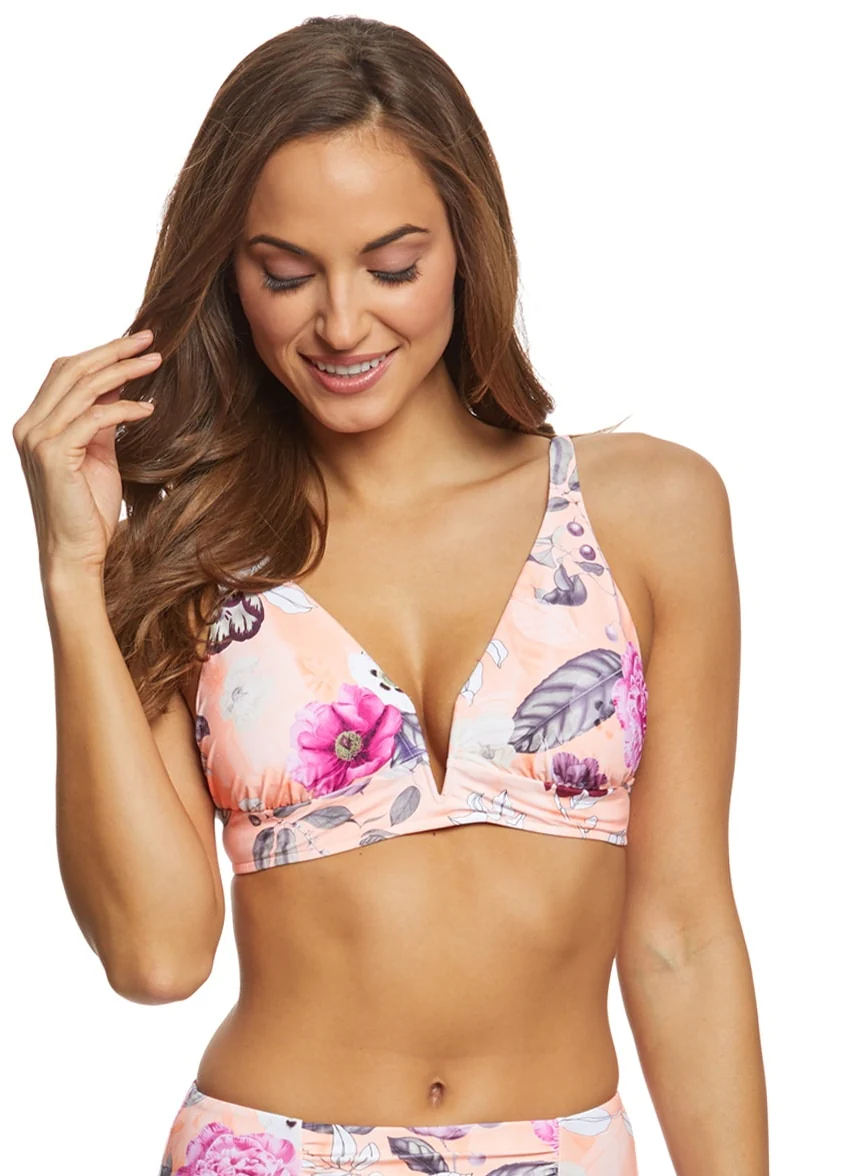
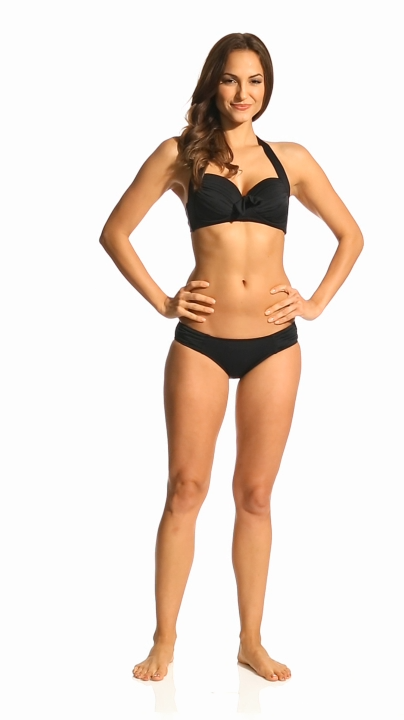
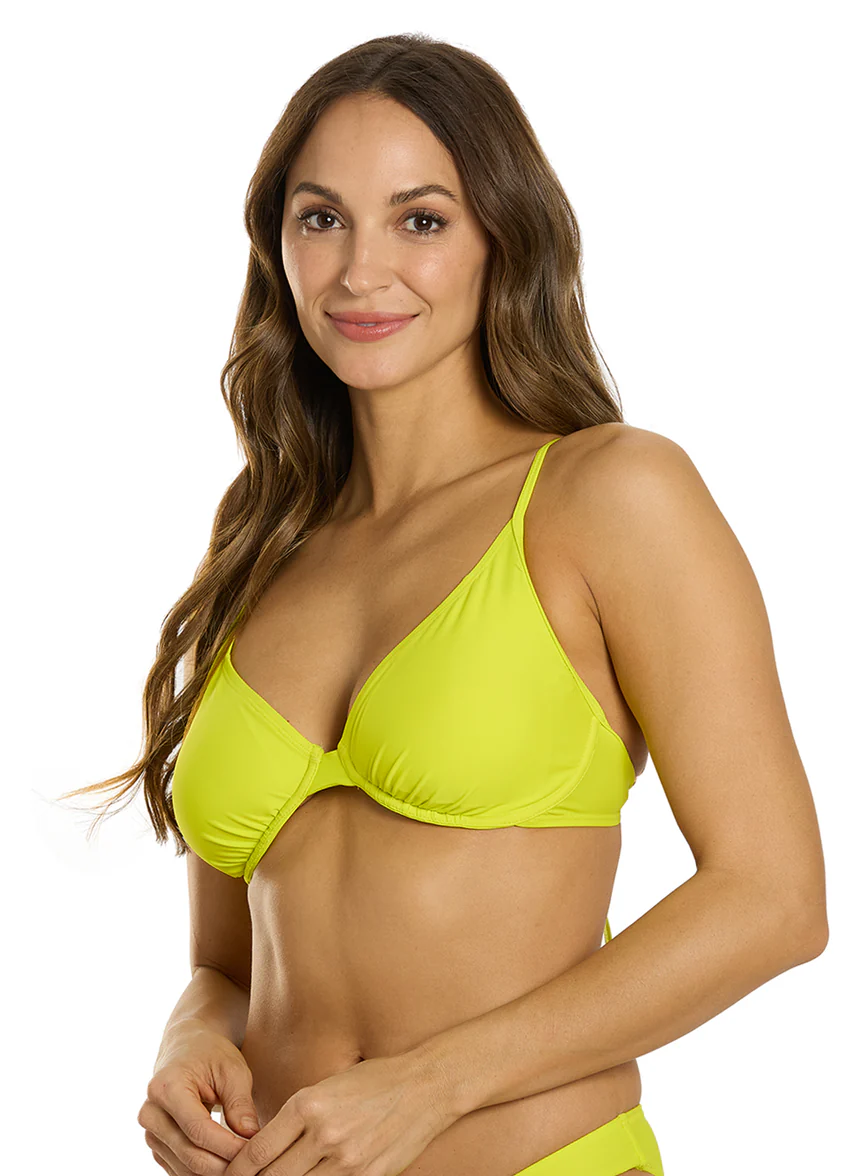
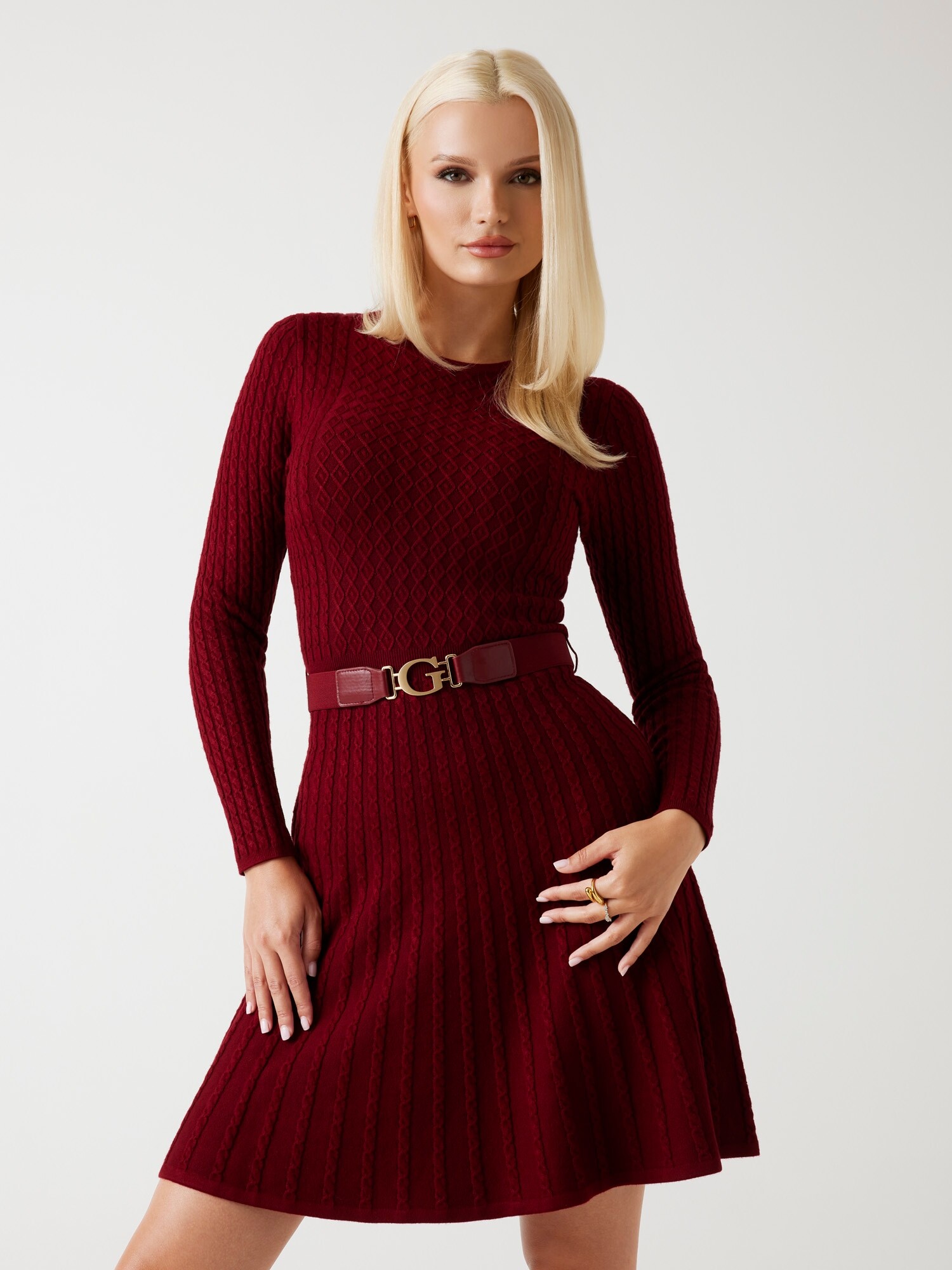
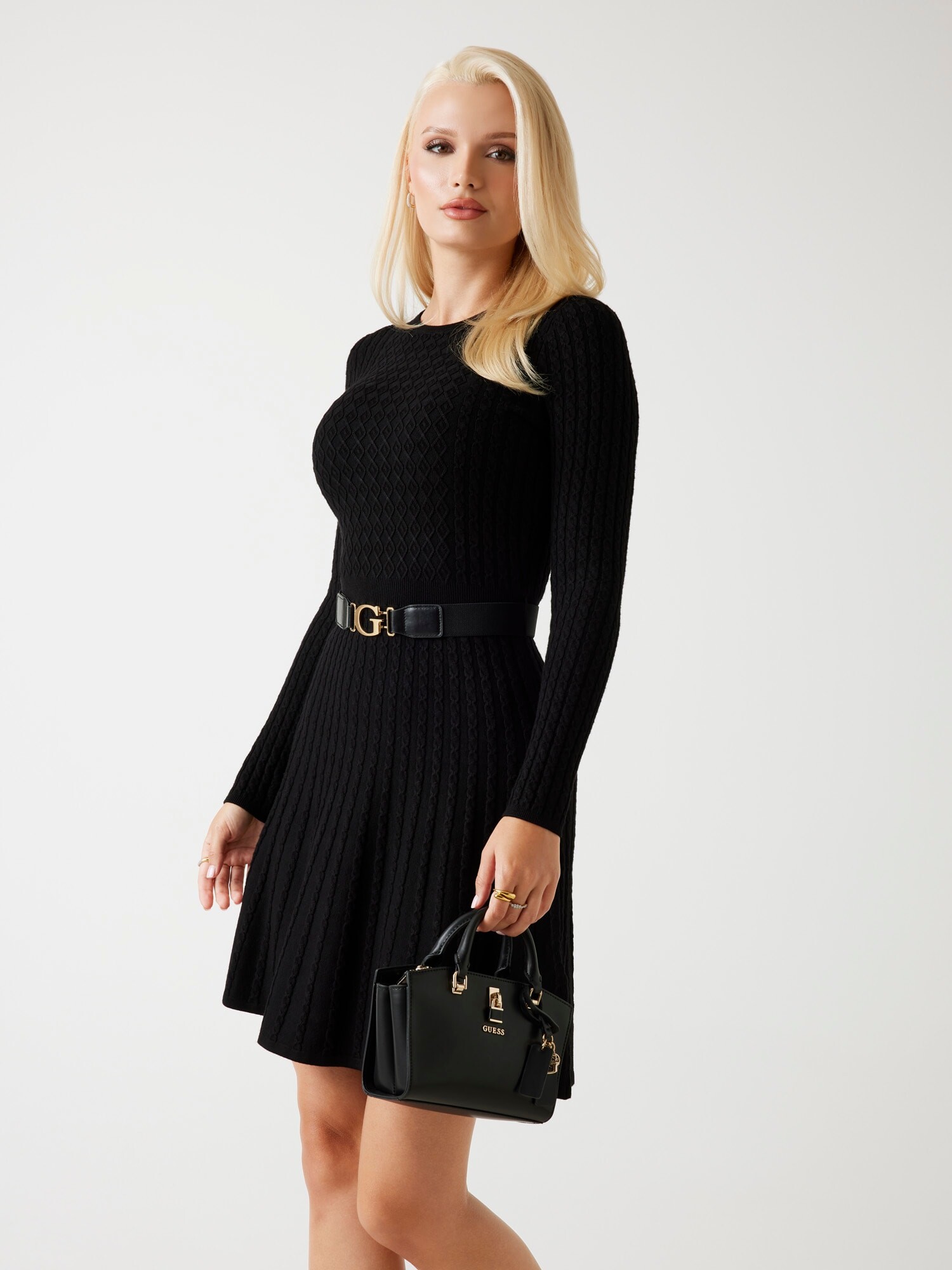
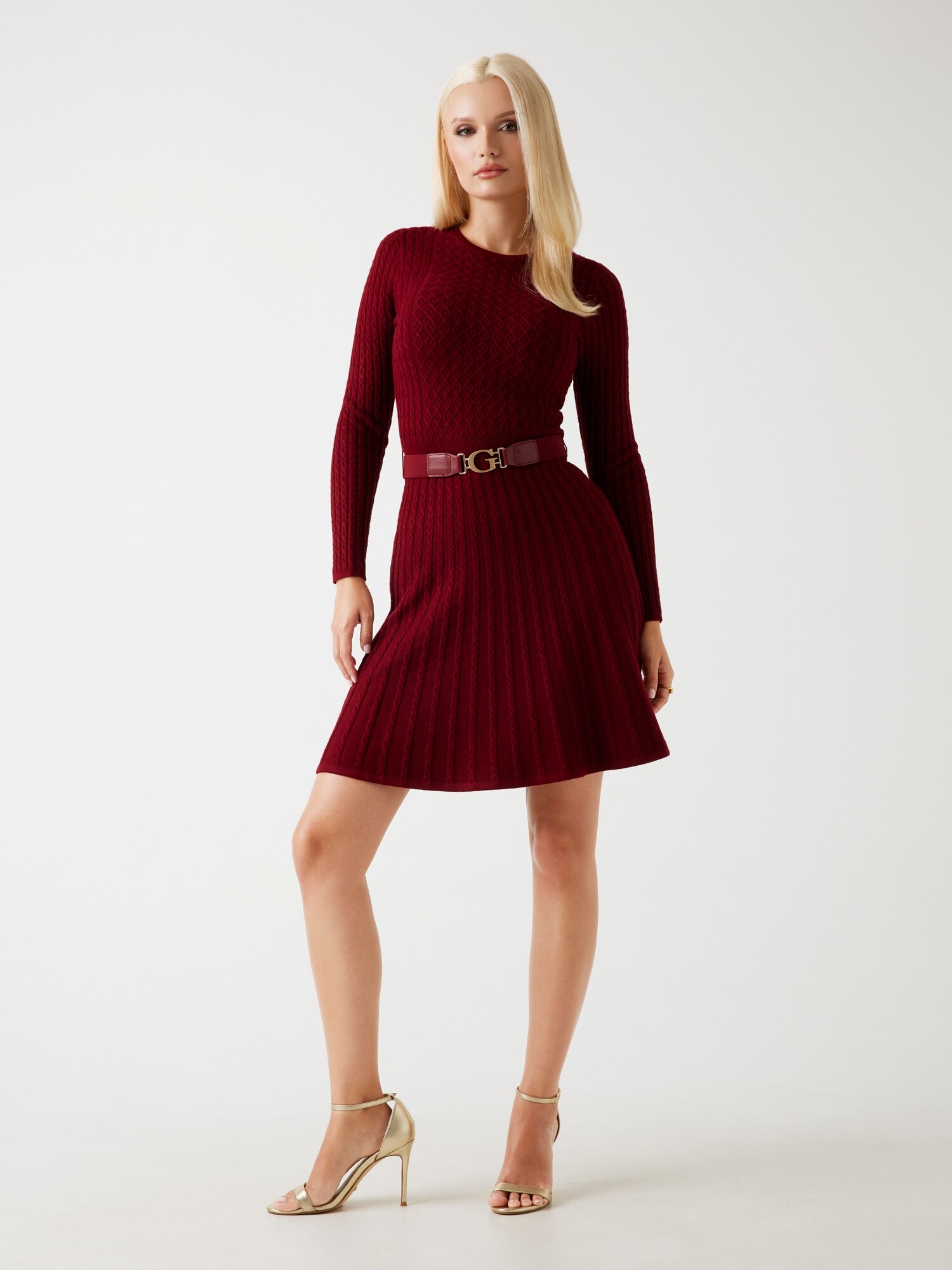
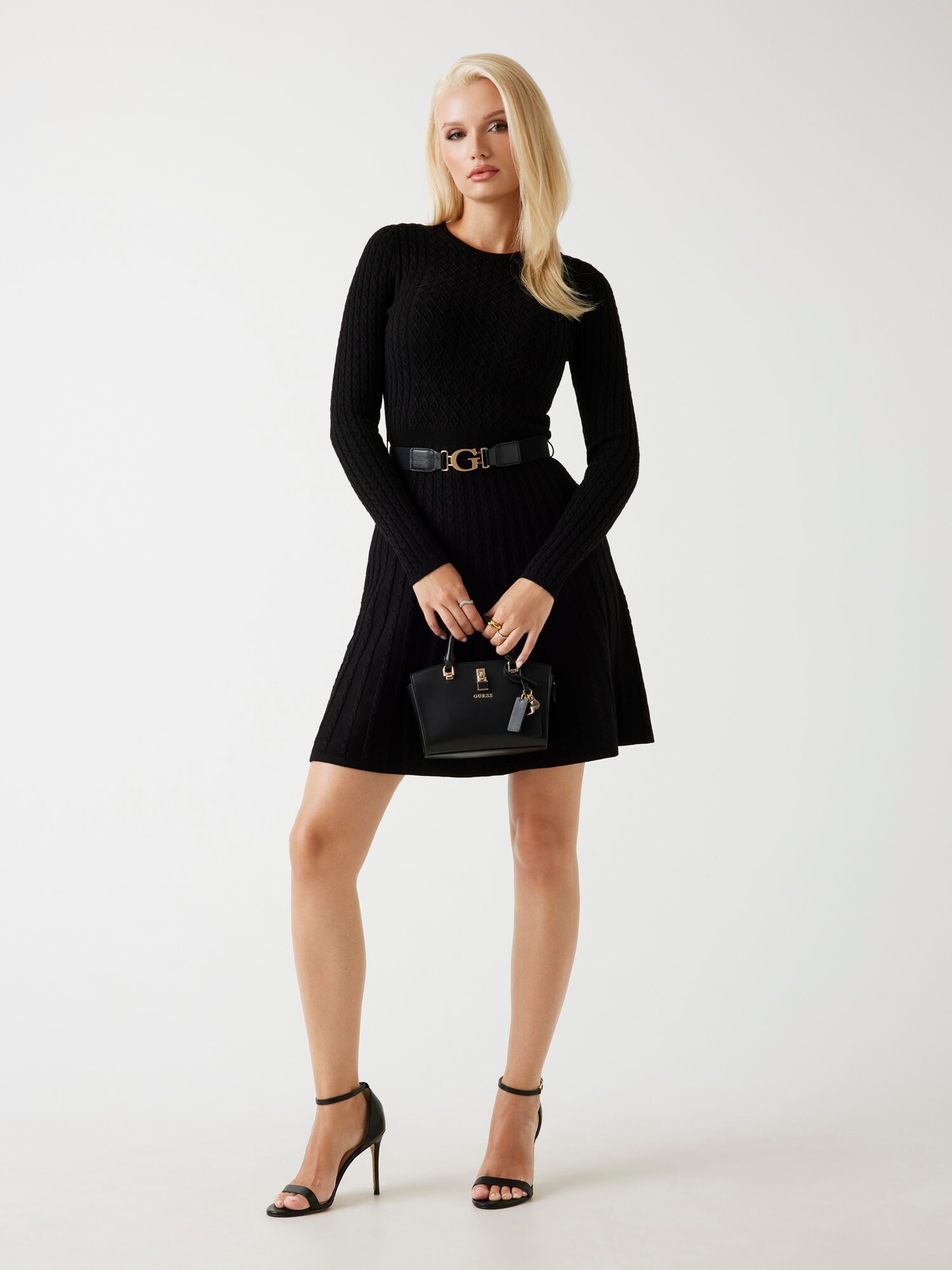
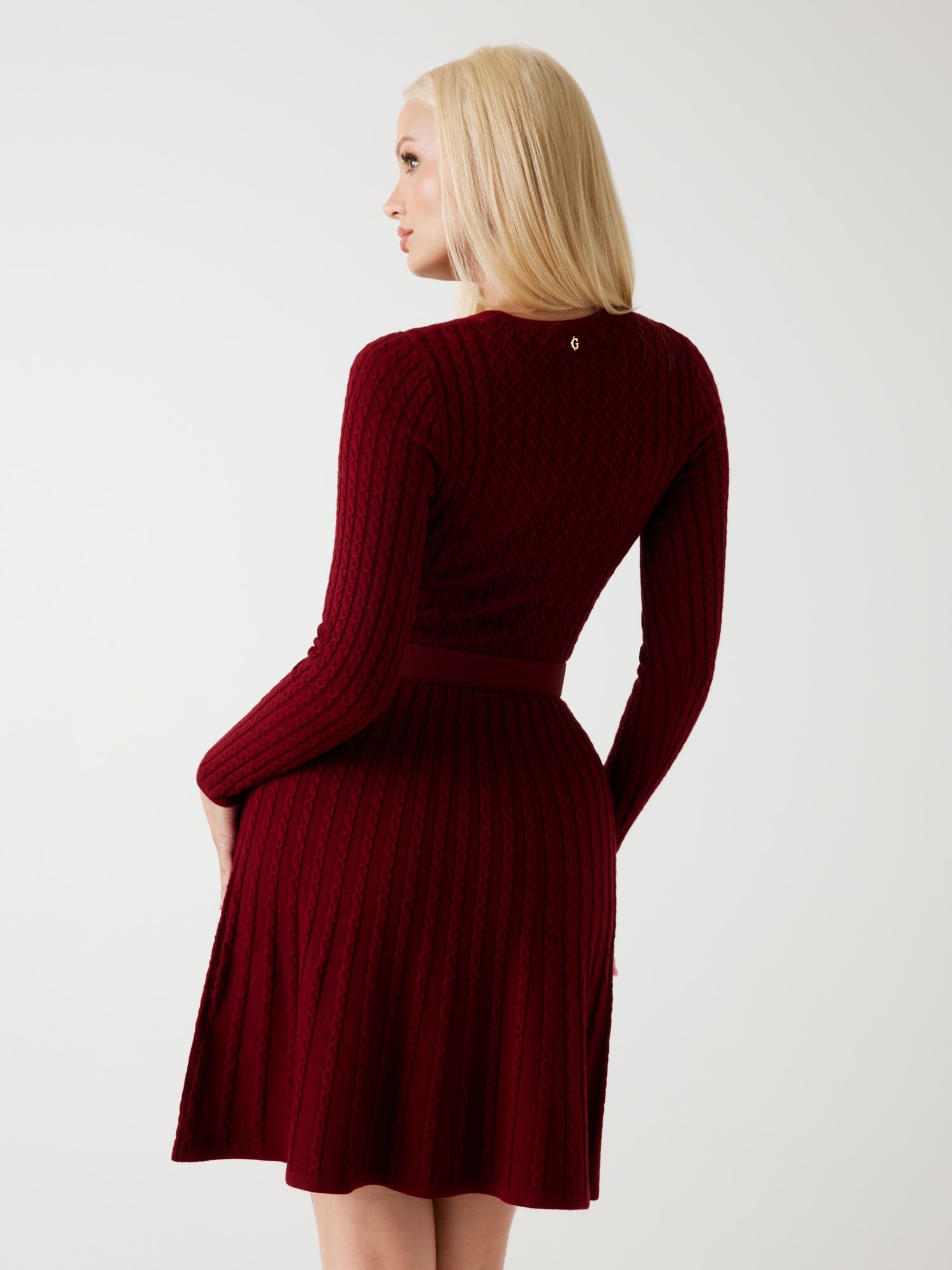
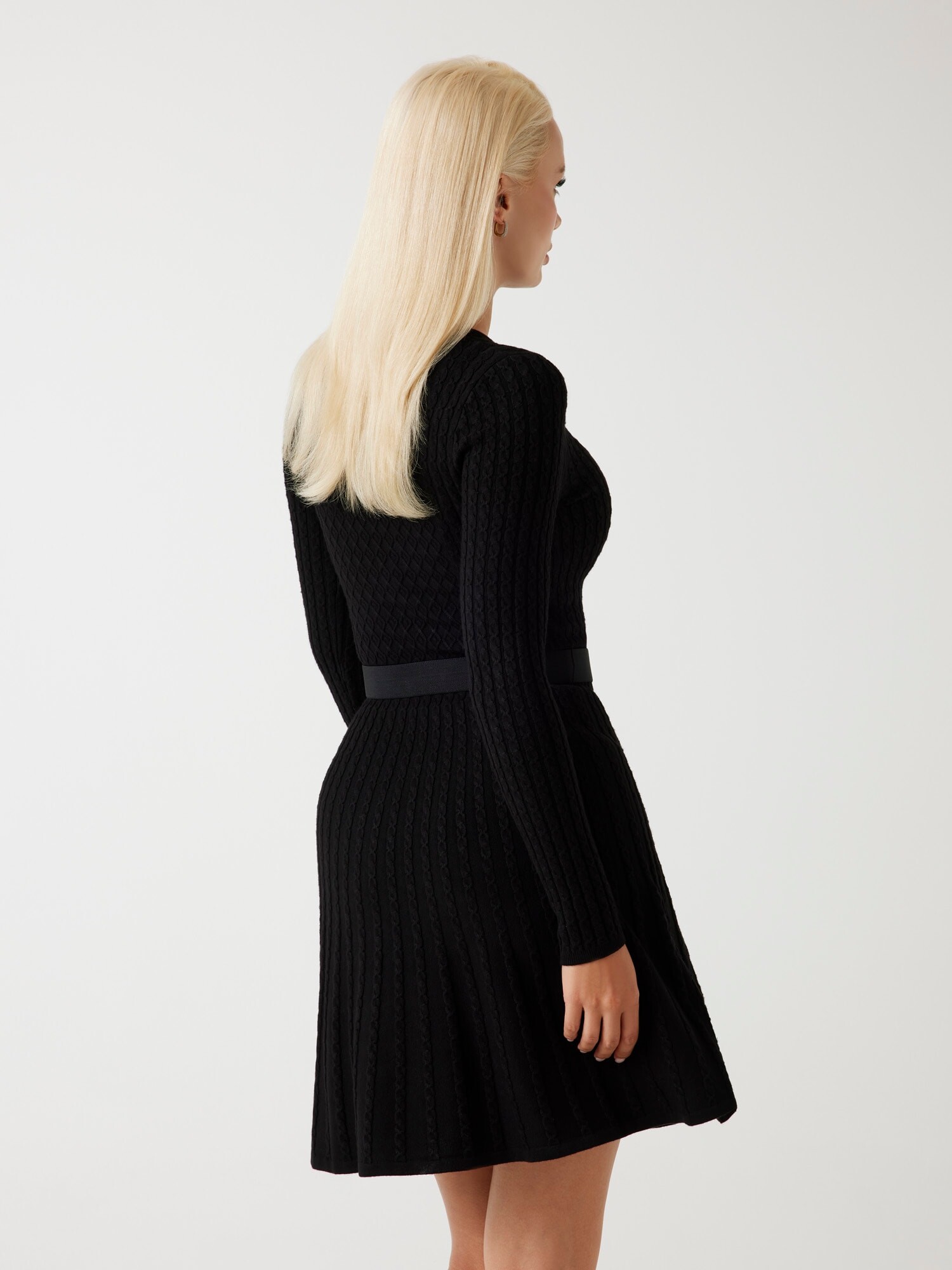
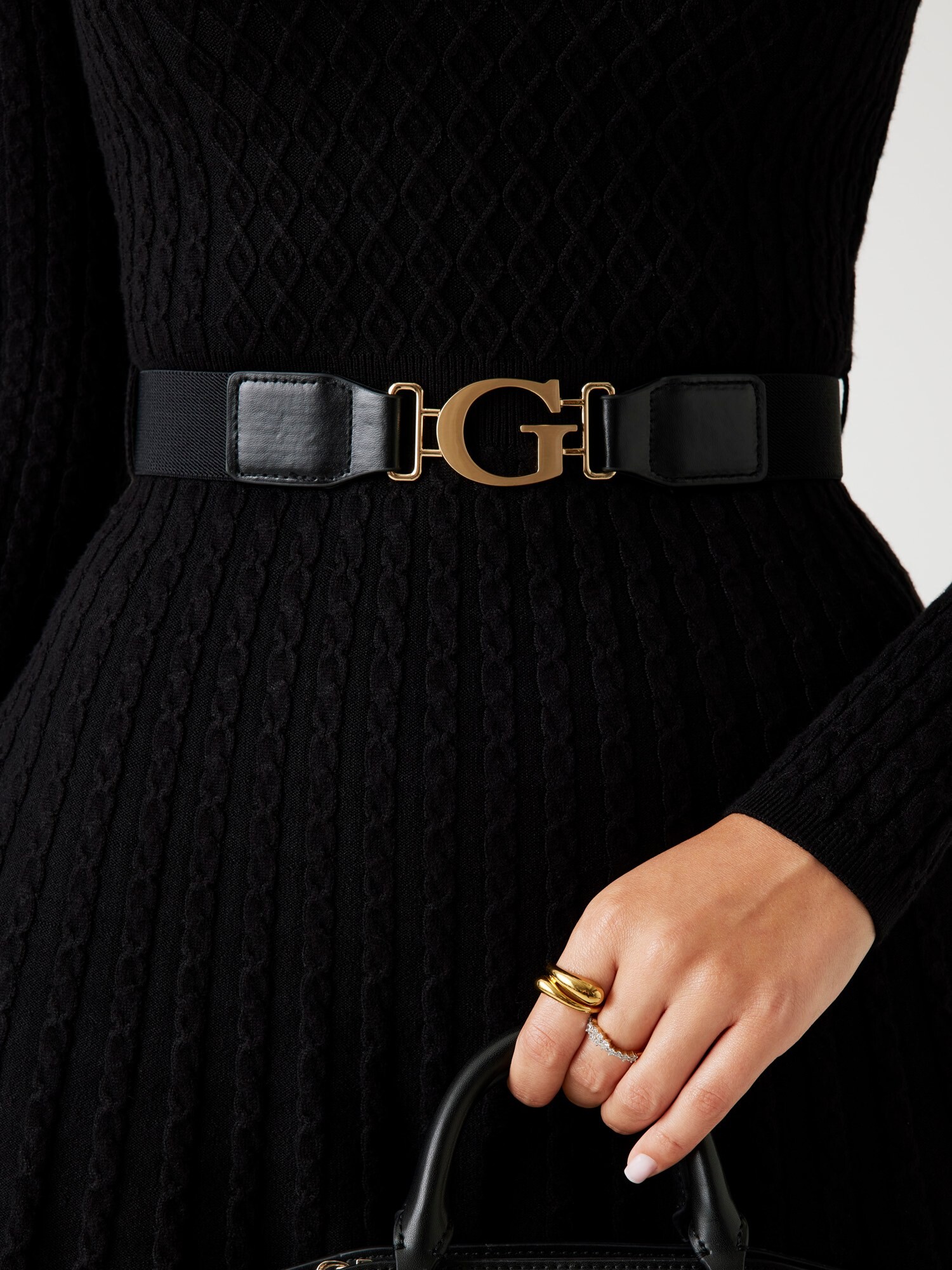
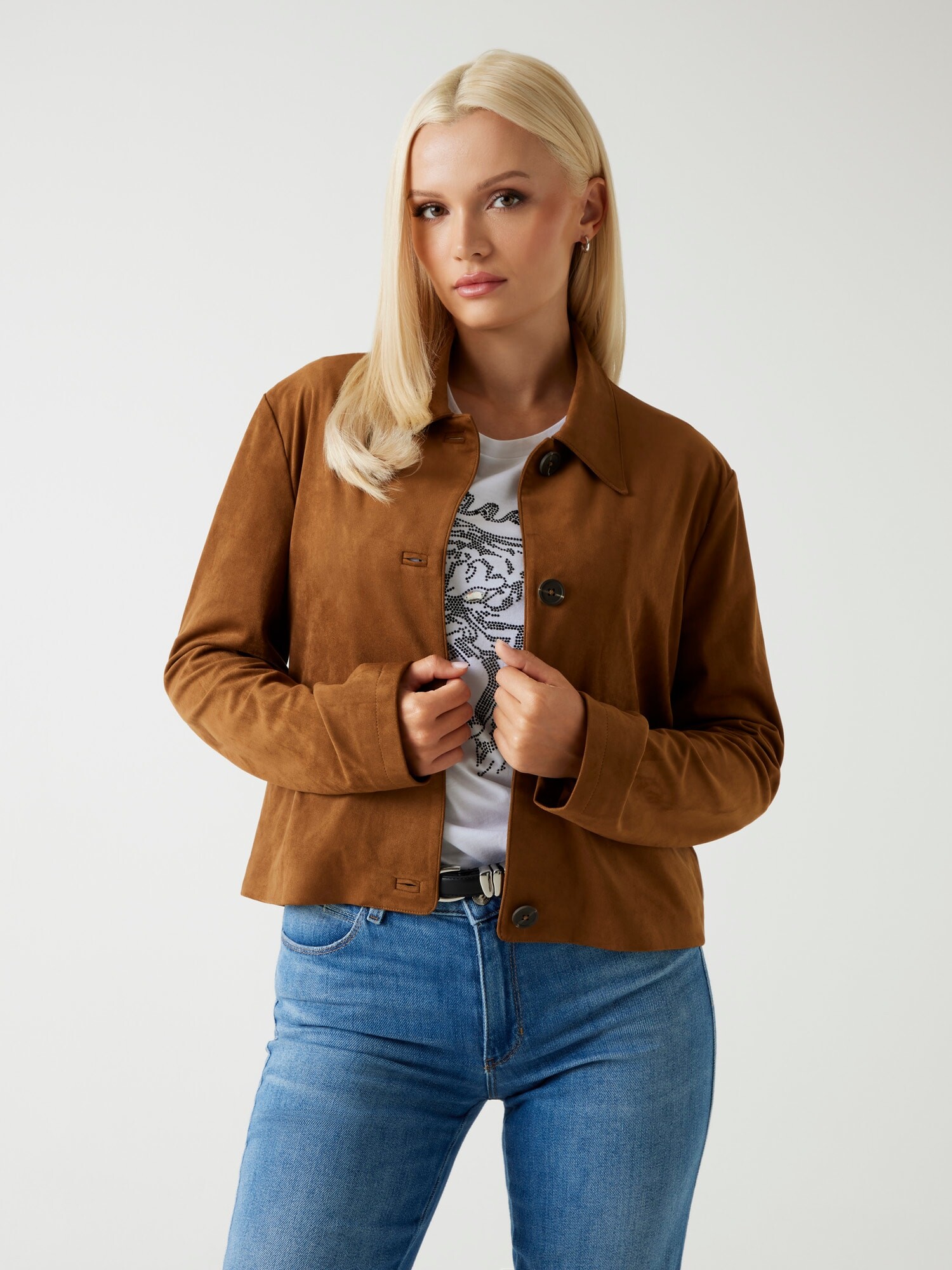
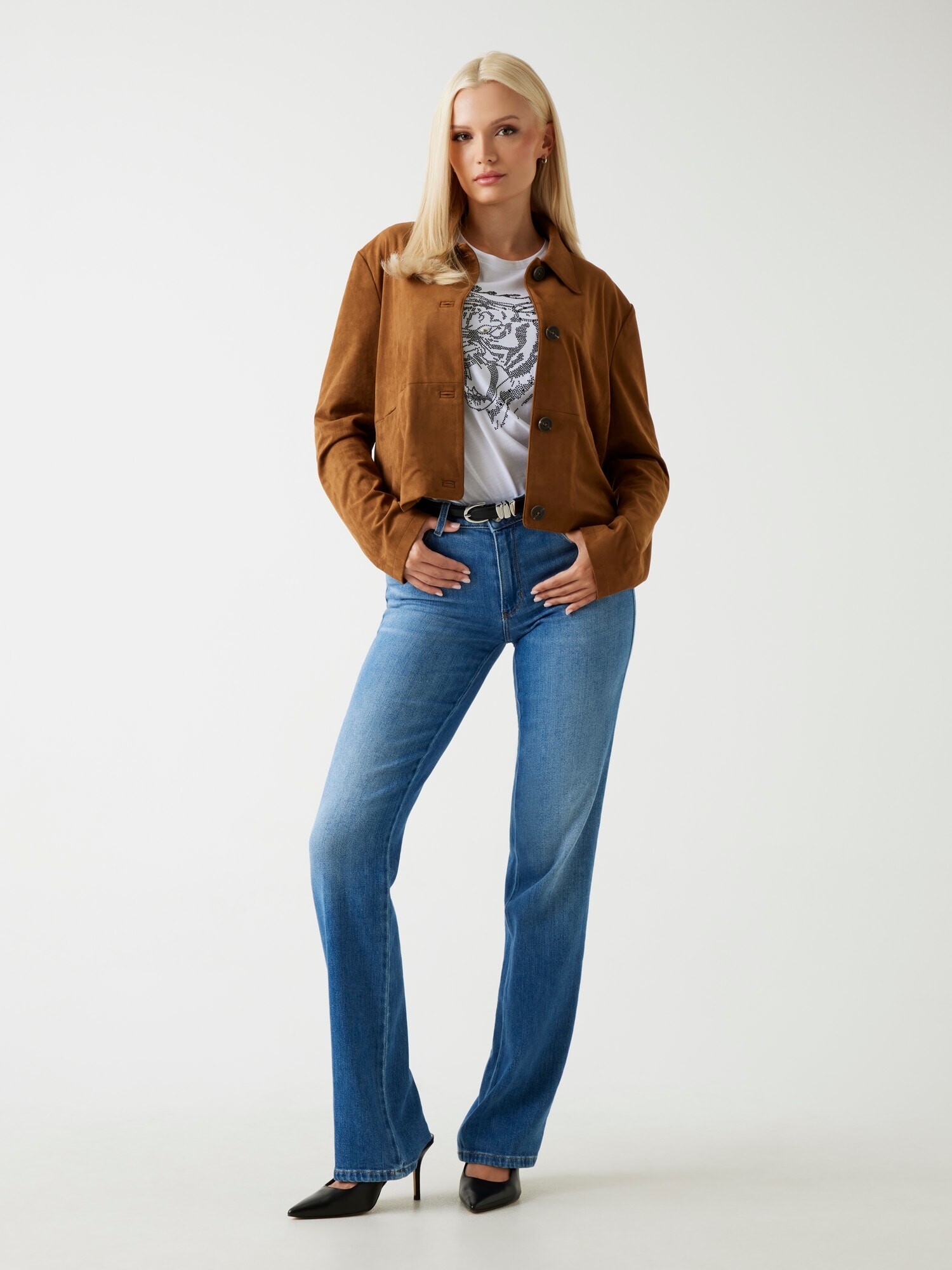
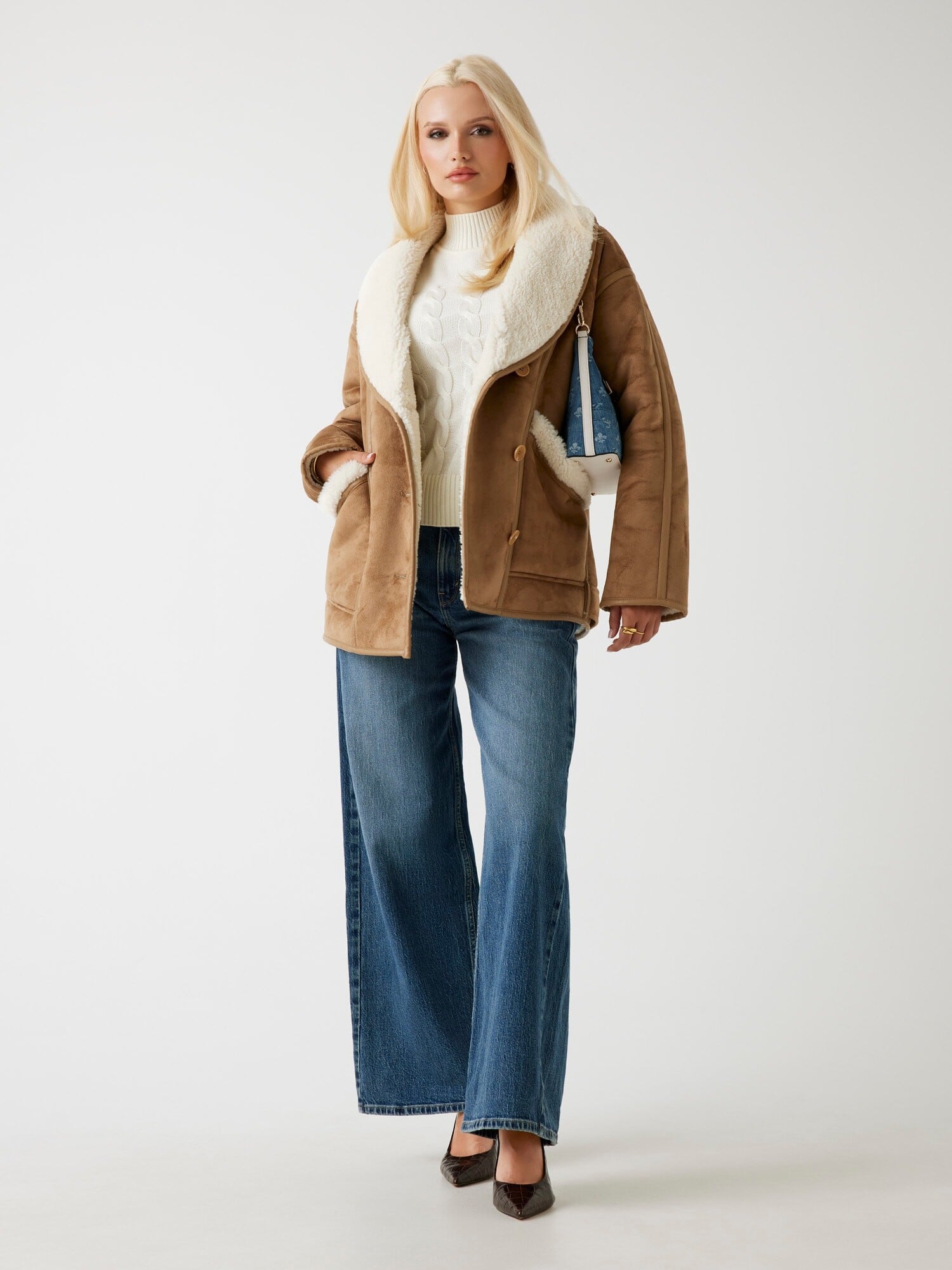
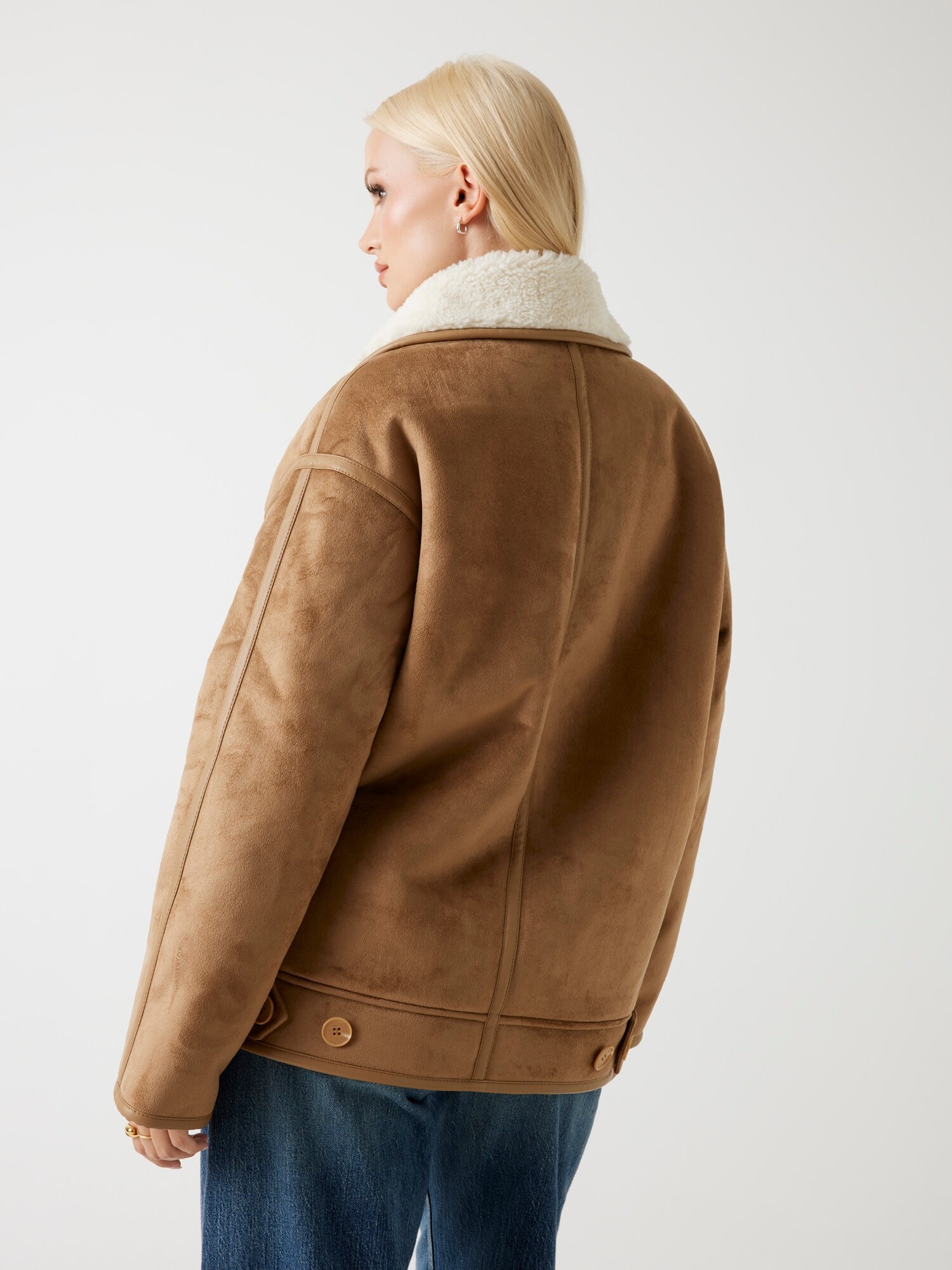
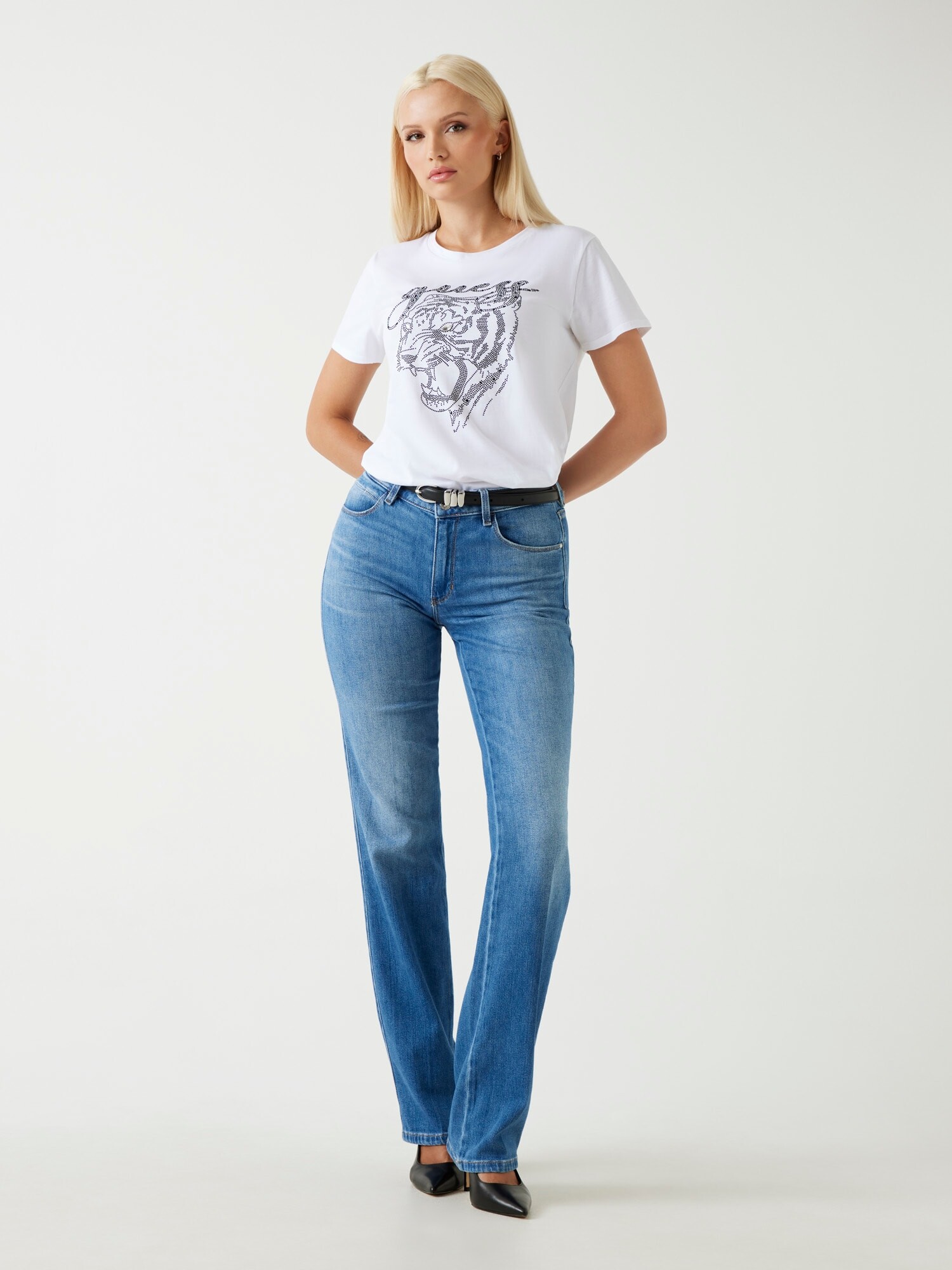
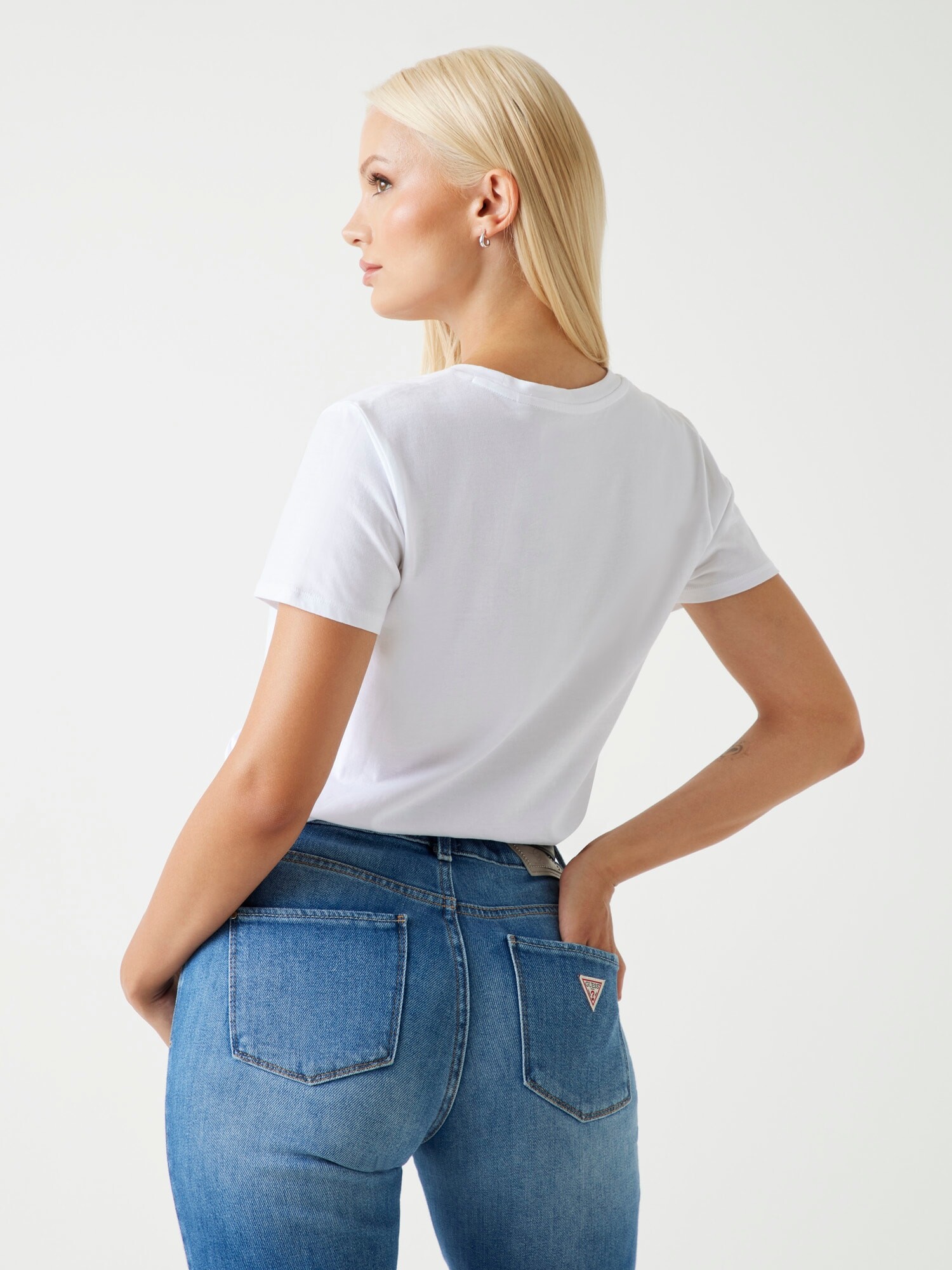
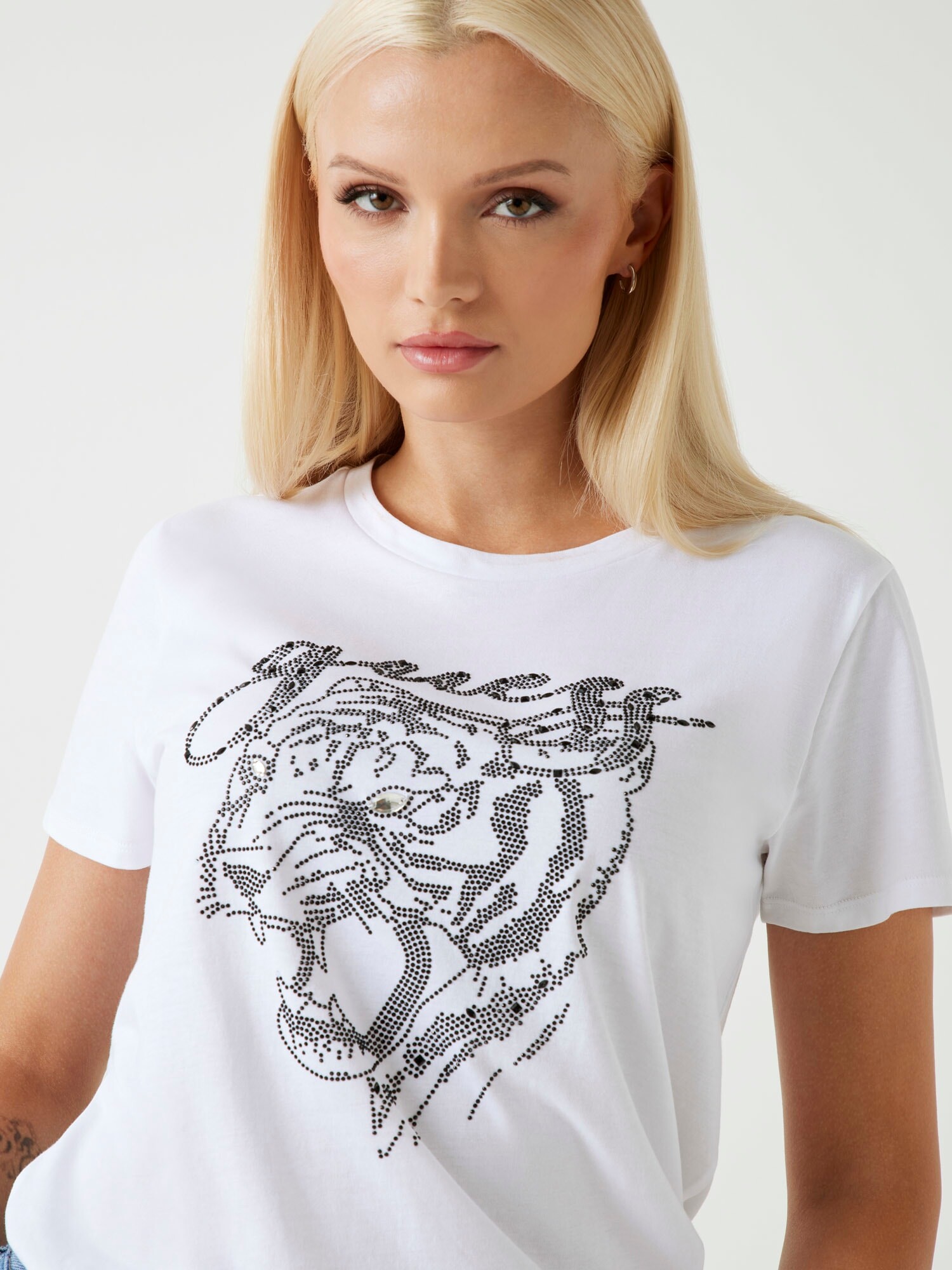
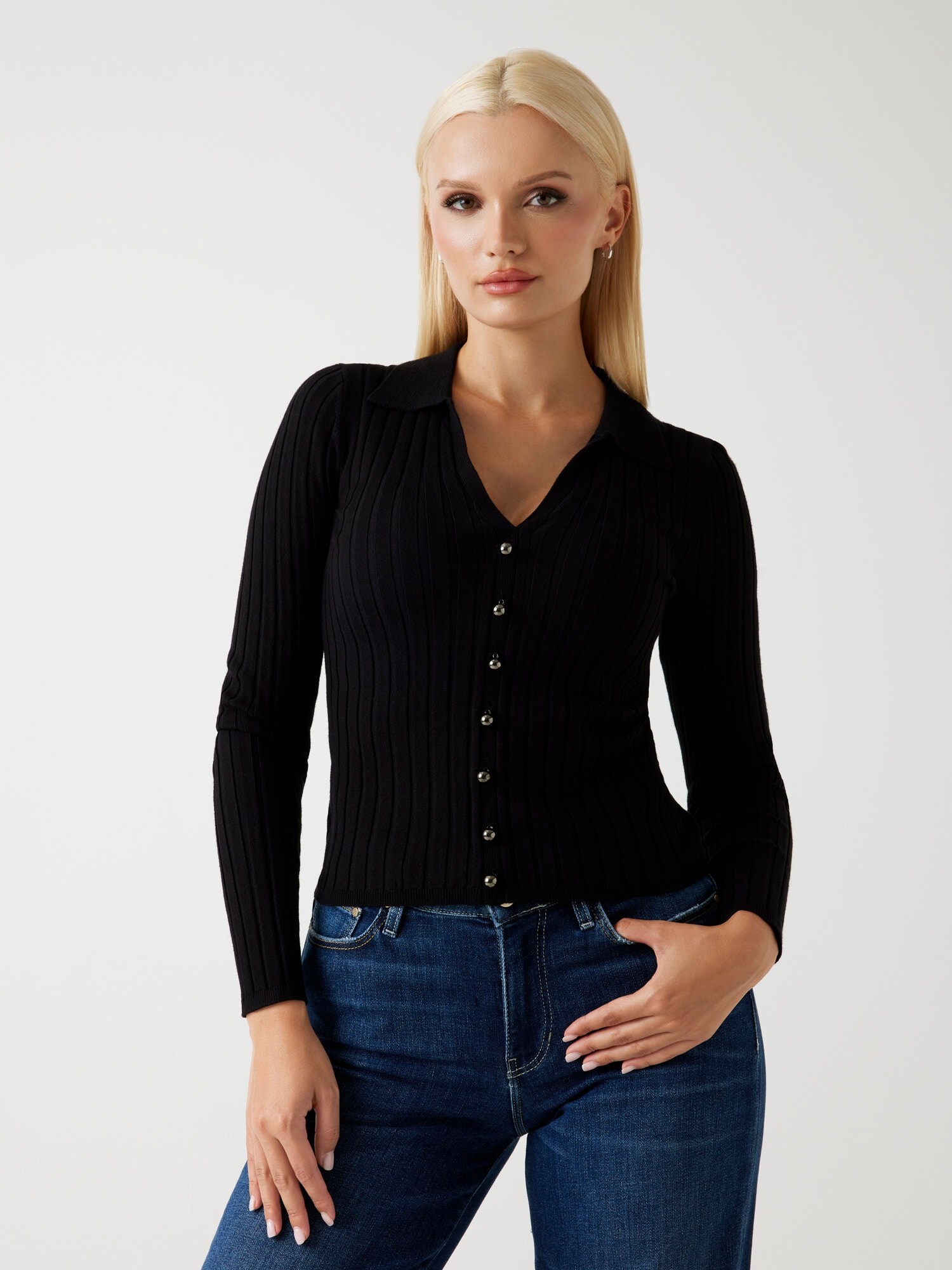
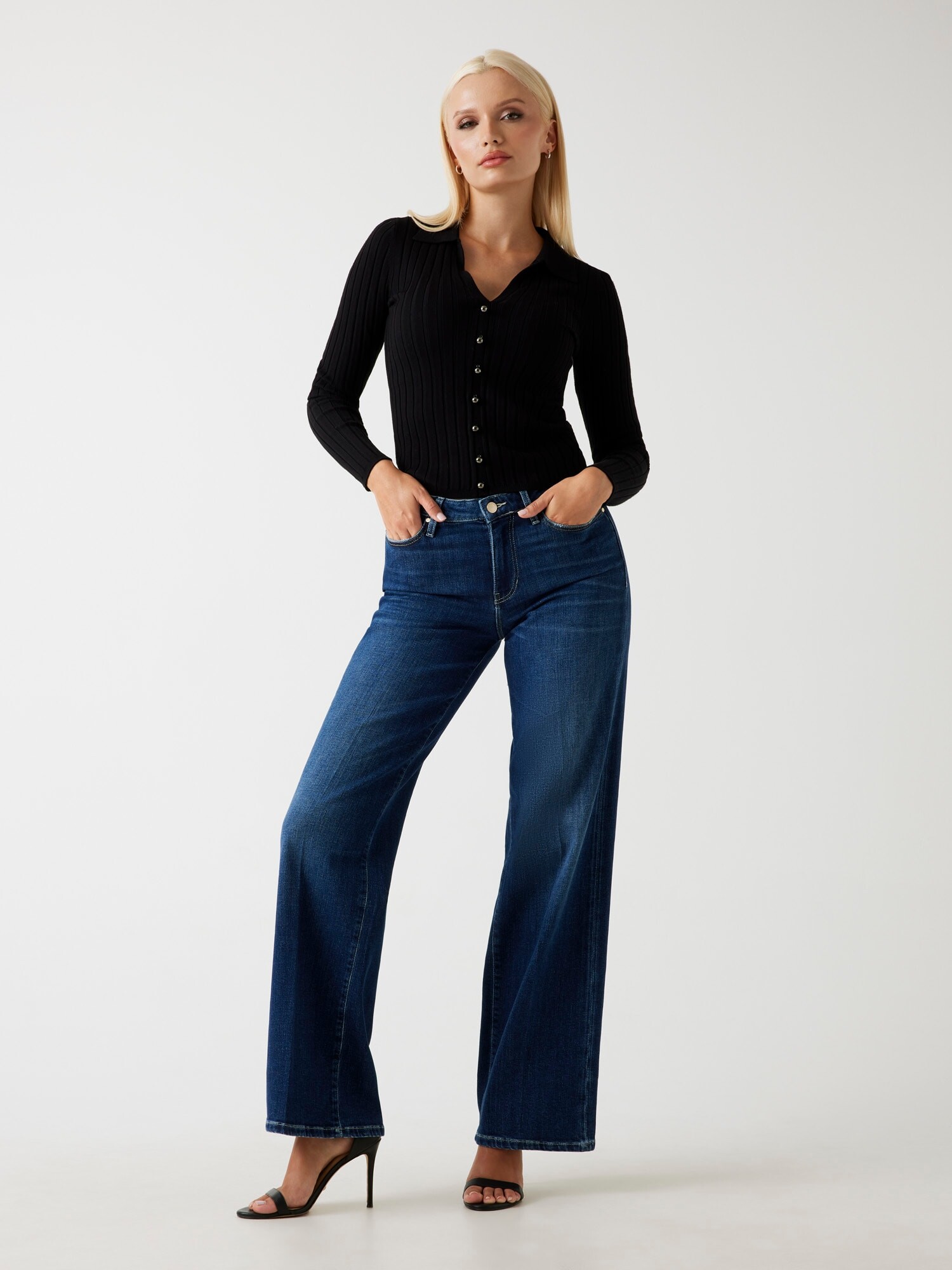
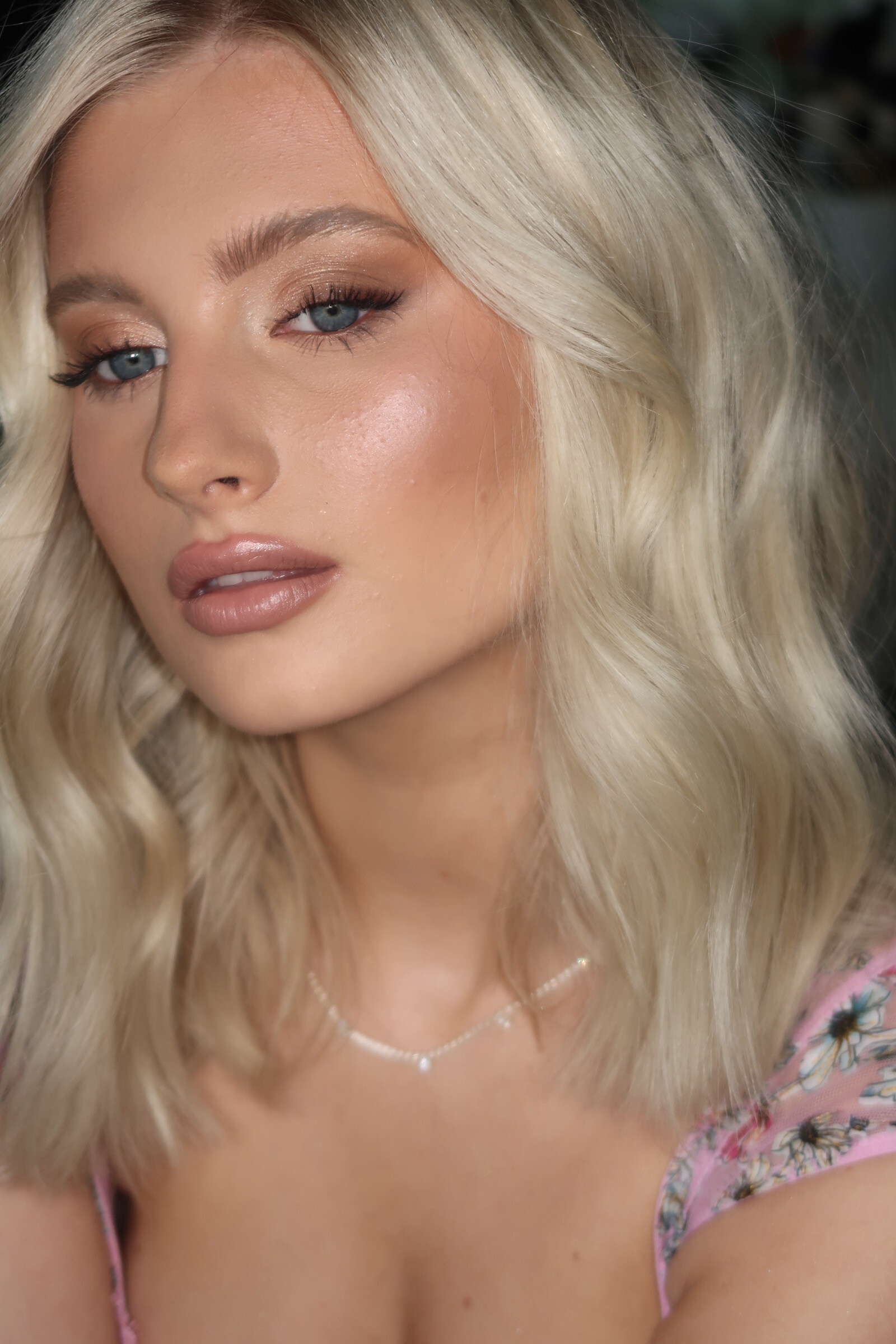
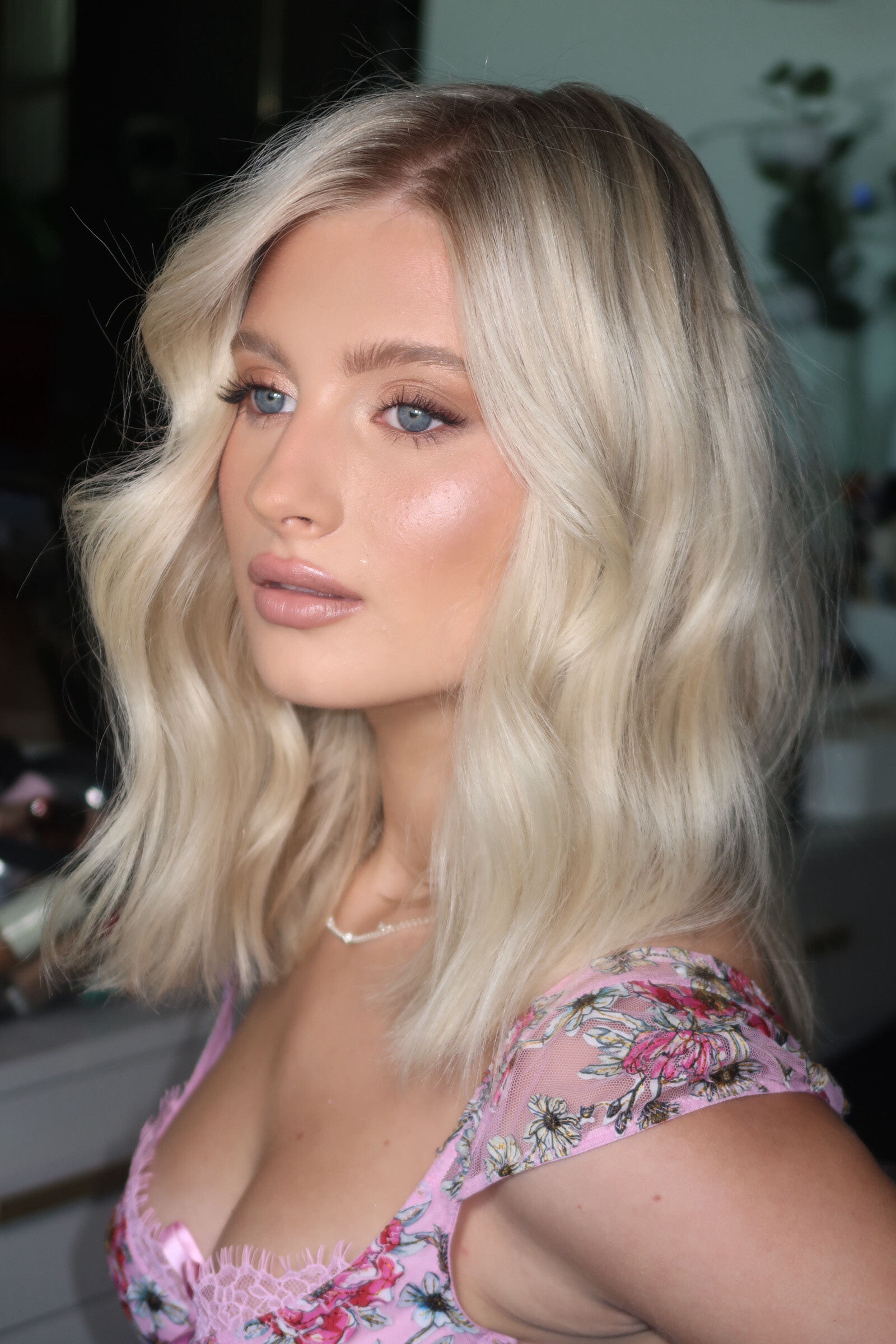
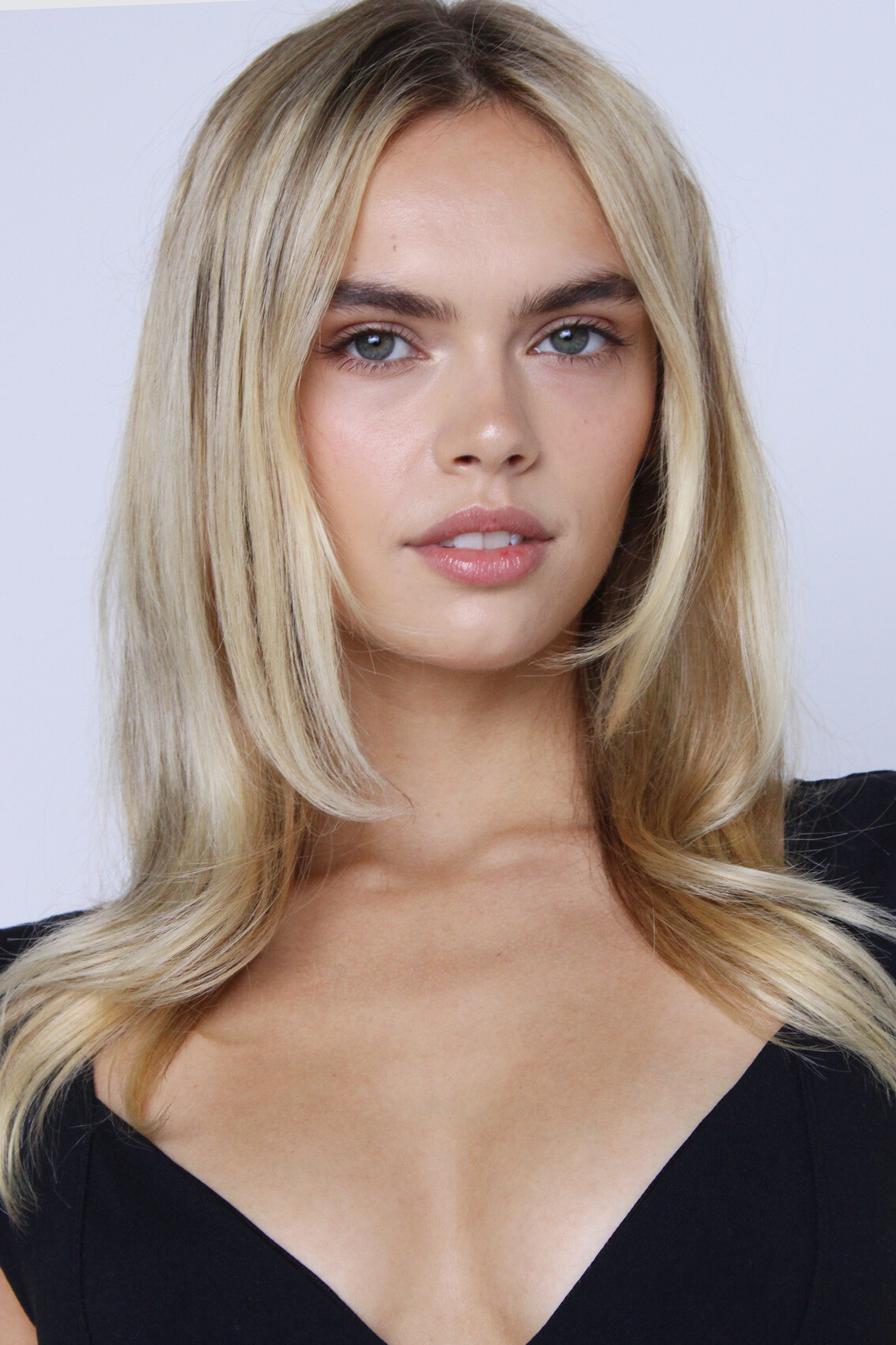
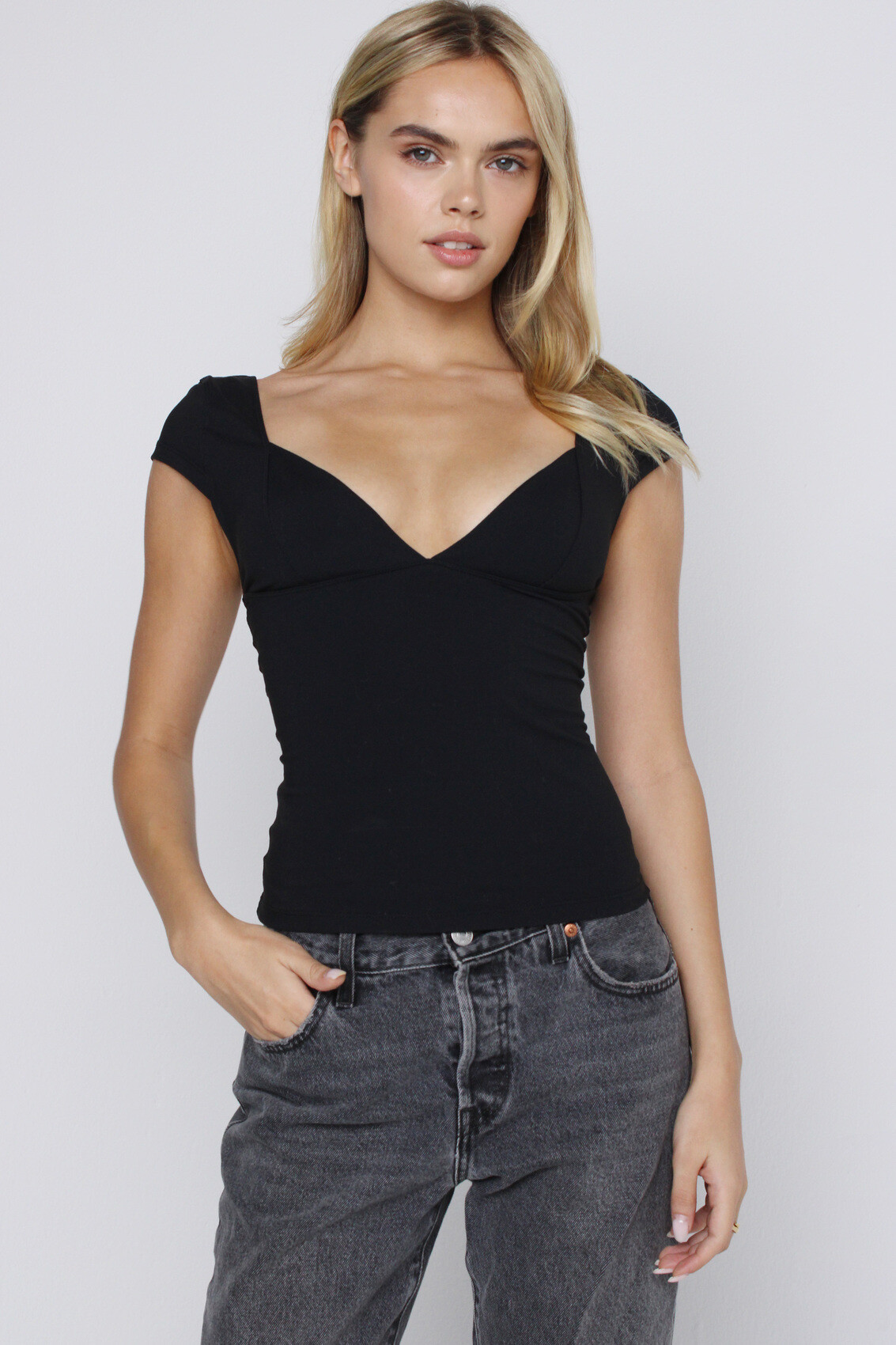
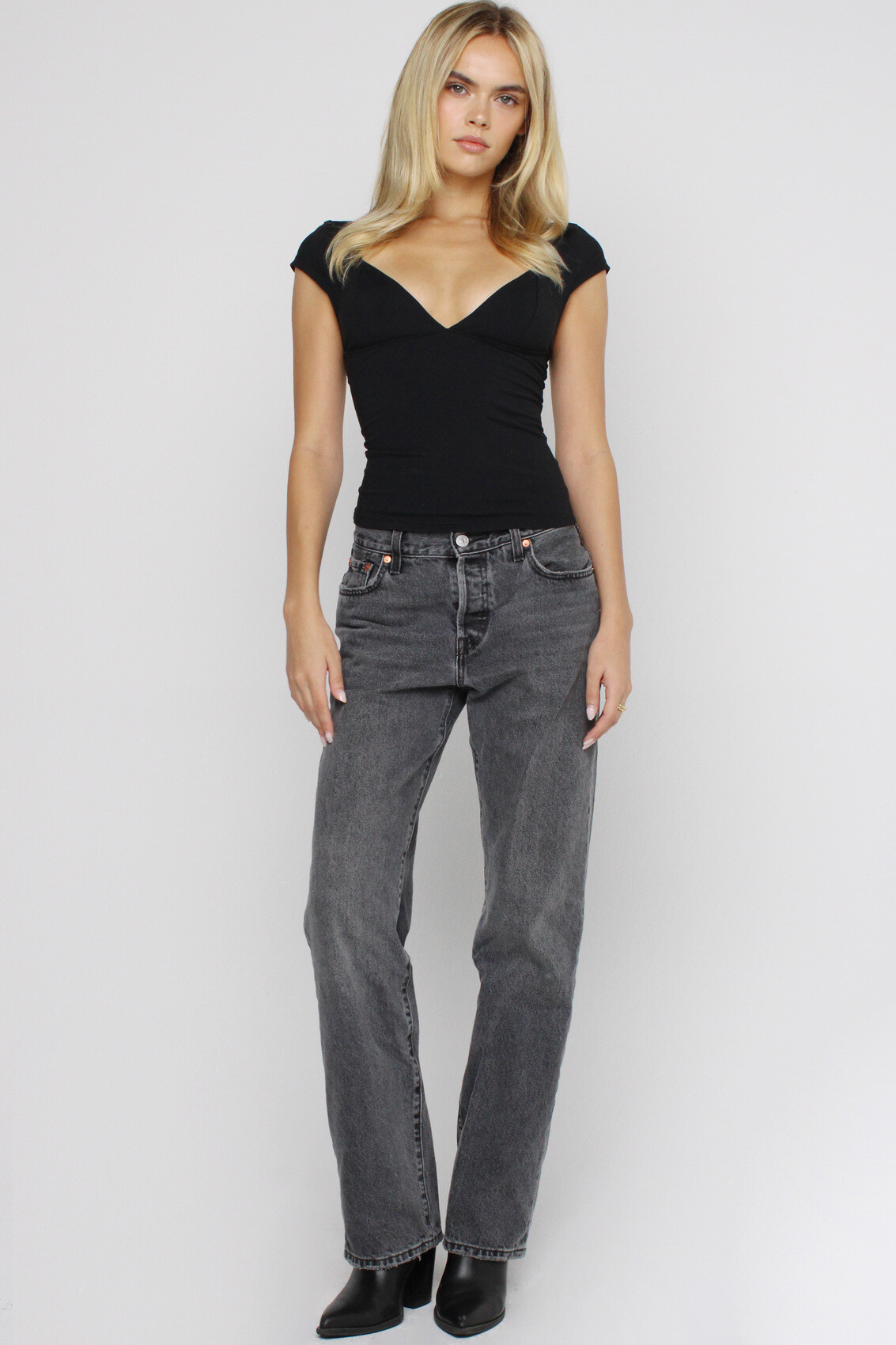
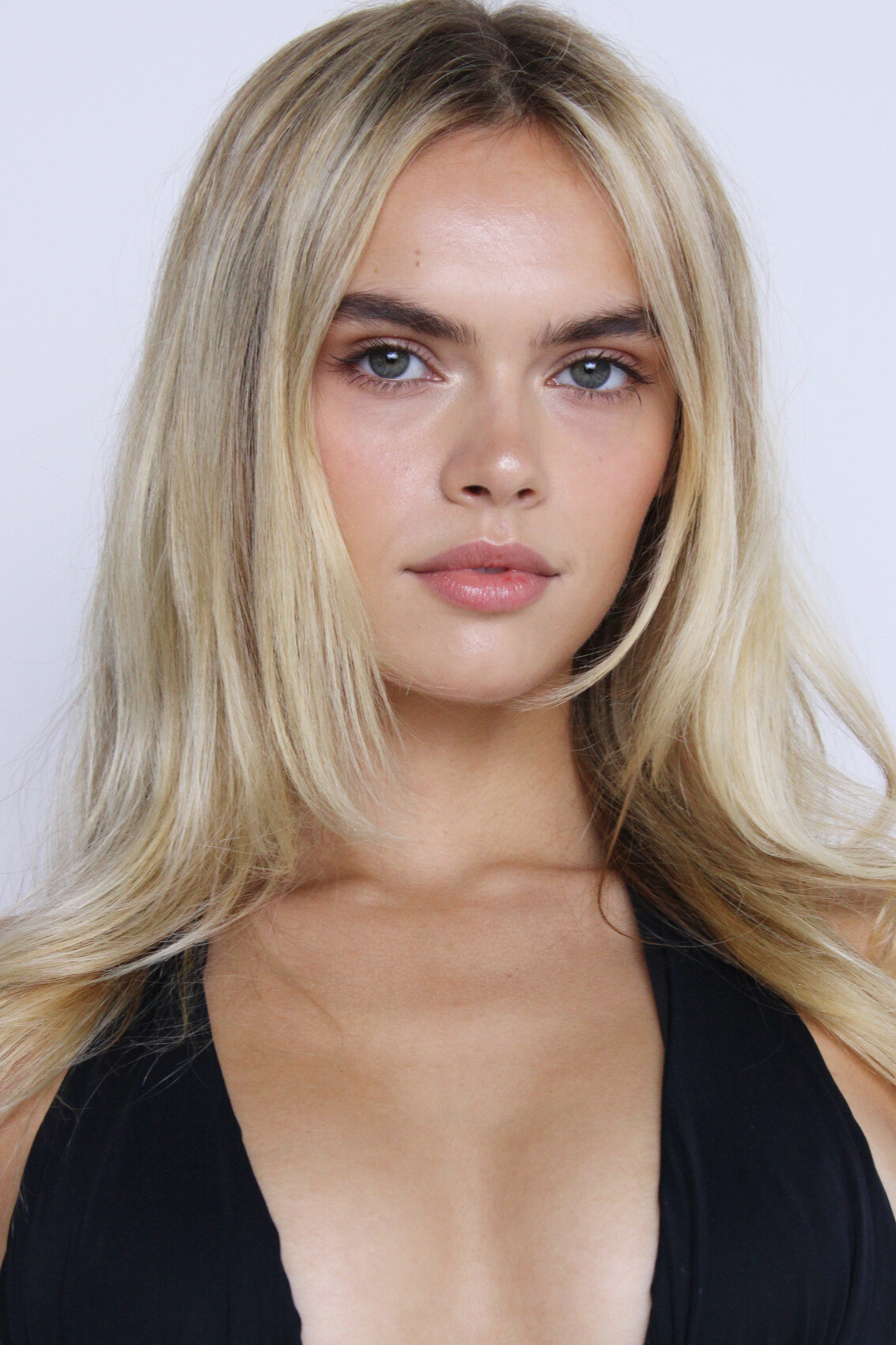
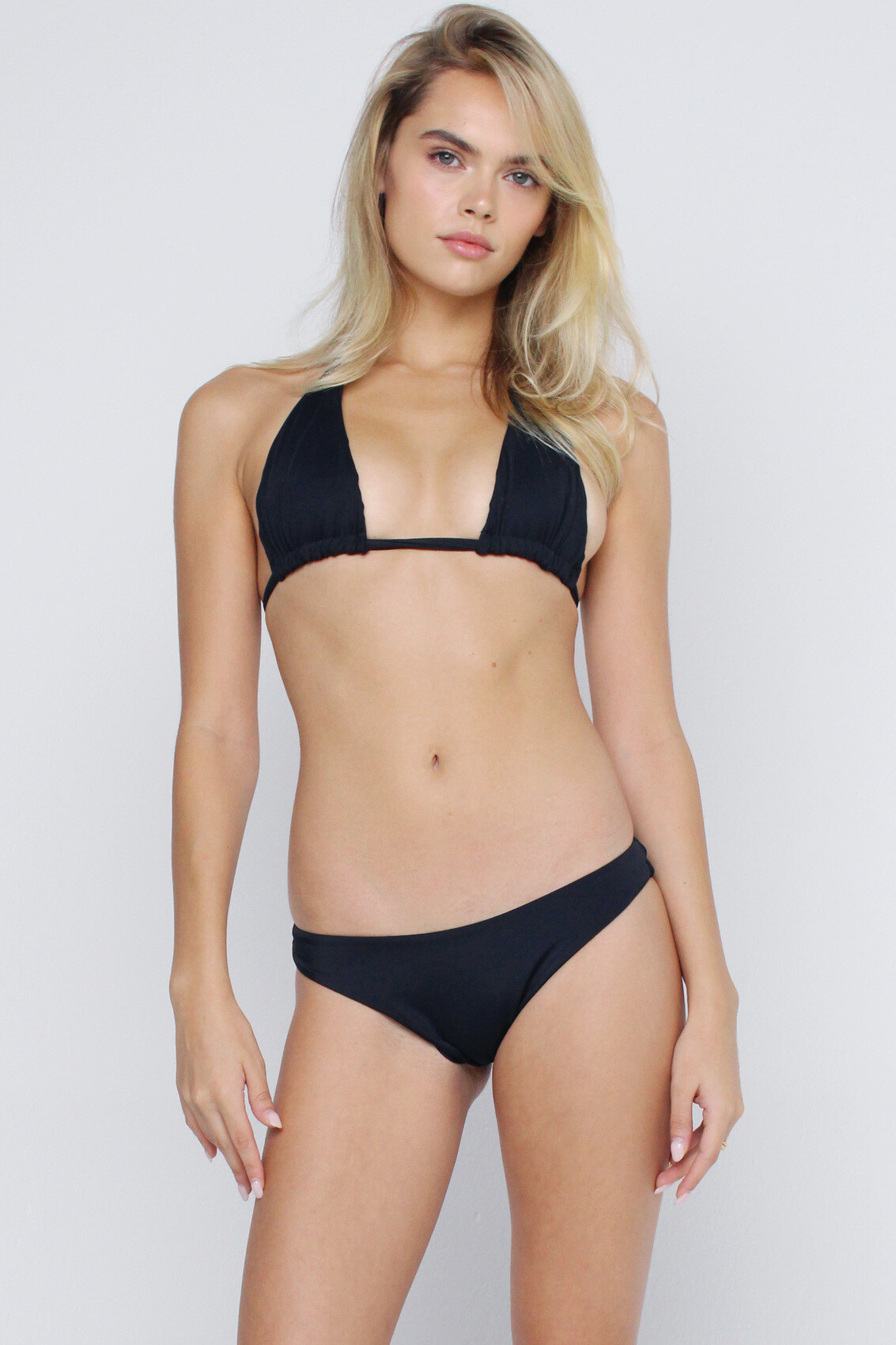
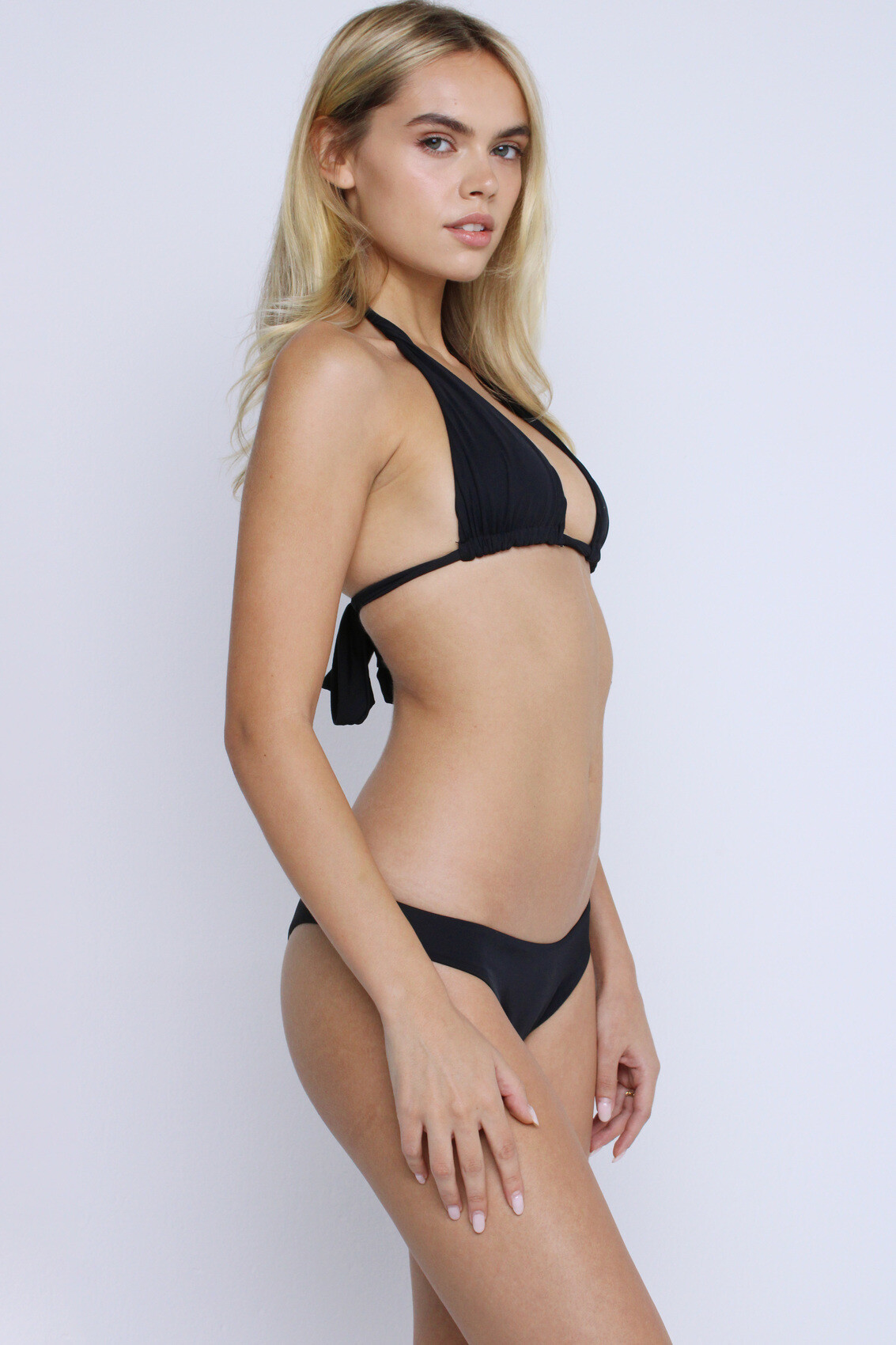
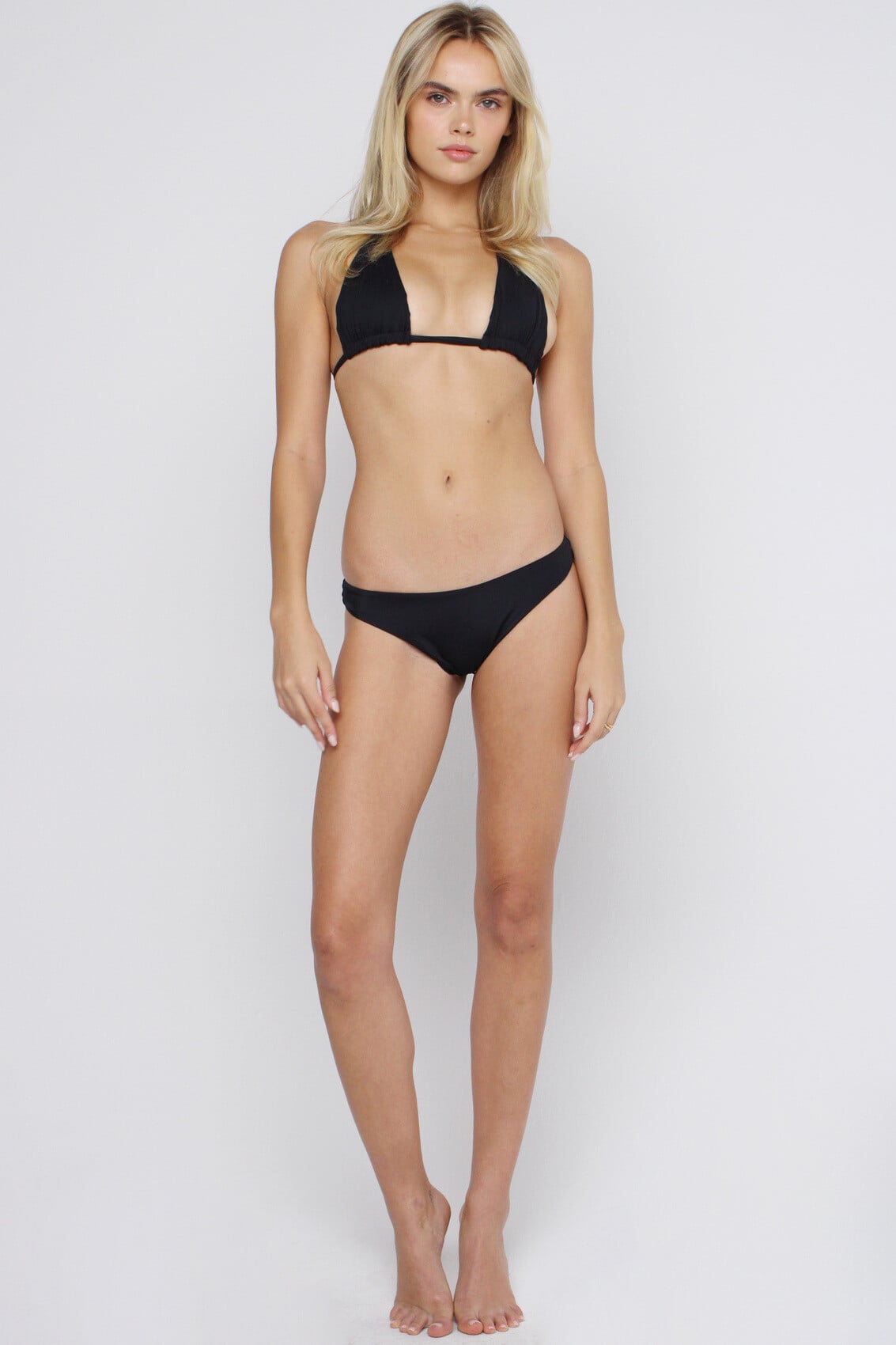
 Finally, Violetta's (definitely not Dariia's) studio images for Guess: I visit new sites, start with a face I like, add a body, looking for similar patterns among the images, and try to reverse engineer another person's identity and life. 10% of the time I get it wrong. Google might be able to ID unknowns but I get 'results for people are limited'.




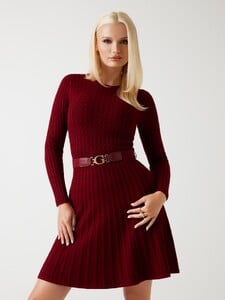
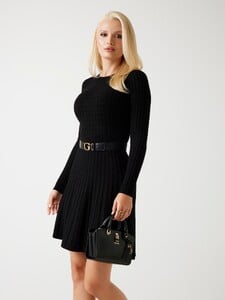
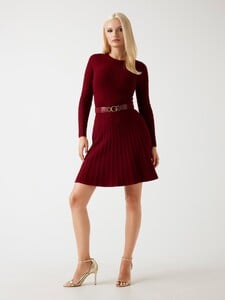
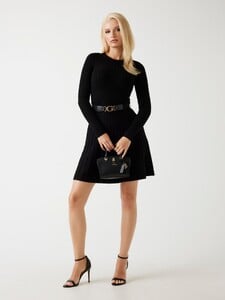
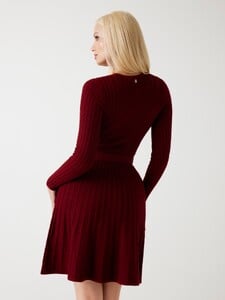
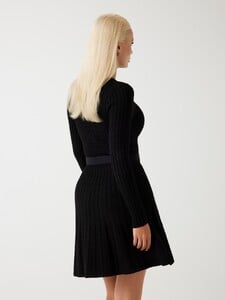

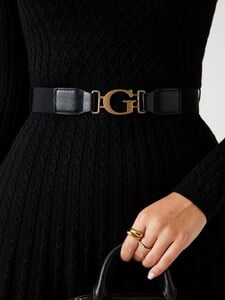








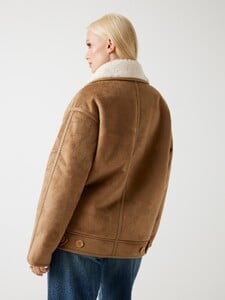




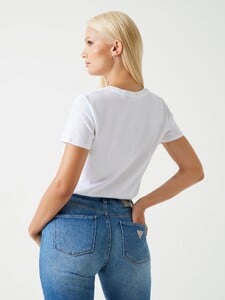

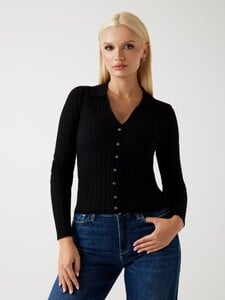
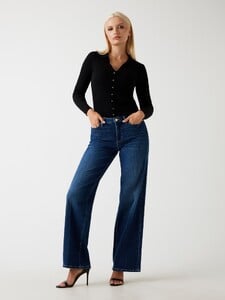
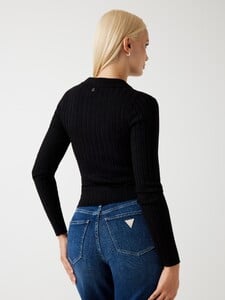




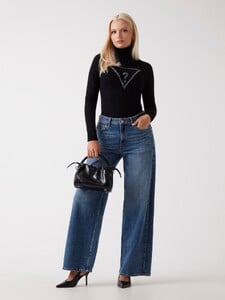
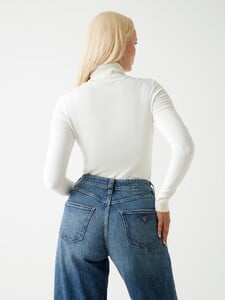
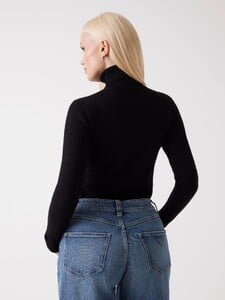









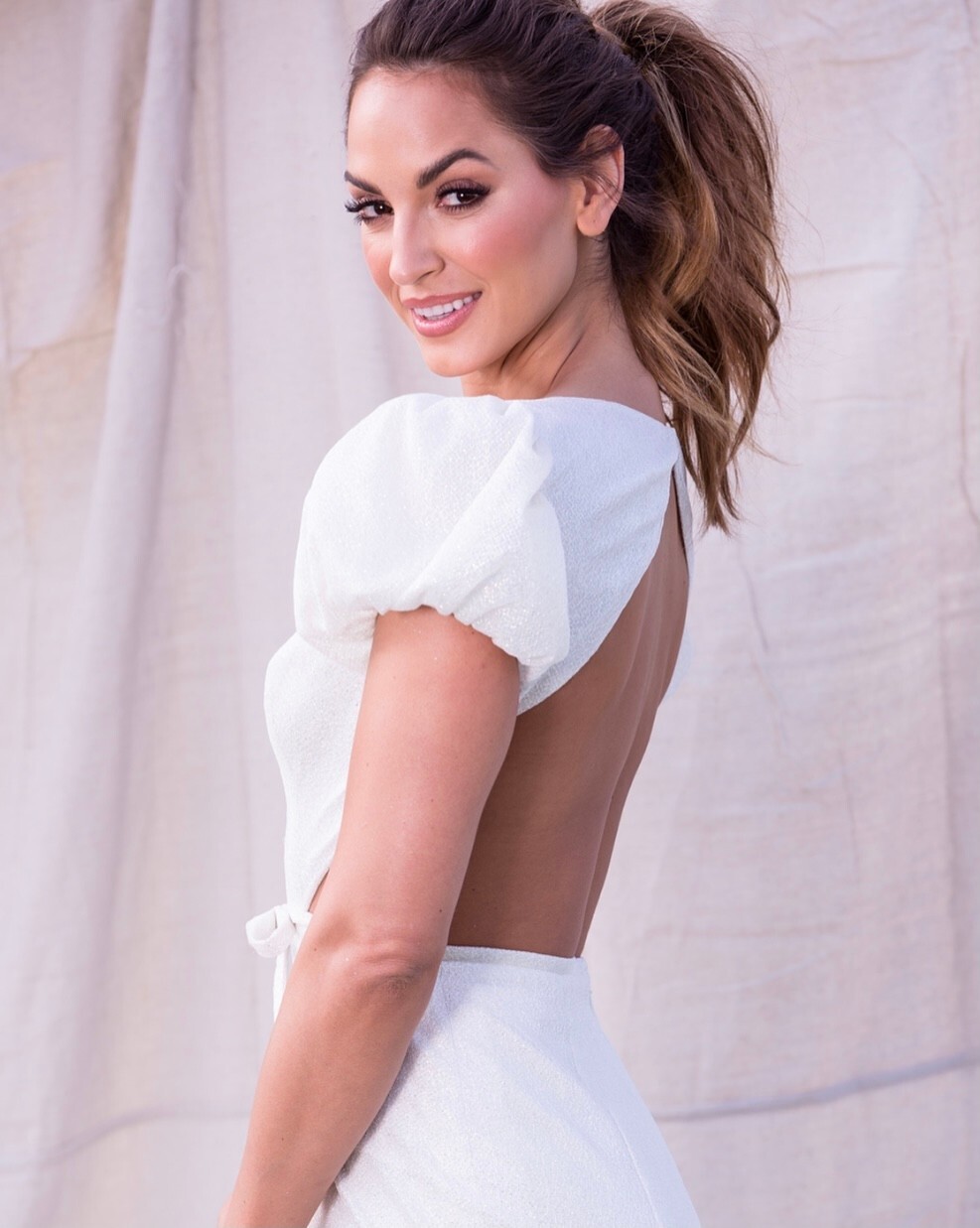






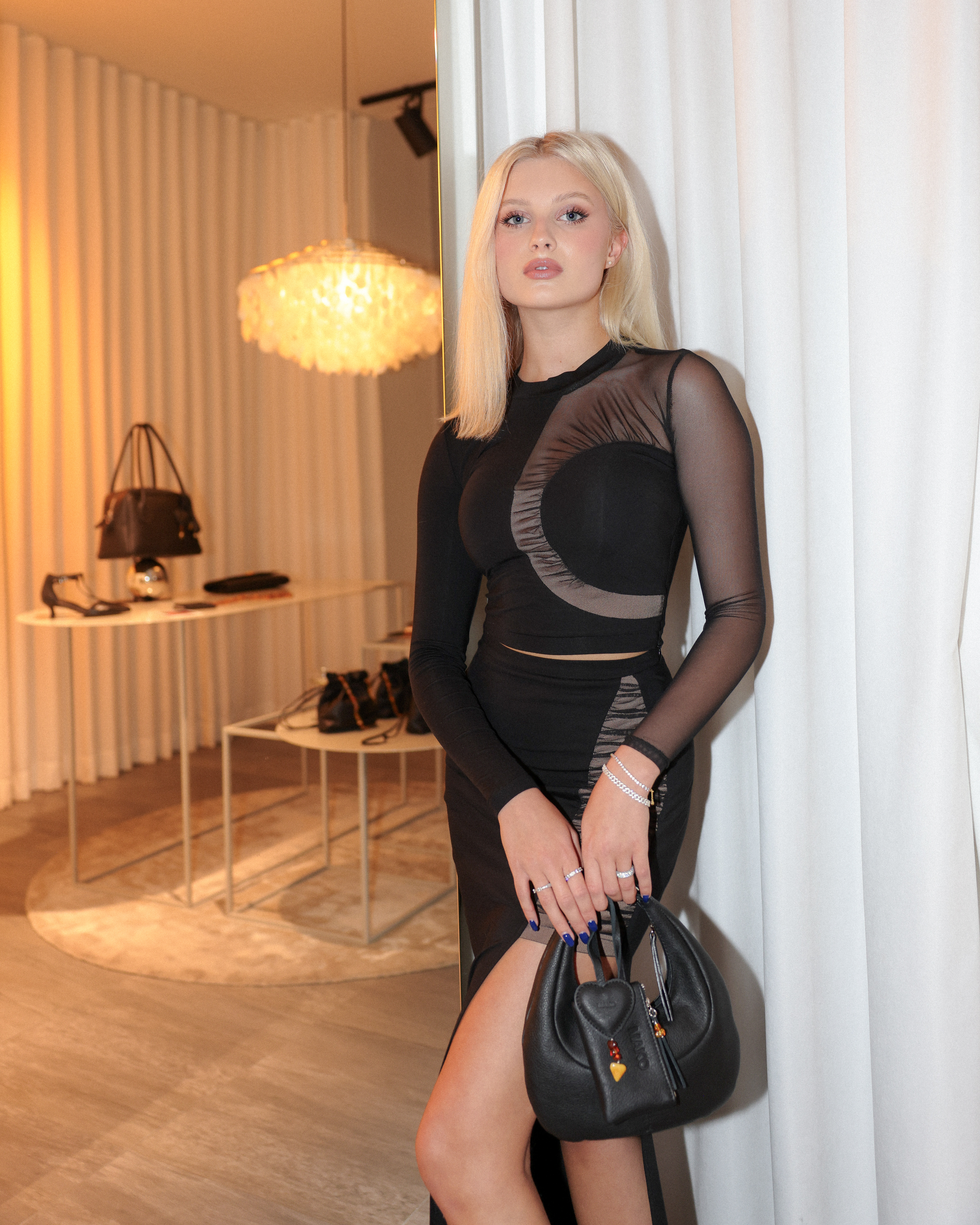


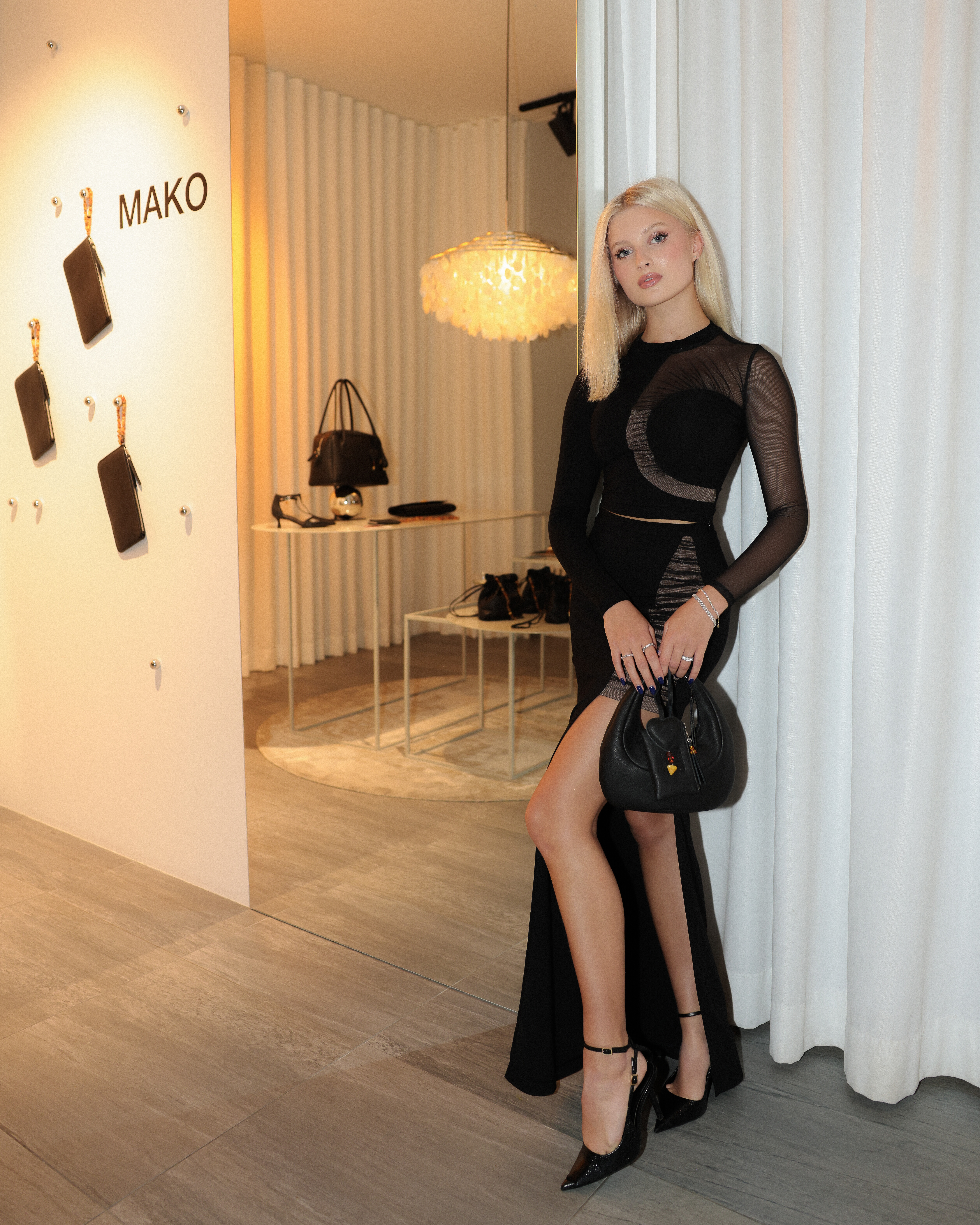
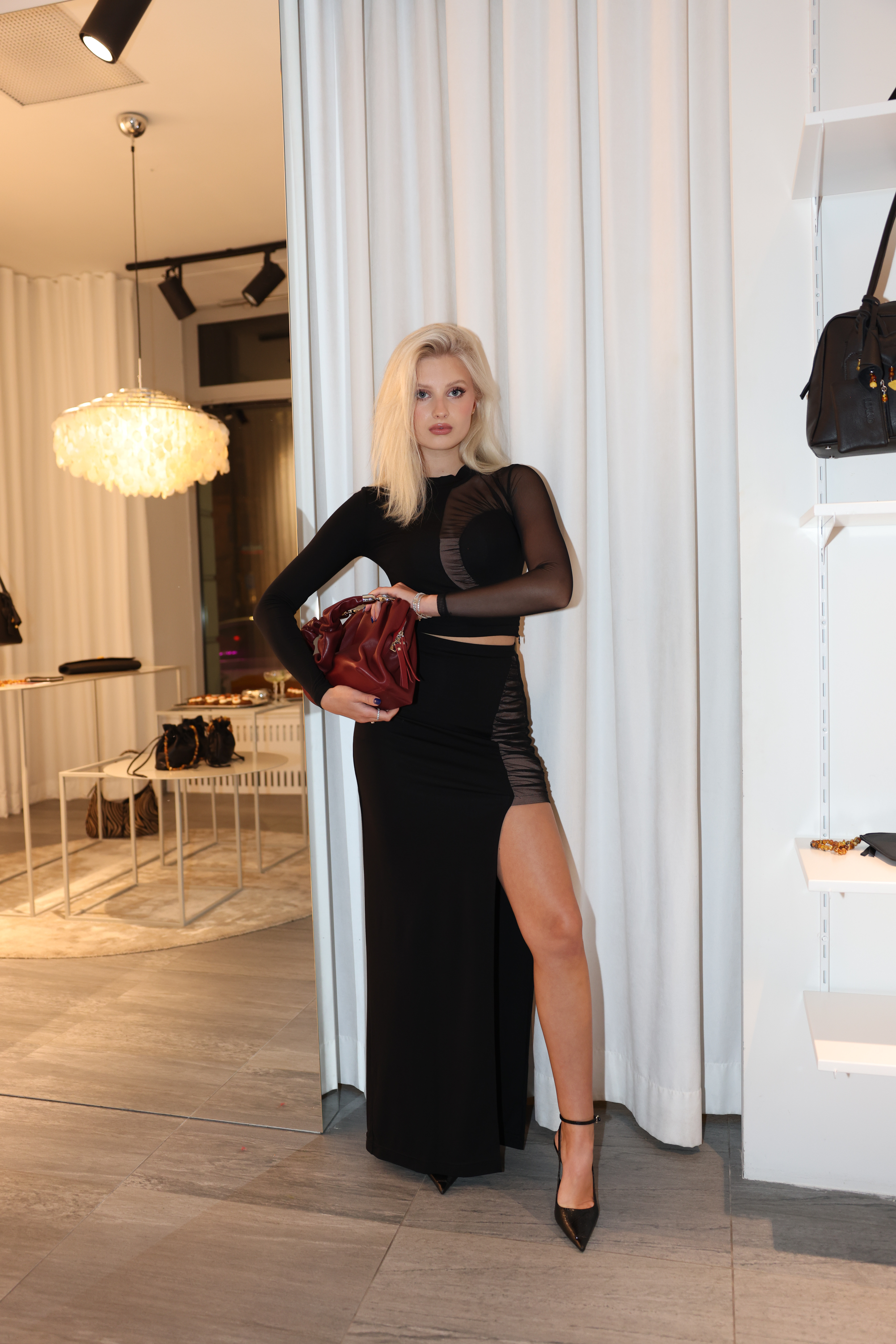
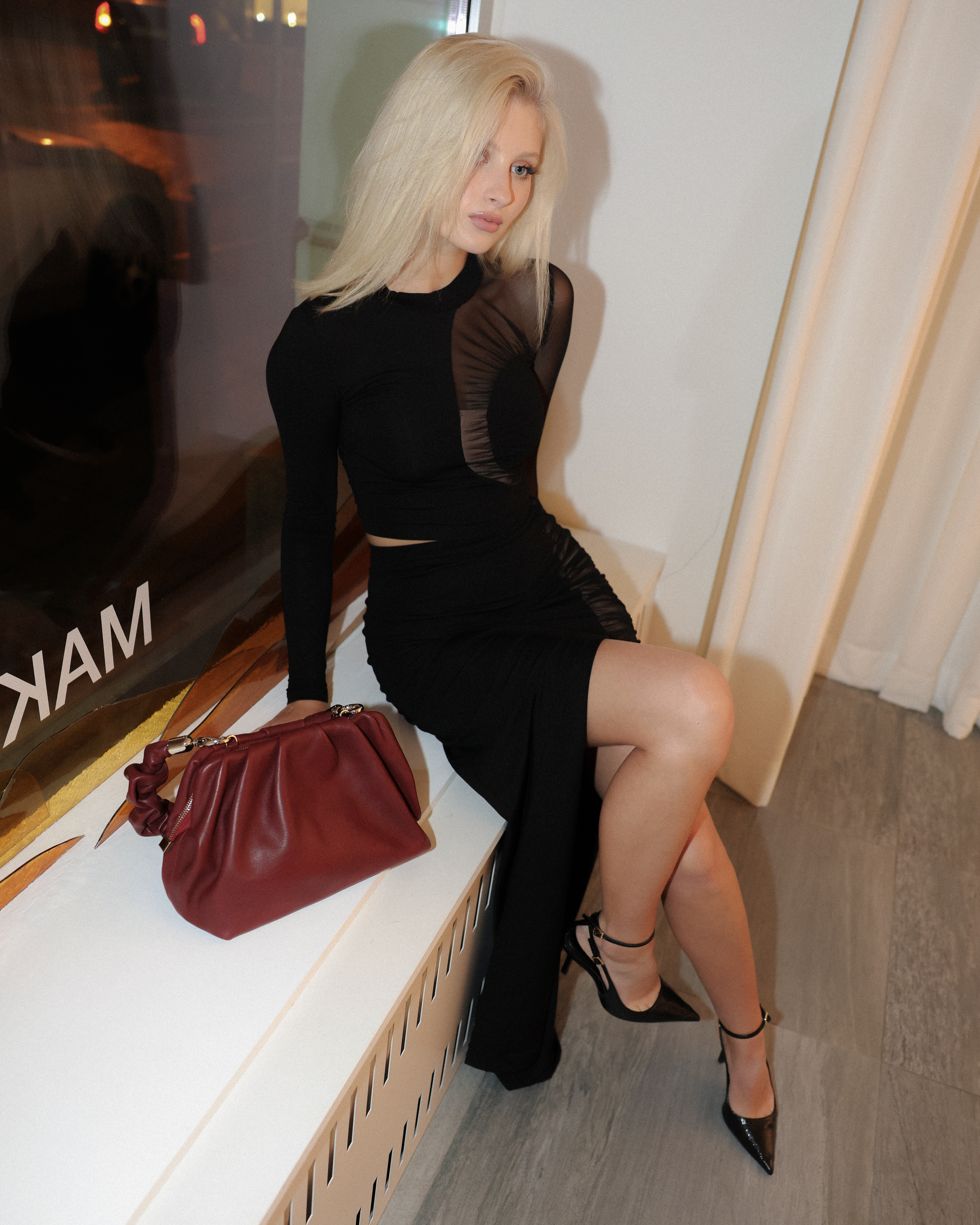
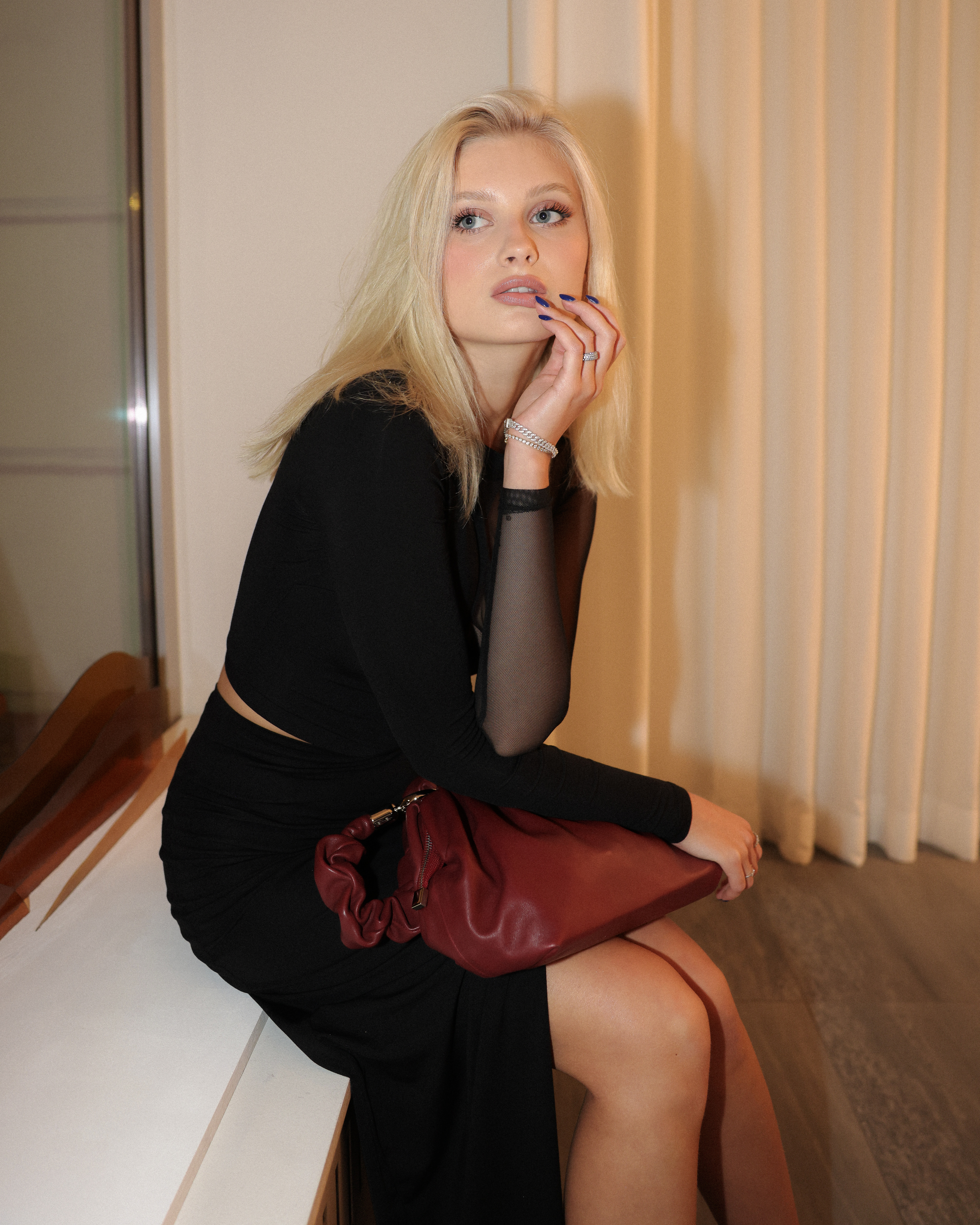

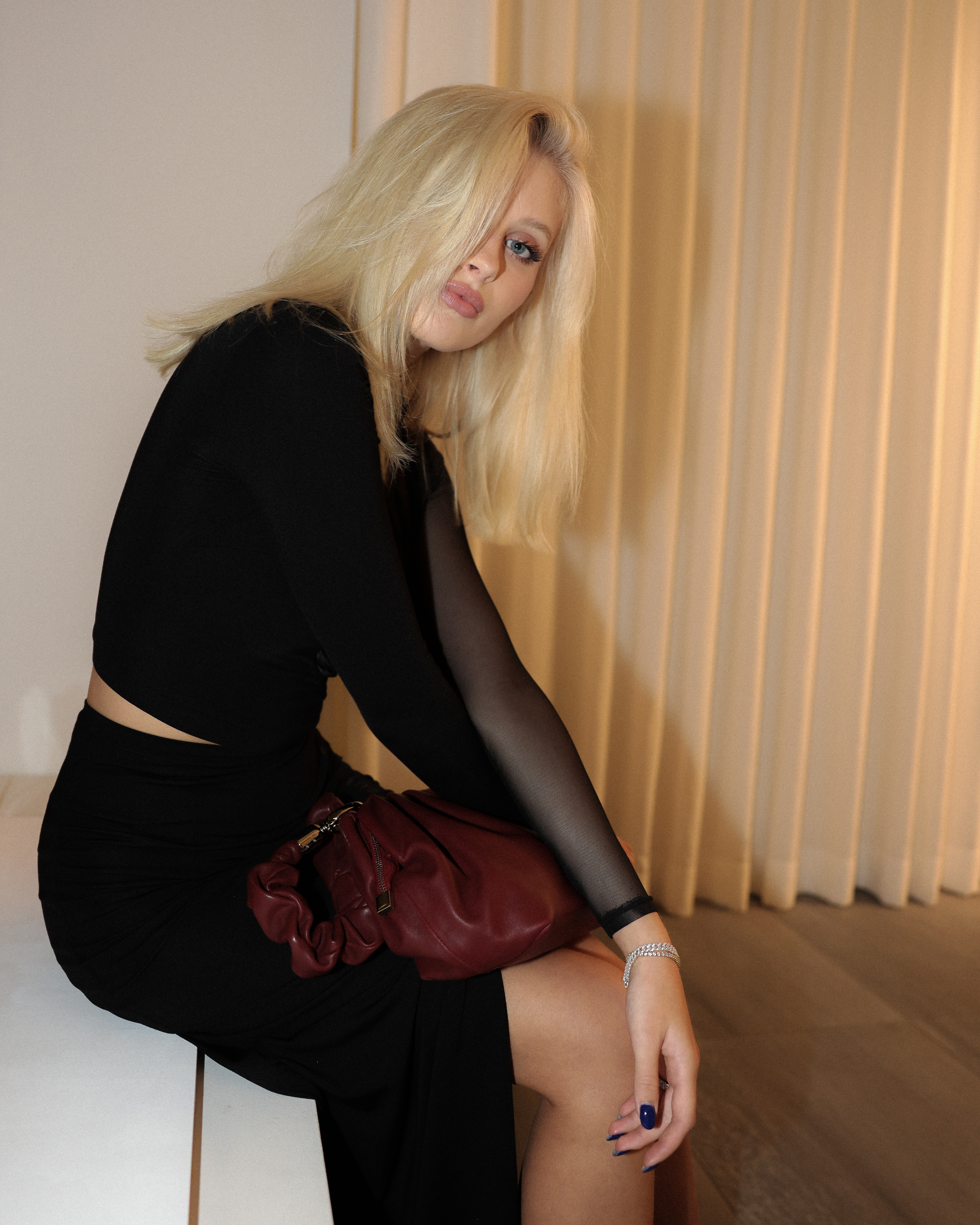
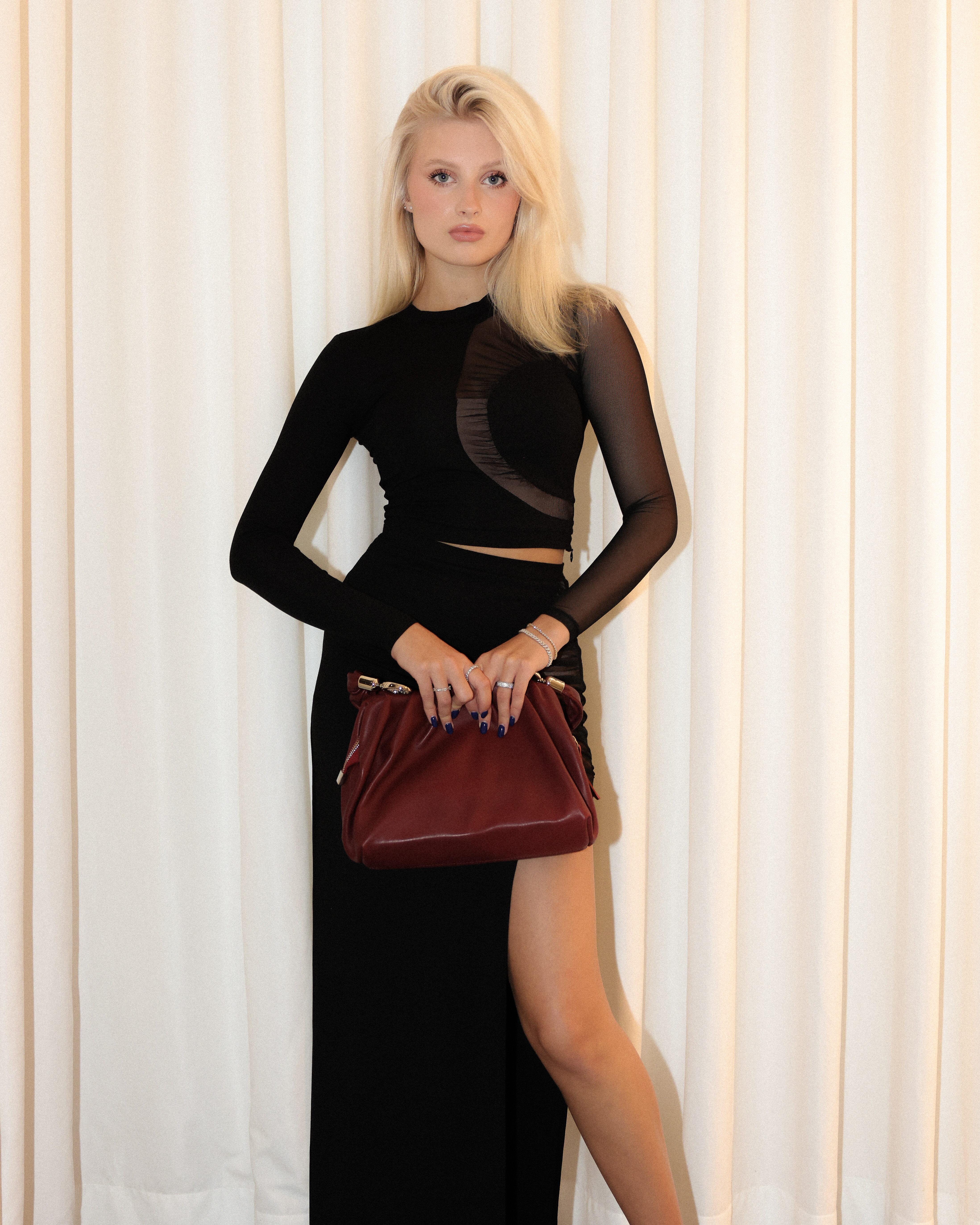


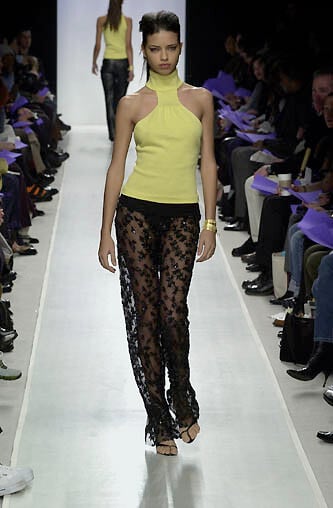



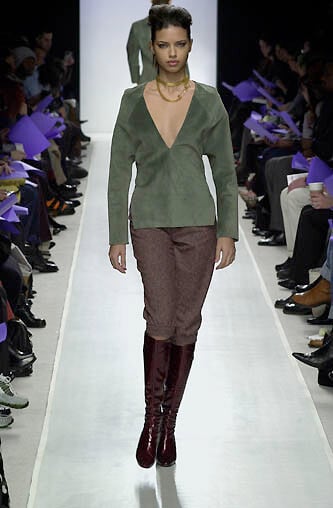

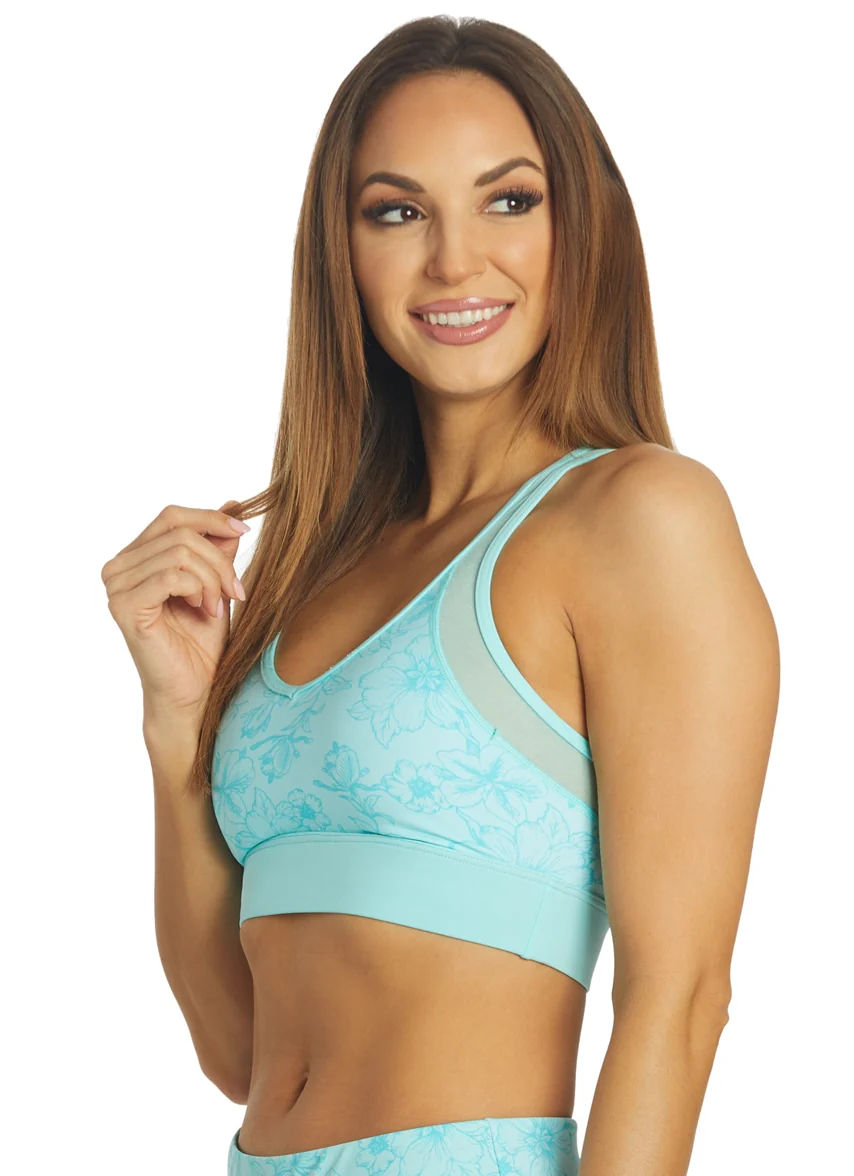
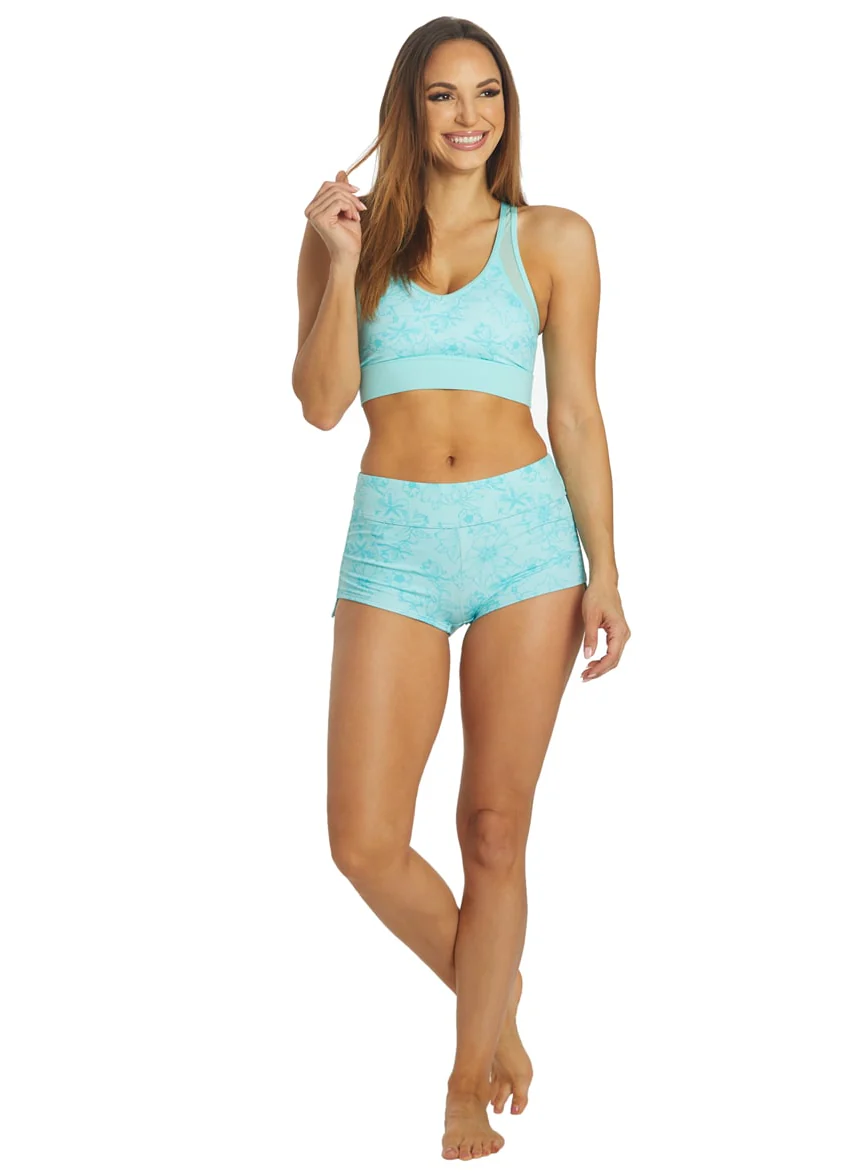
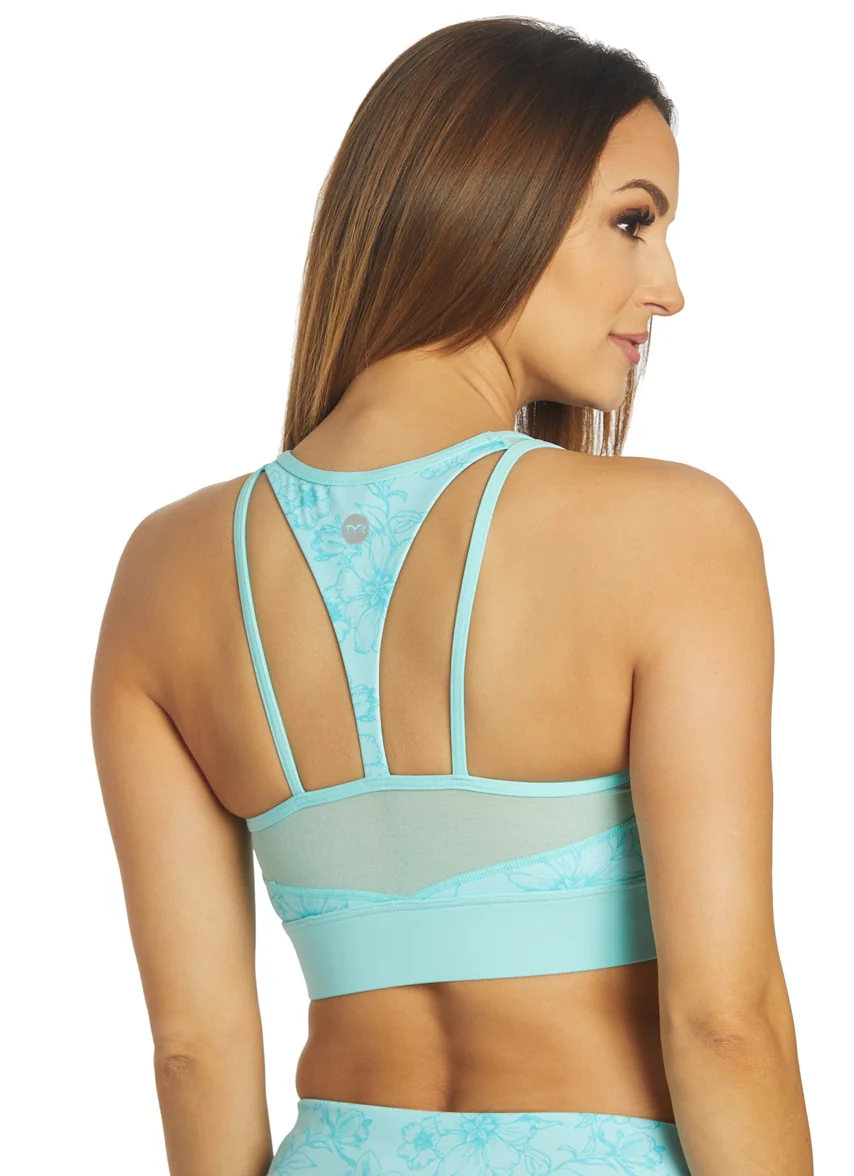
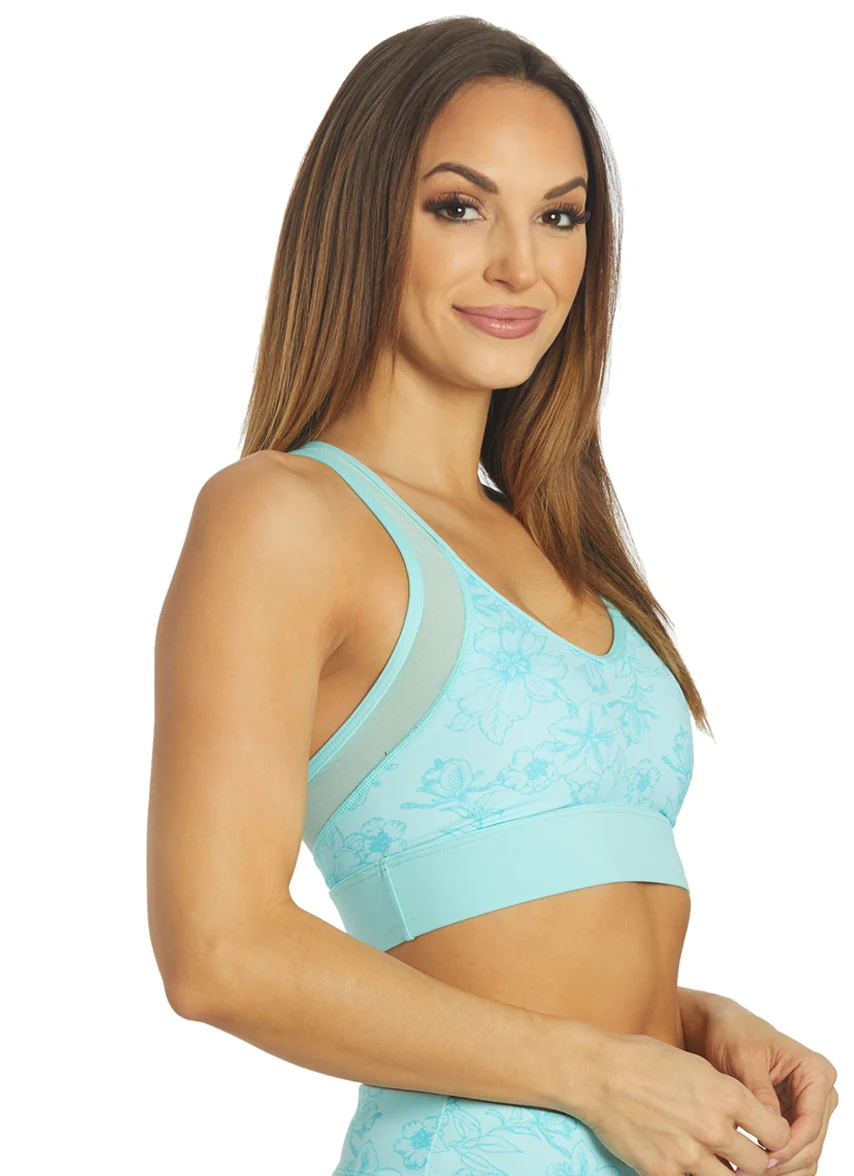
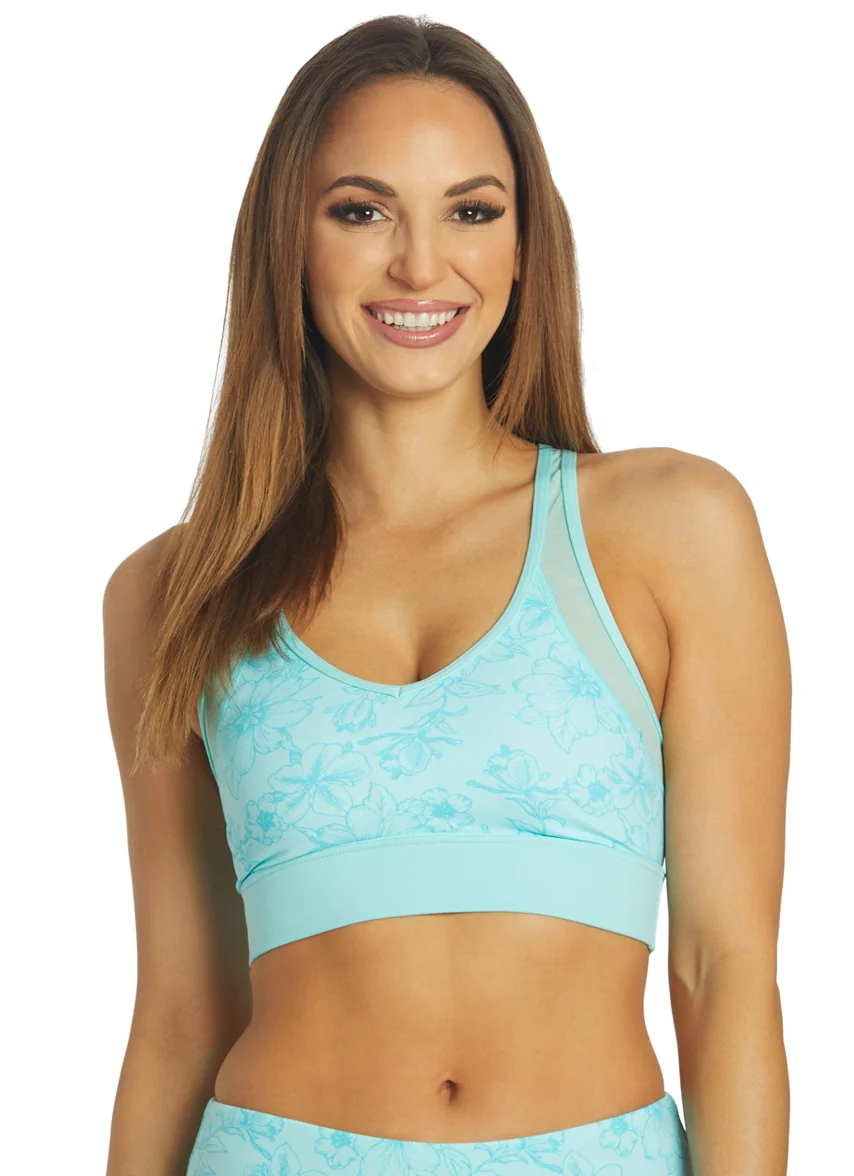
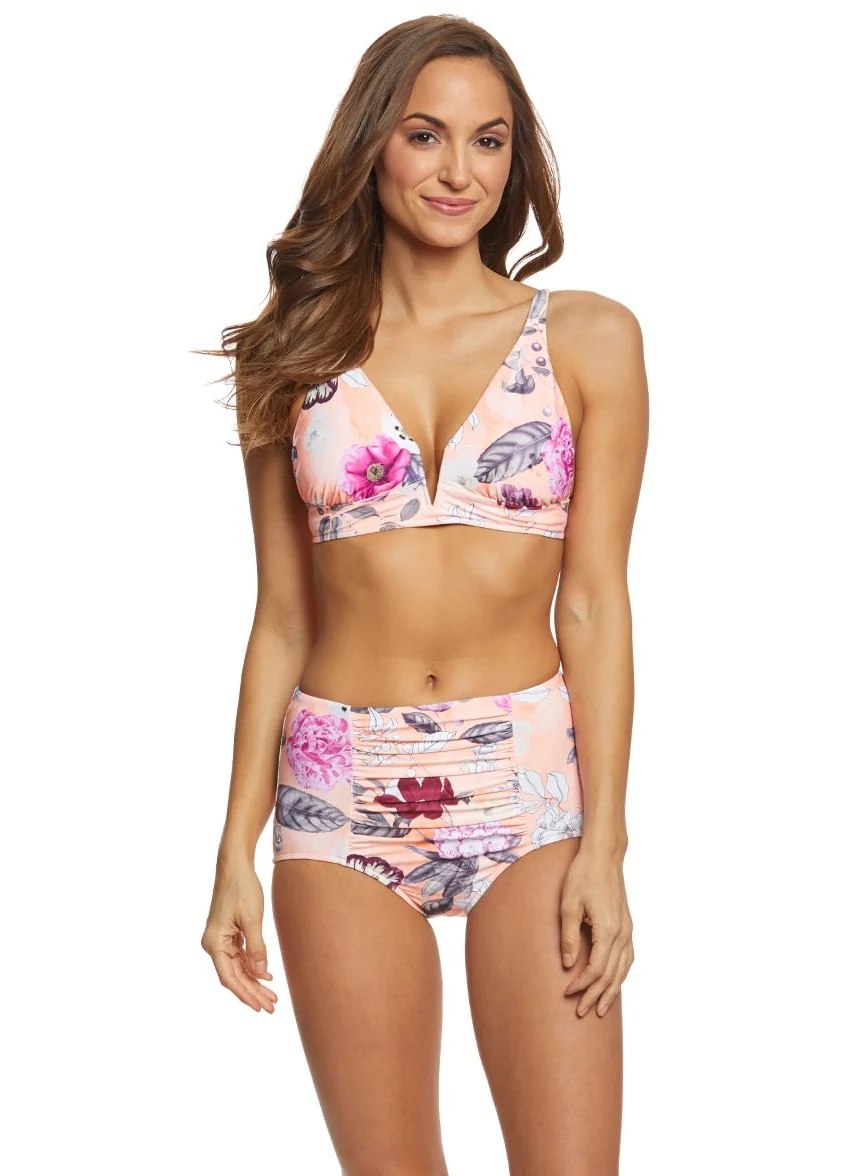
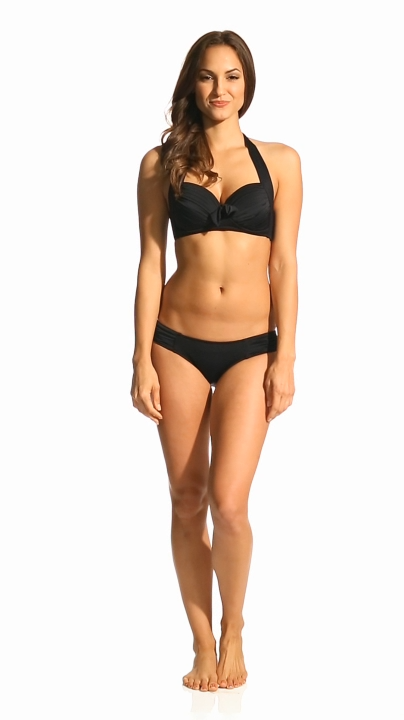
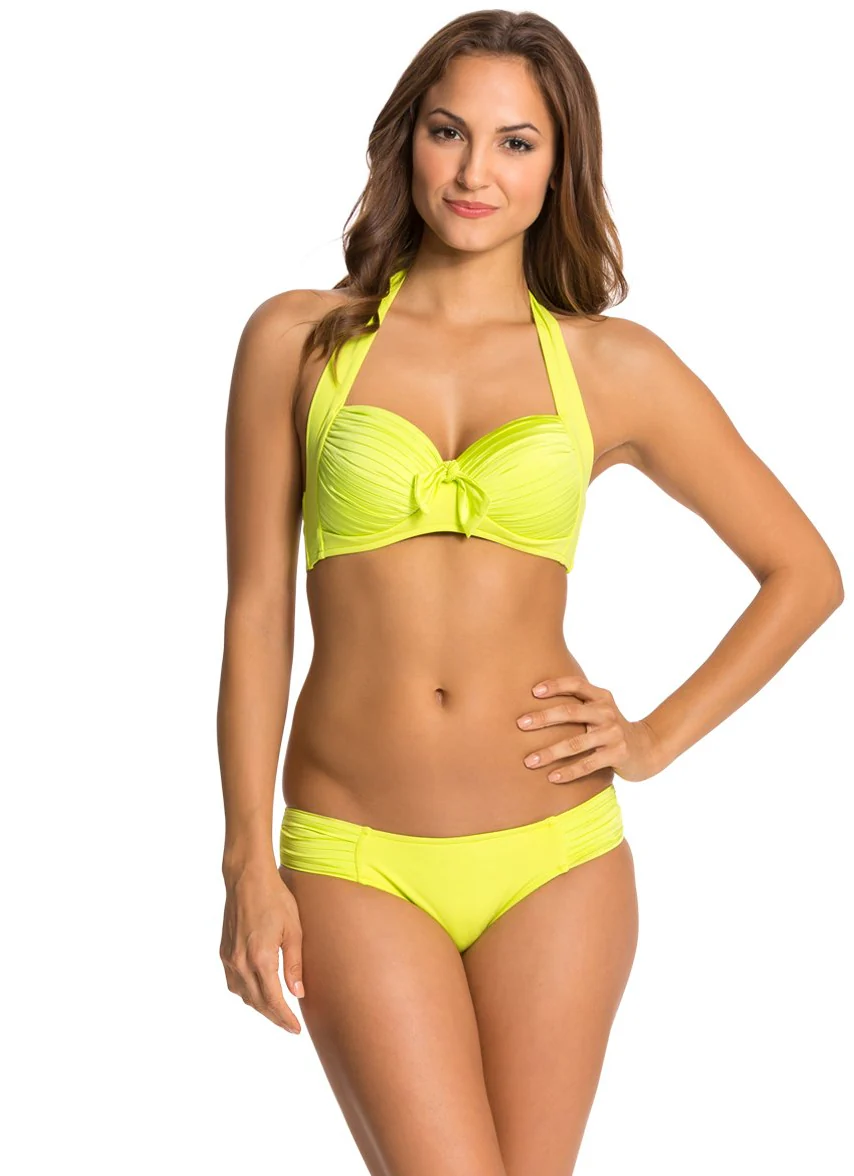
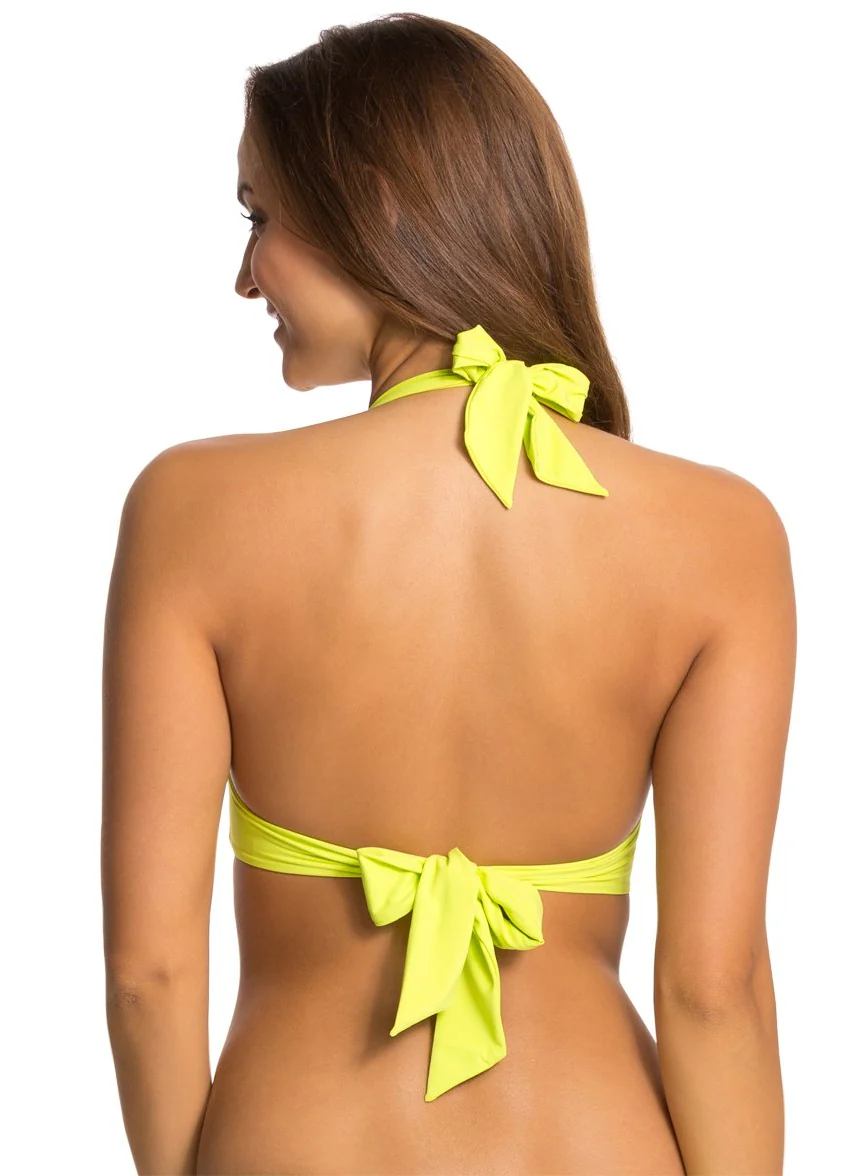
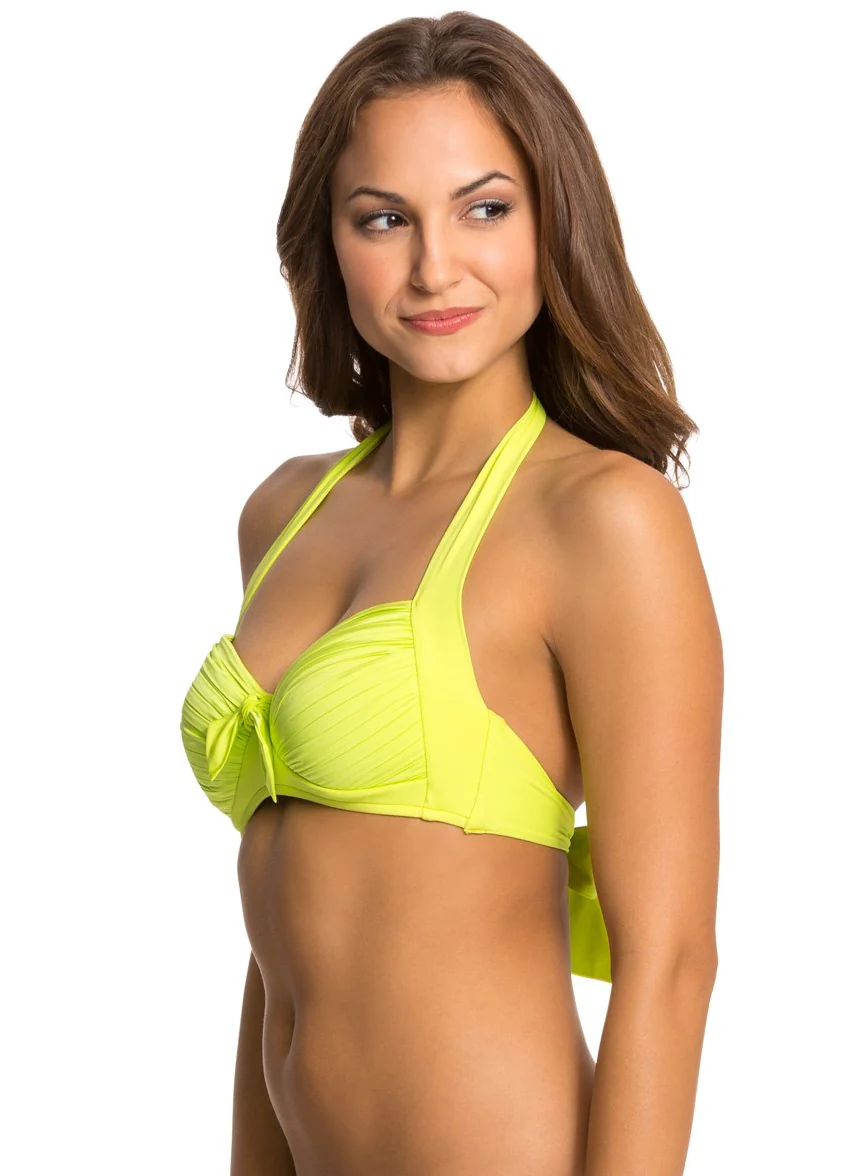
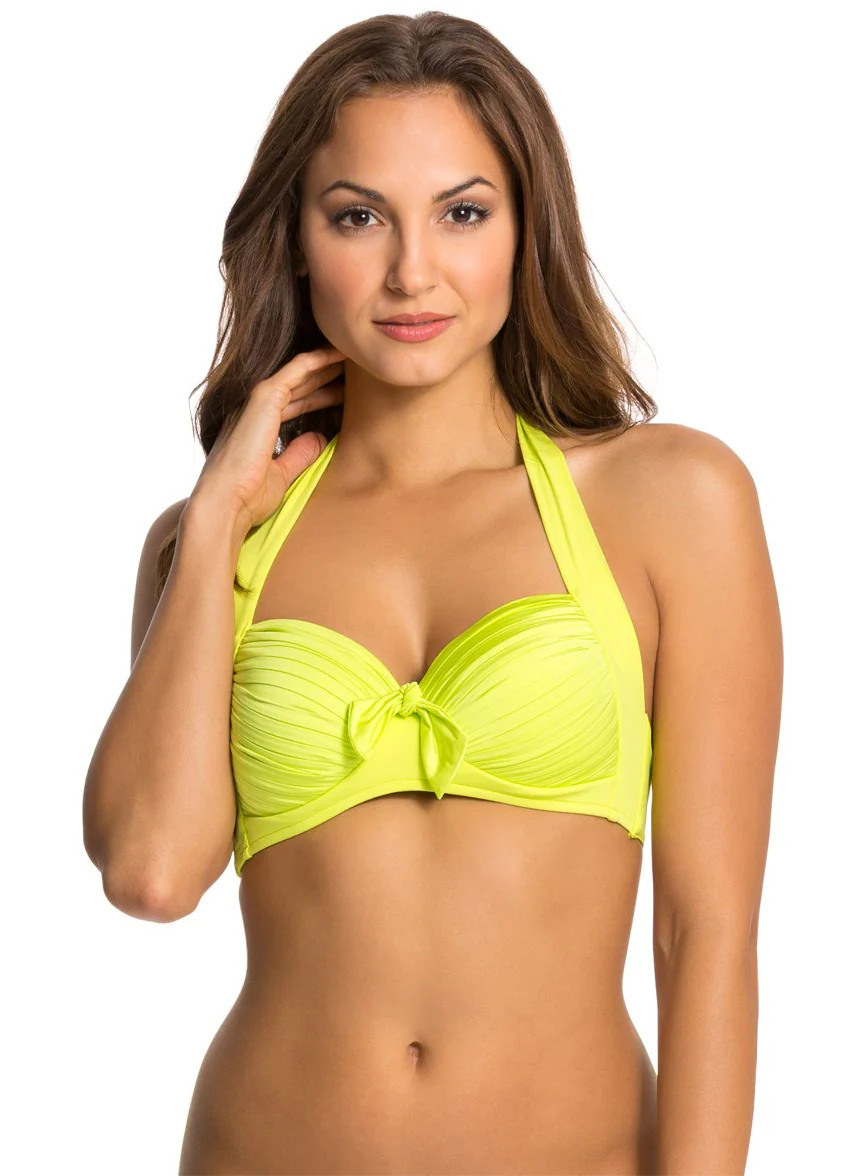
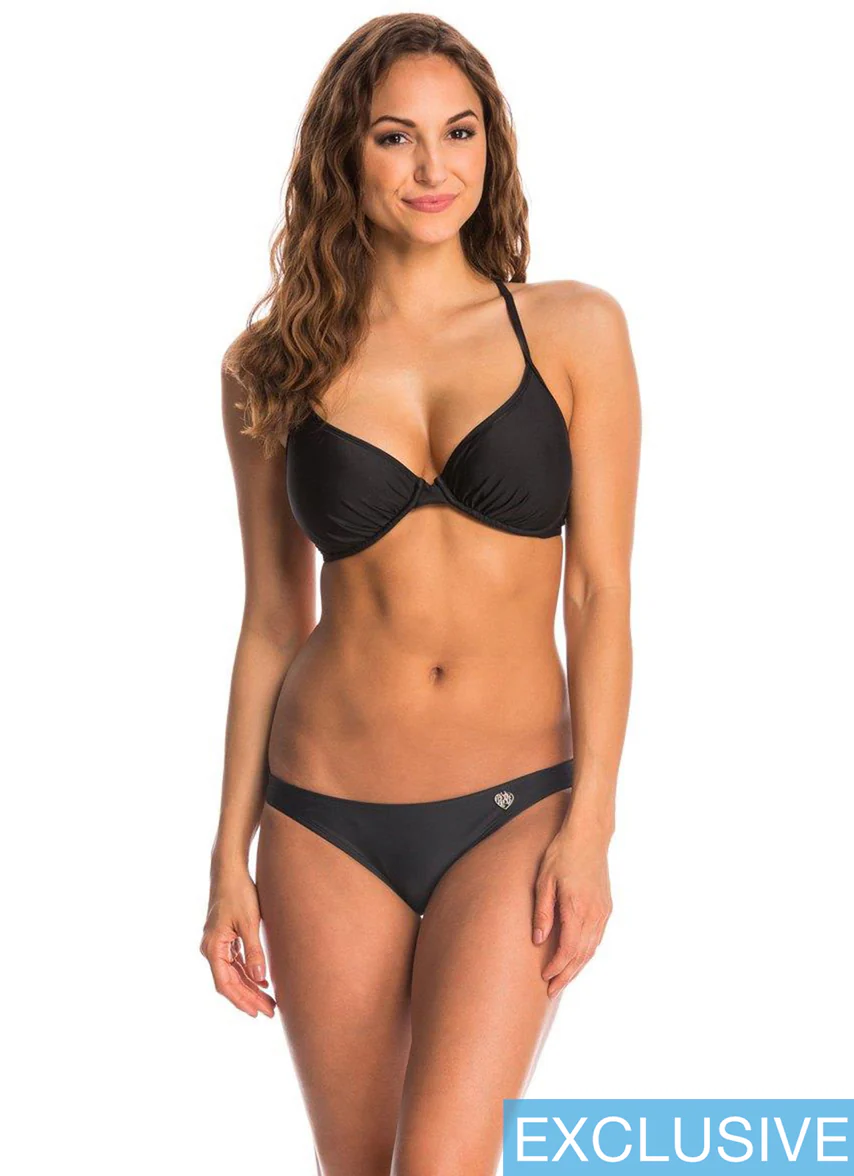
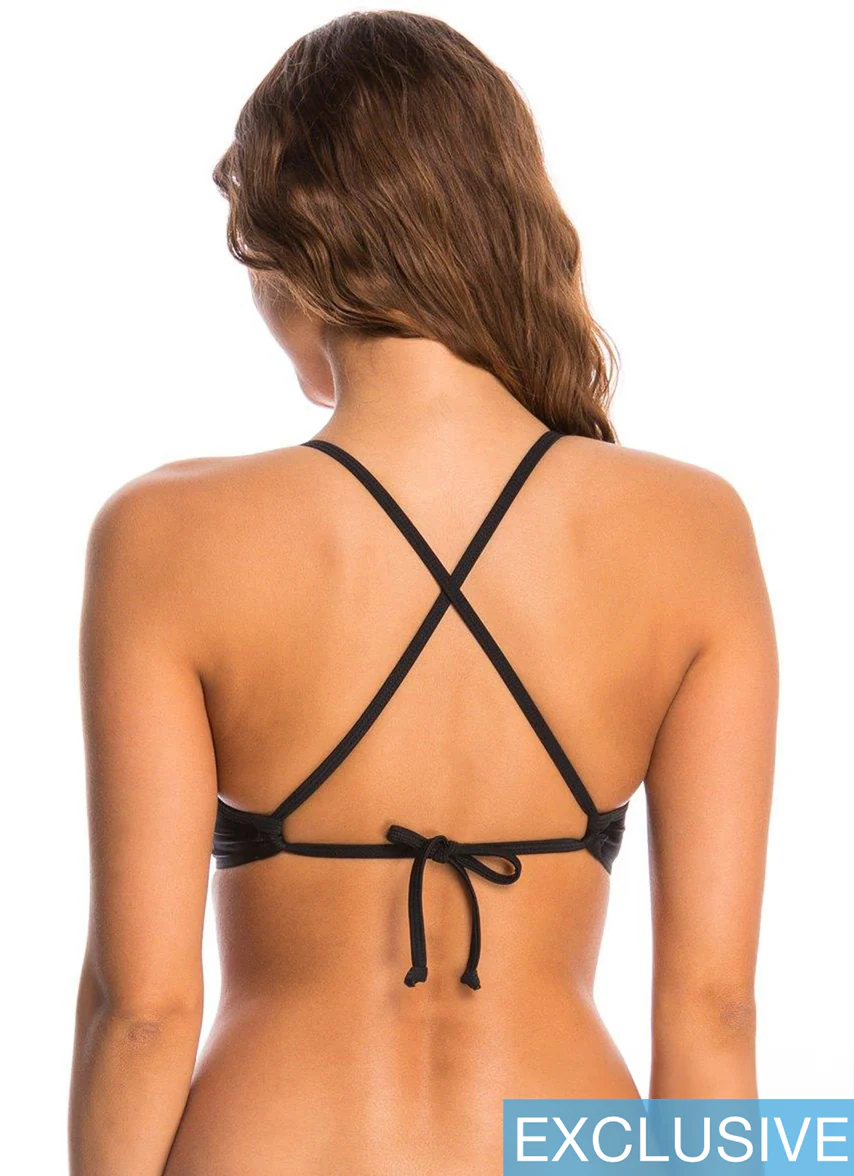

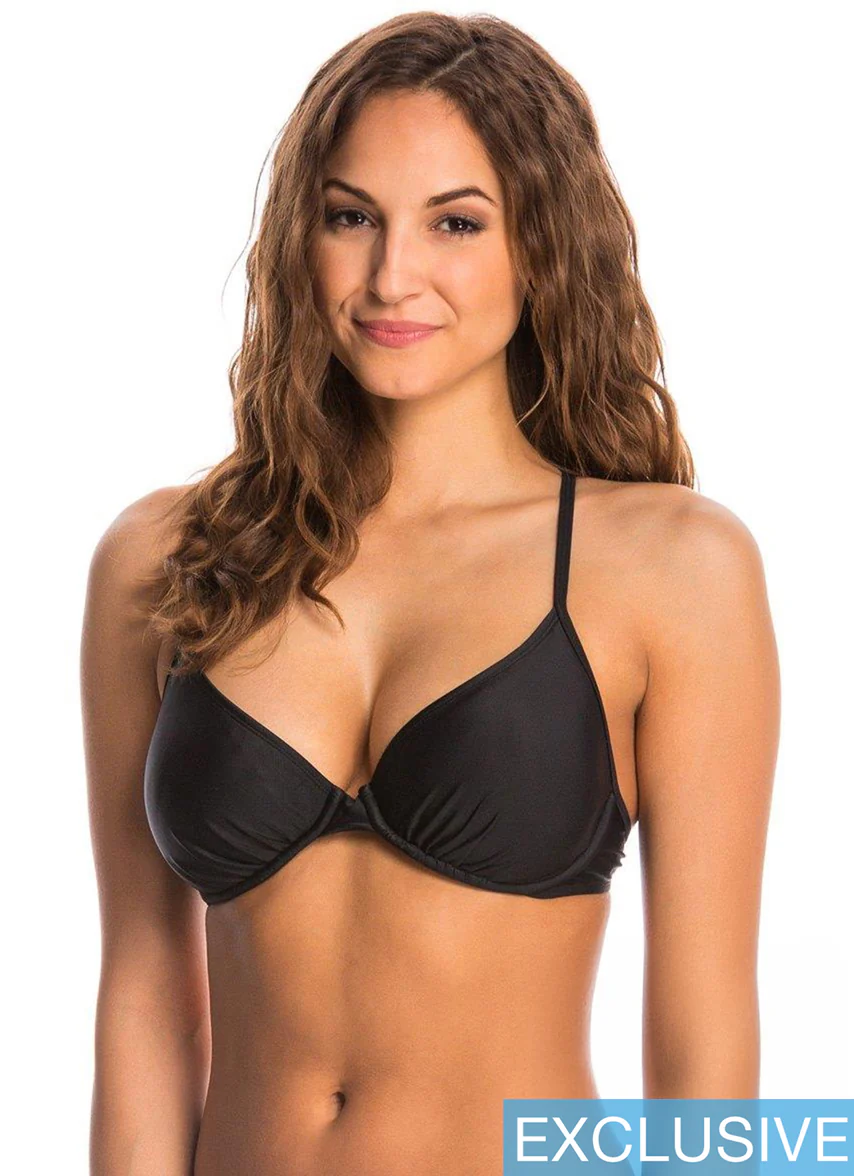
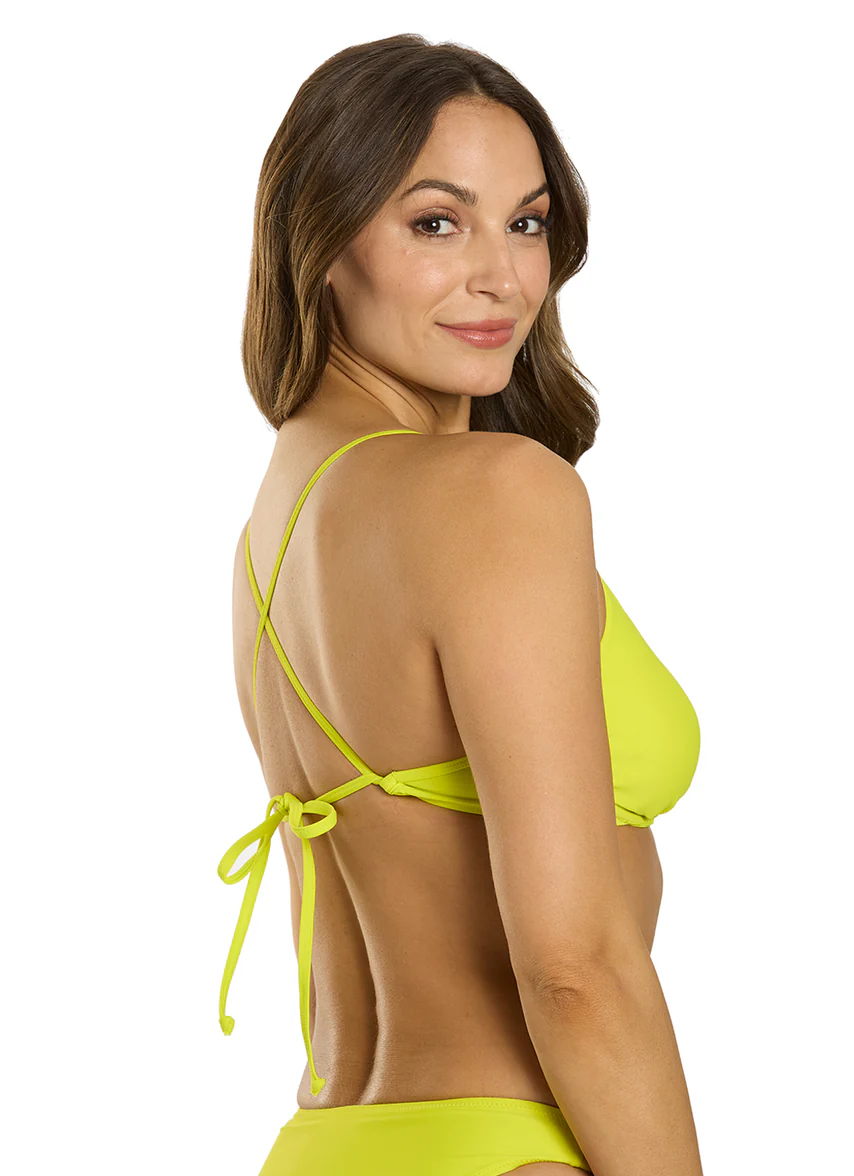
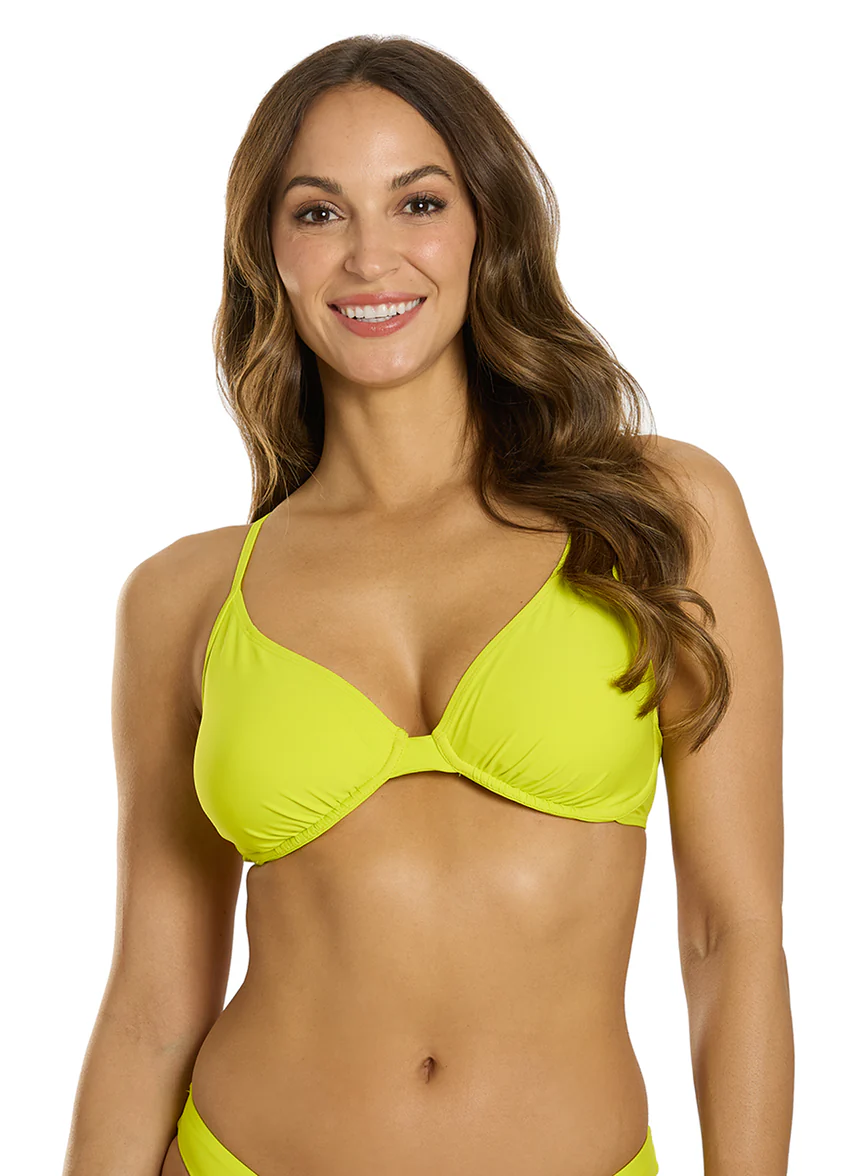
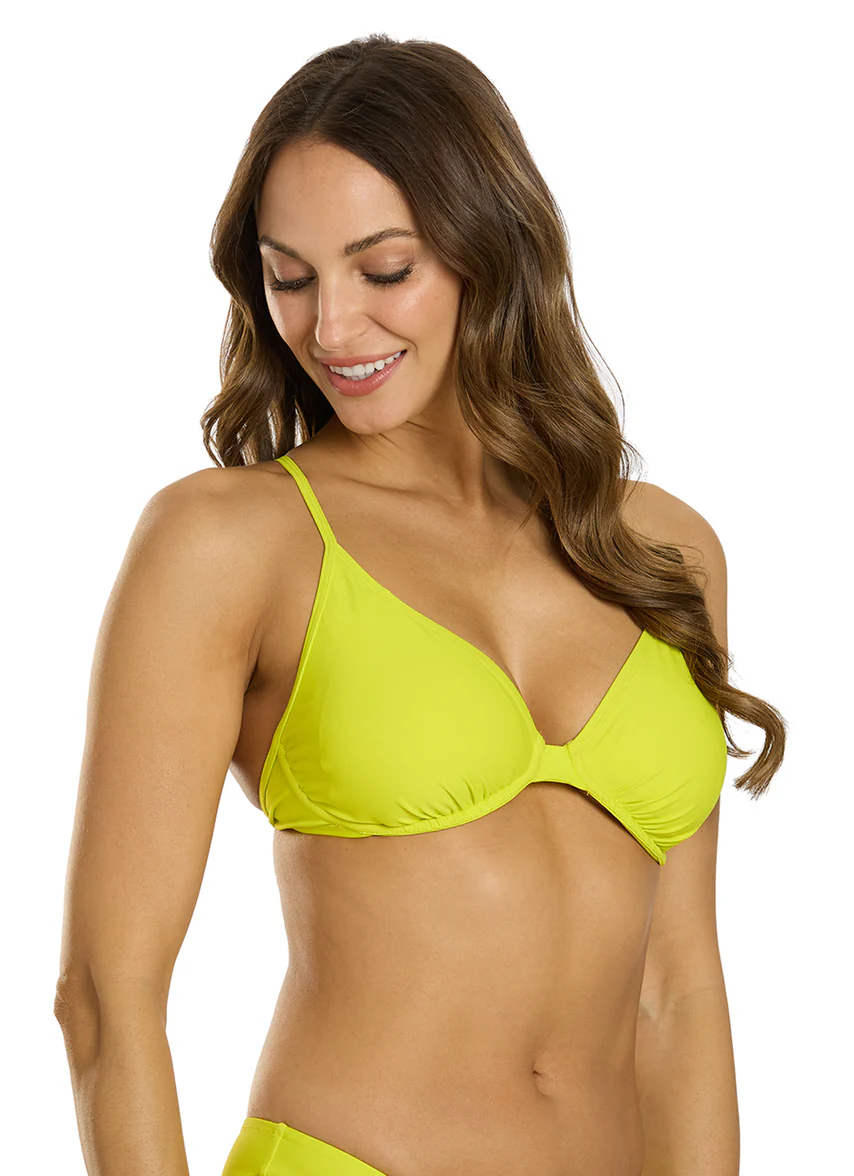
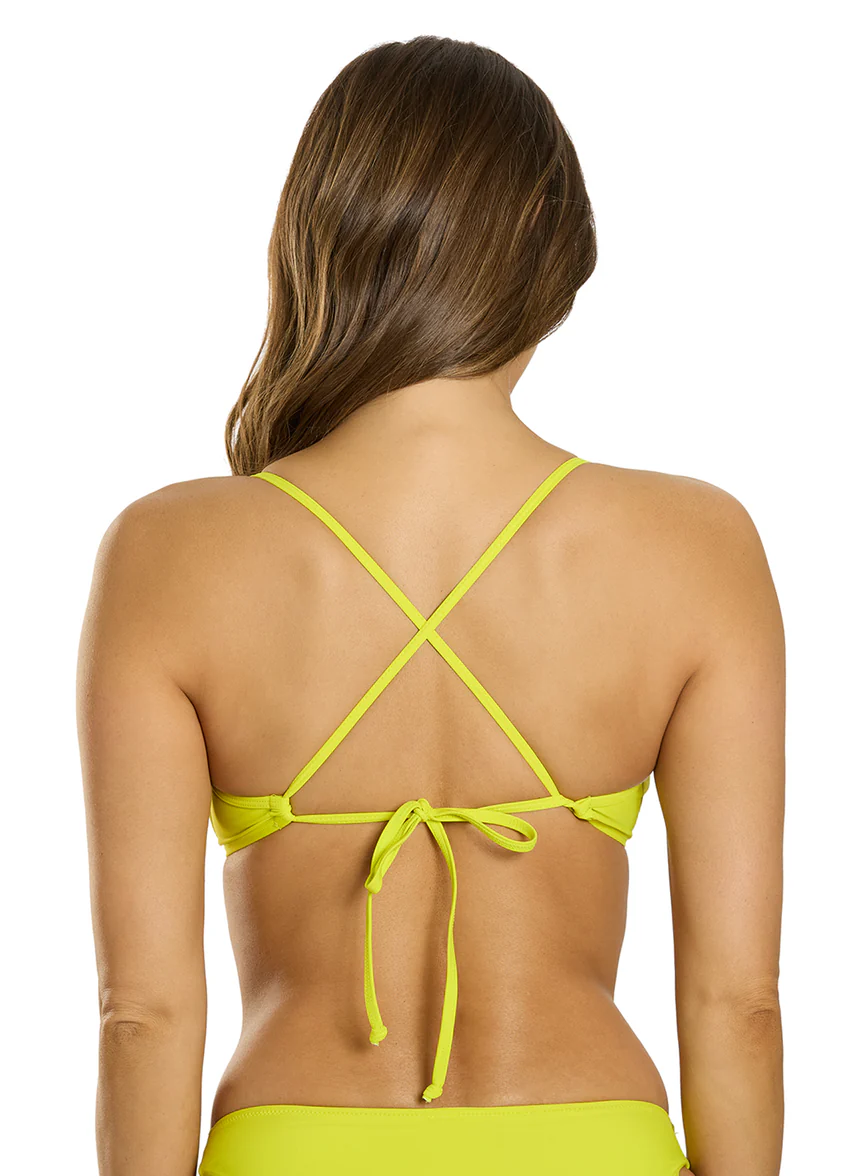









.jpg.1abf00ffc8595e506f0fba8c5bca25fb.jpg)
.jpg.be79f67b38c74235c6ba76a243098178.jpg)
.jpg.9f1485623741e0afb563d38439537cf2.jpg)

.jpeg.c0791a23d8cffd7b63369dd3713a4124.jpeg)
.jpeg.bb095ed44e93cbd751b5252d1a3e791d.jpeg)
.jpeg.38b0fe4b48d676fccbc0ec530b8f6909.jpeg)
.jpeg.756e5c5b9d1cb84aab313f1efdfbd84a.jpeg)
.jpeg.21ebb80132ad0f2659dcc02fb3067196.jpeg)
.jpeg.c40d6badebbae3238e5a2e7d947769d2.jpeg)
.jpeg.16f2ea9041ff602839c7f79fa4e3e534.jpeg)















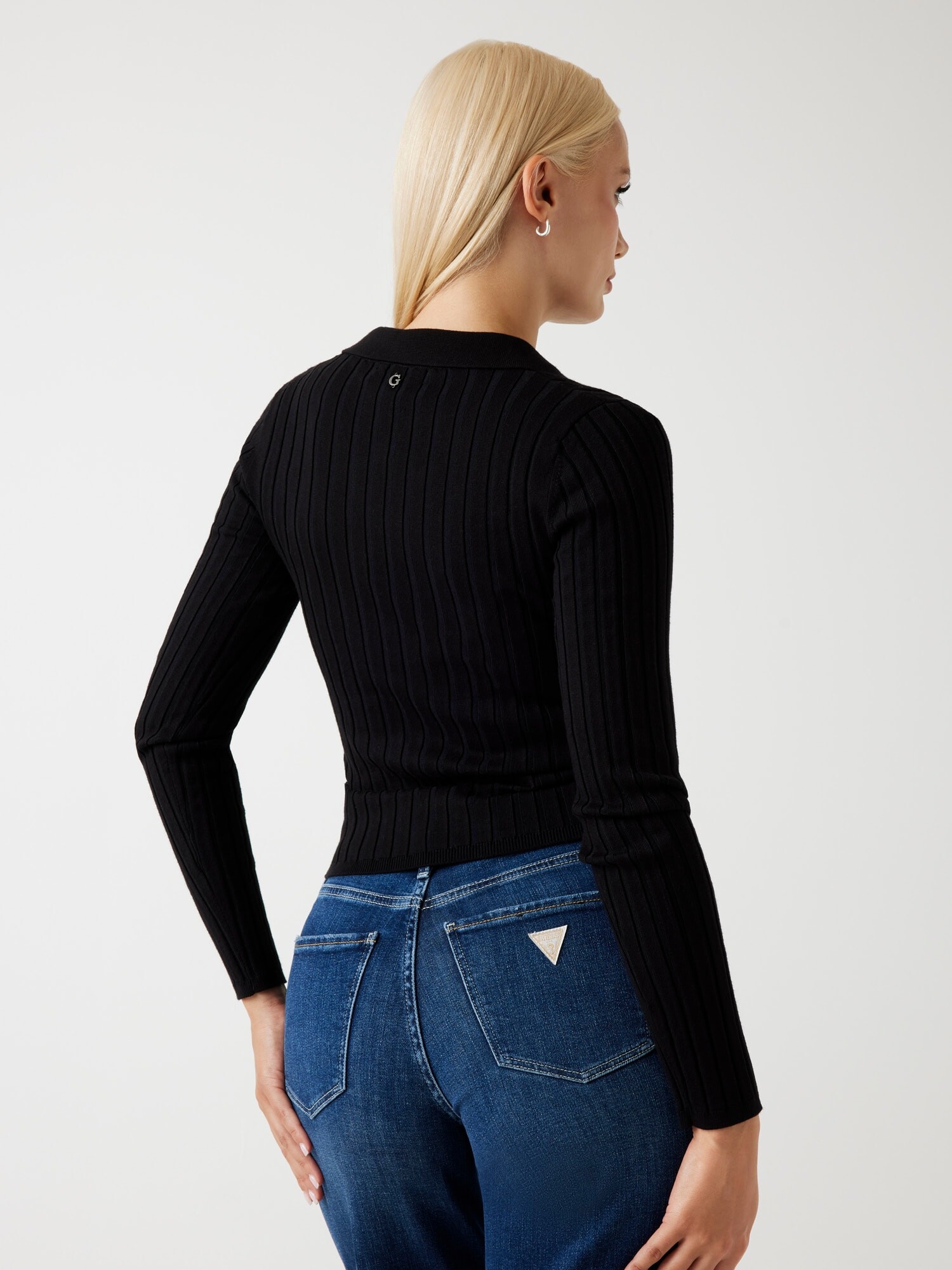
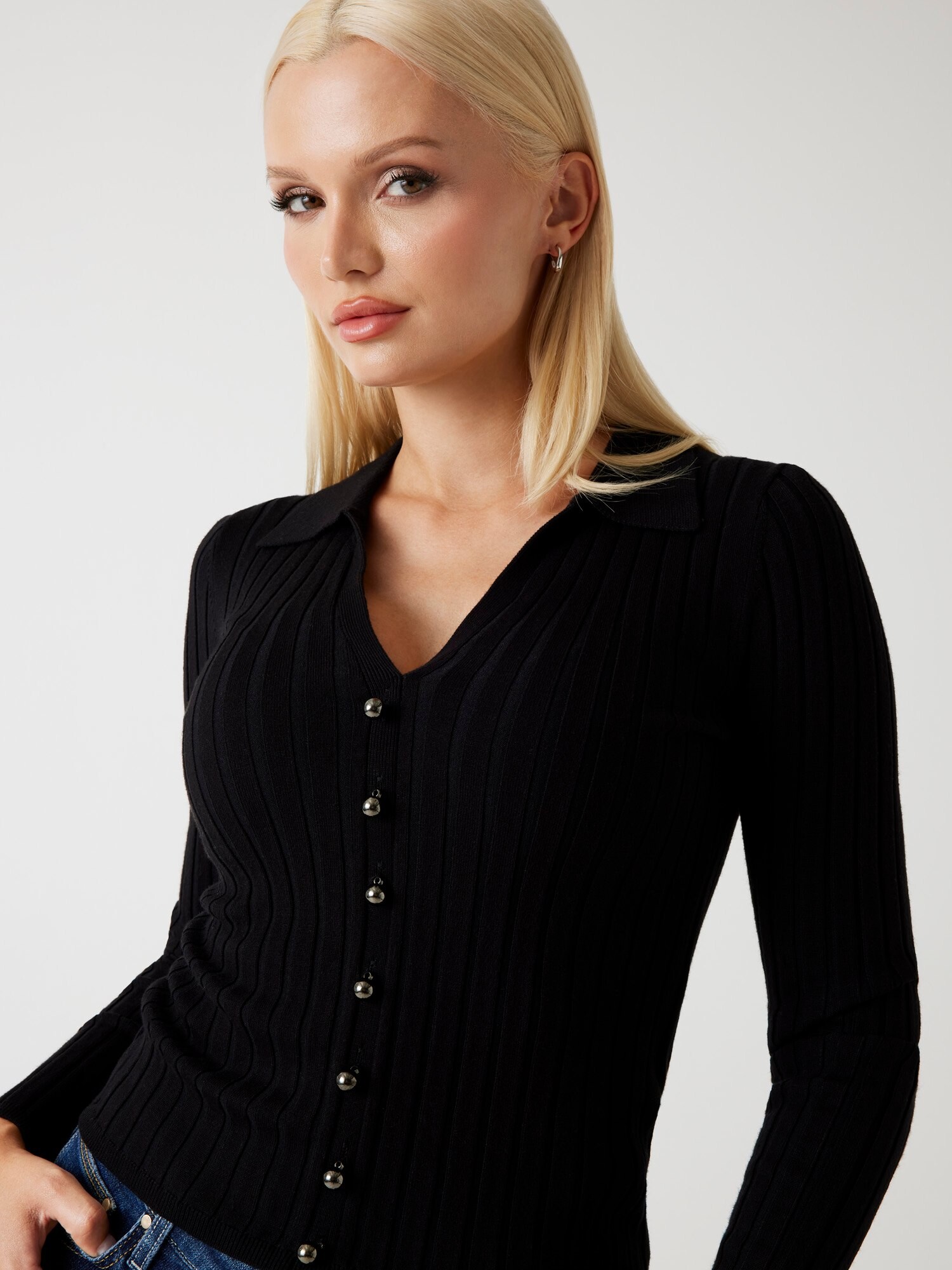
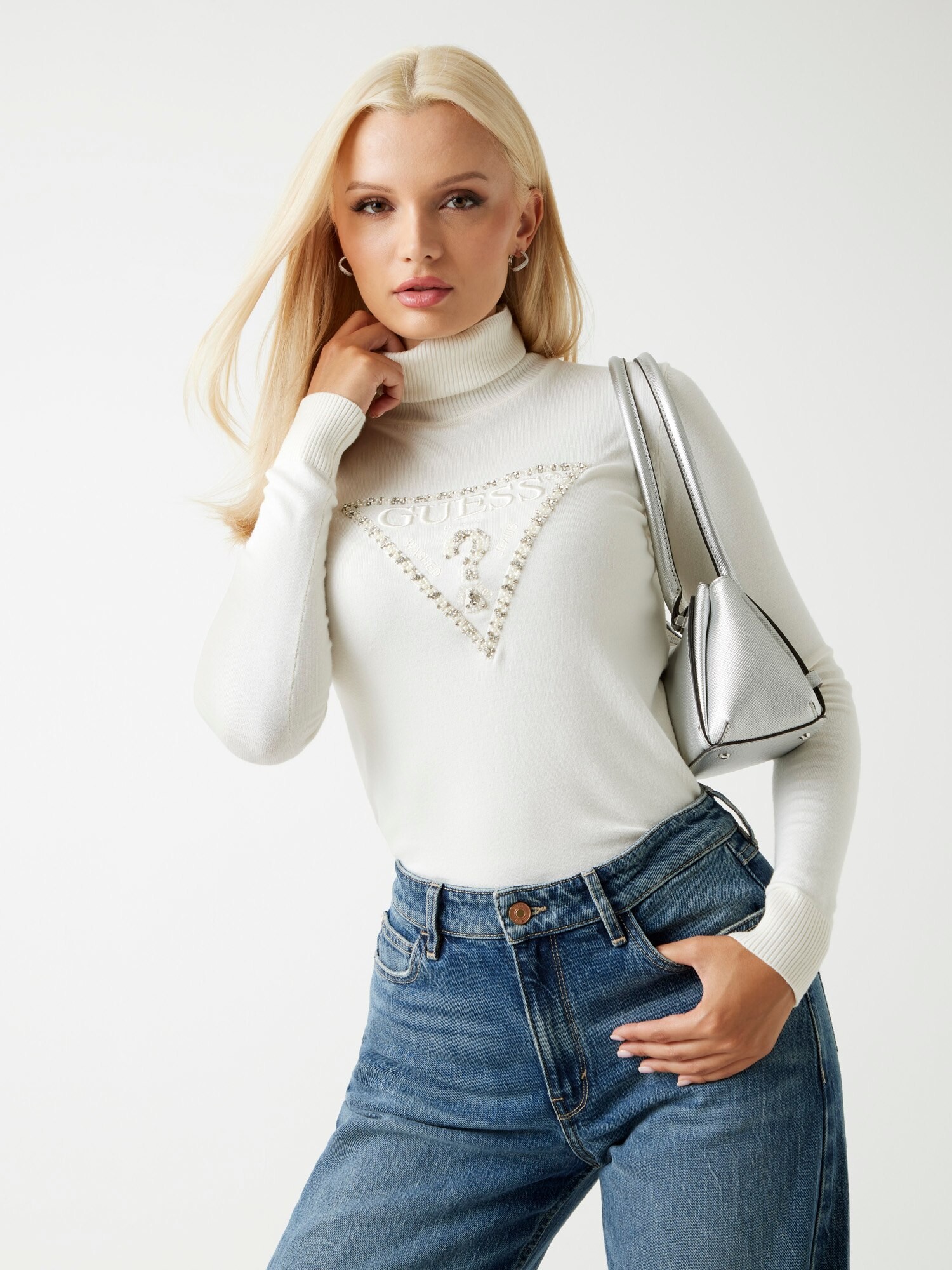
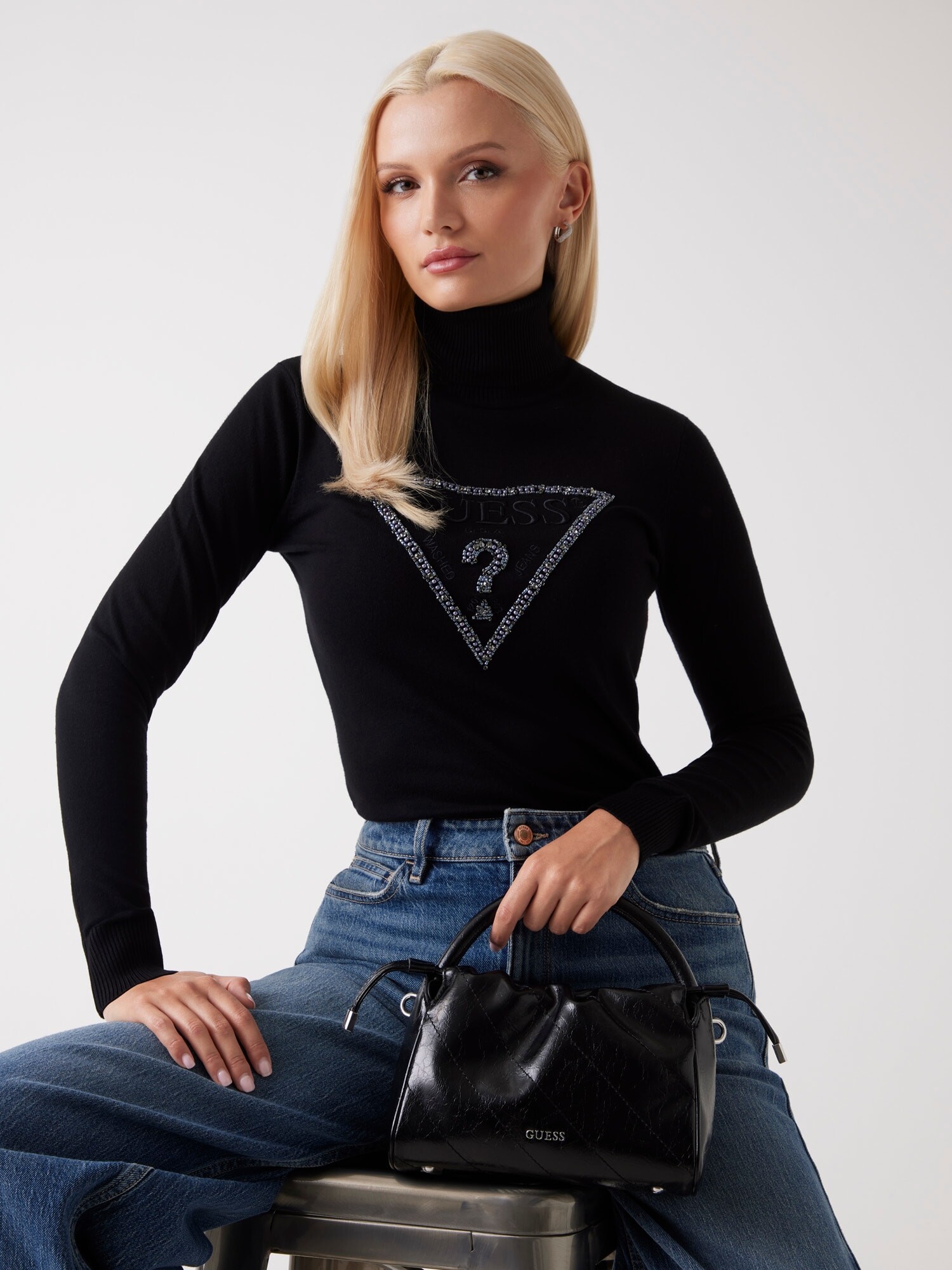

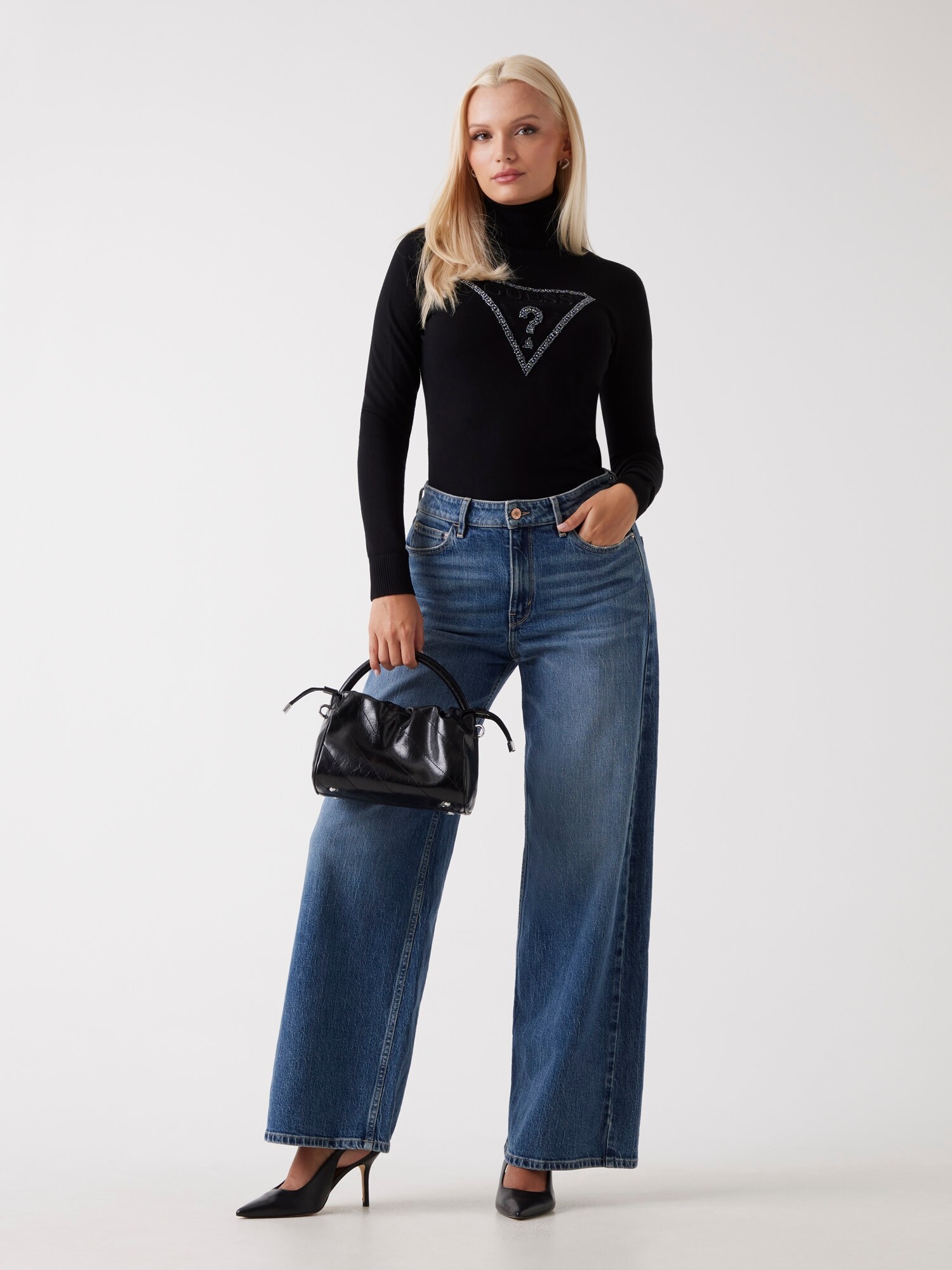
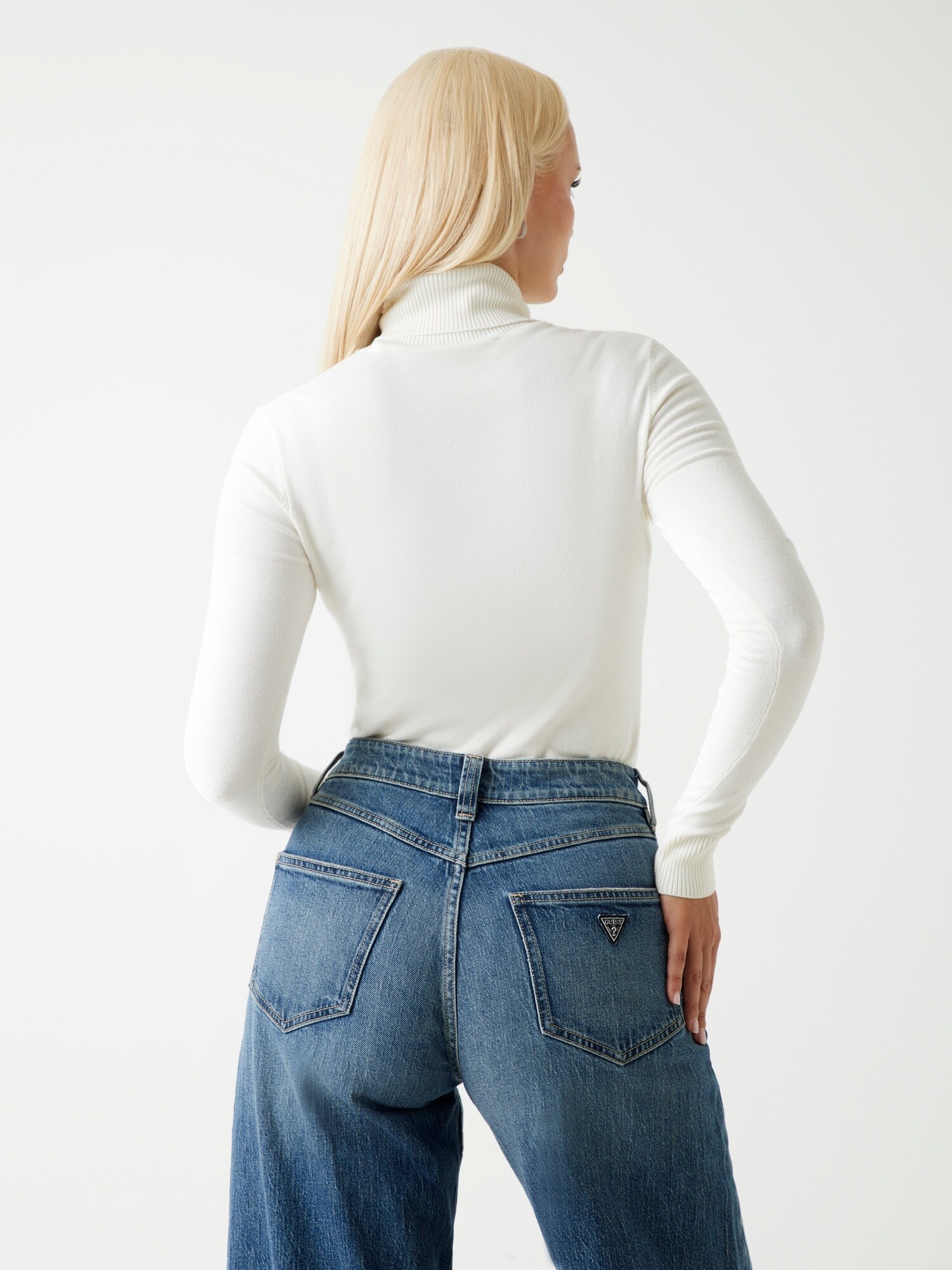
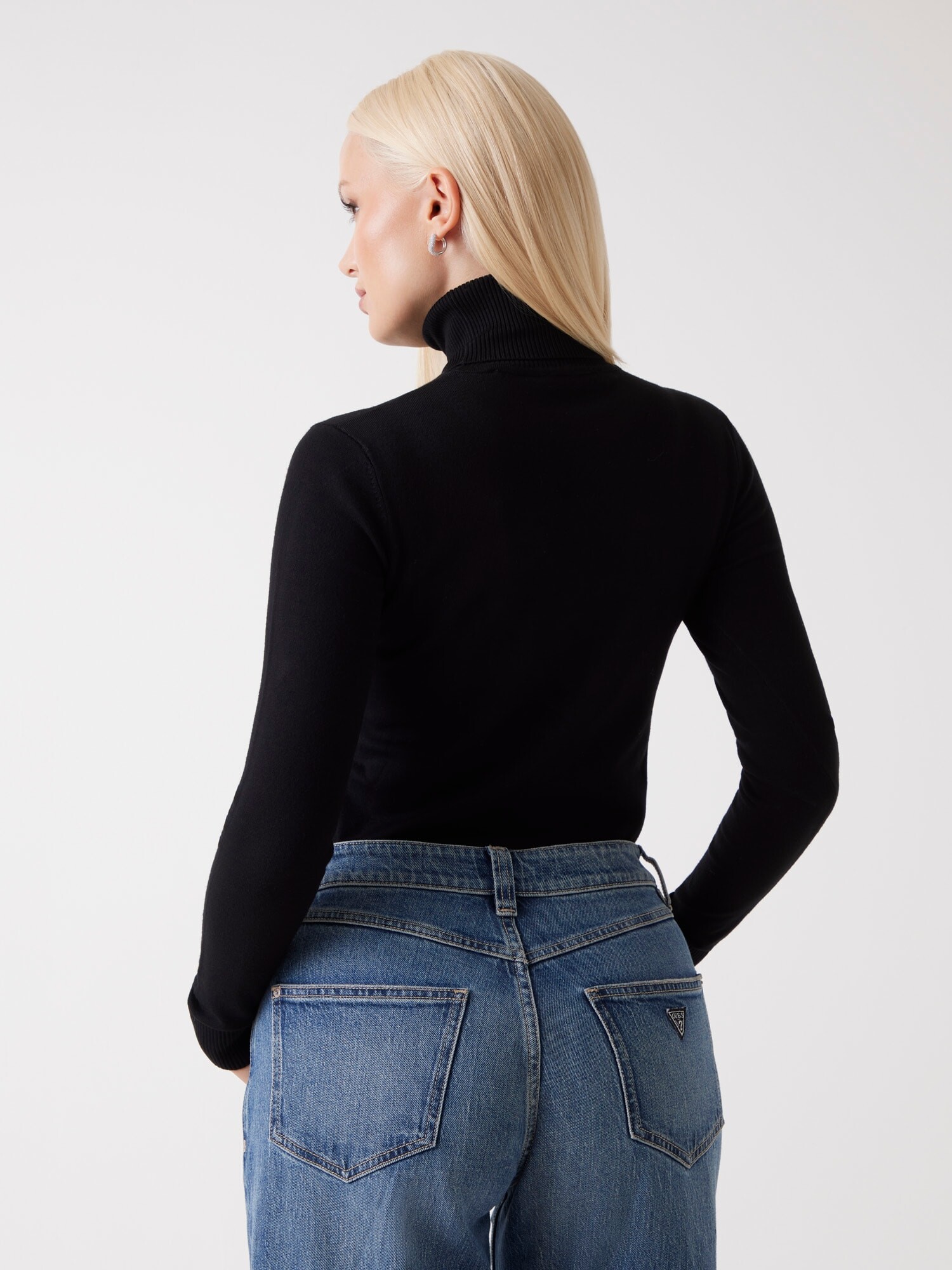
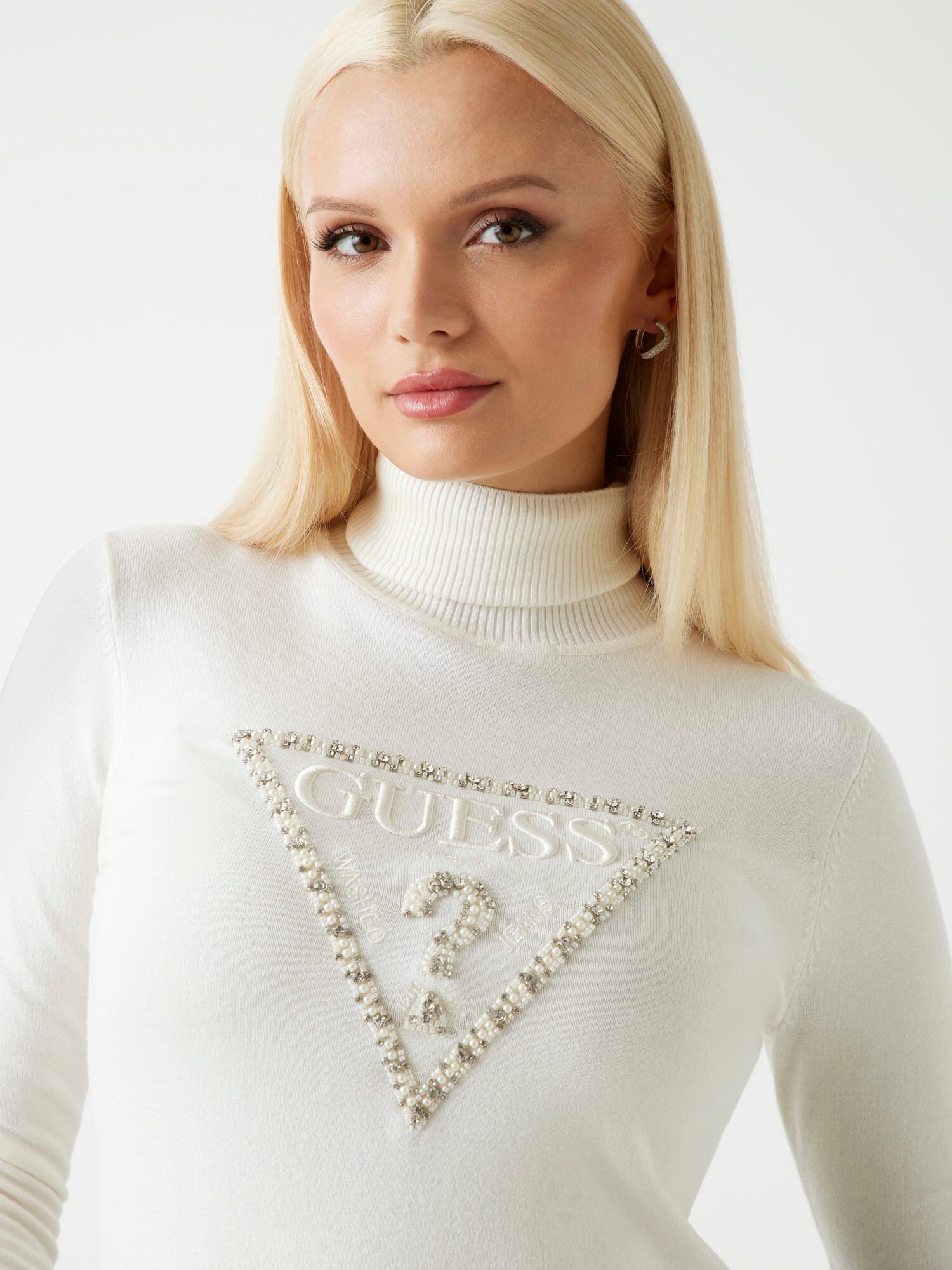


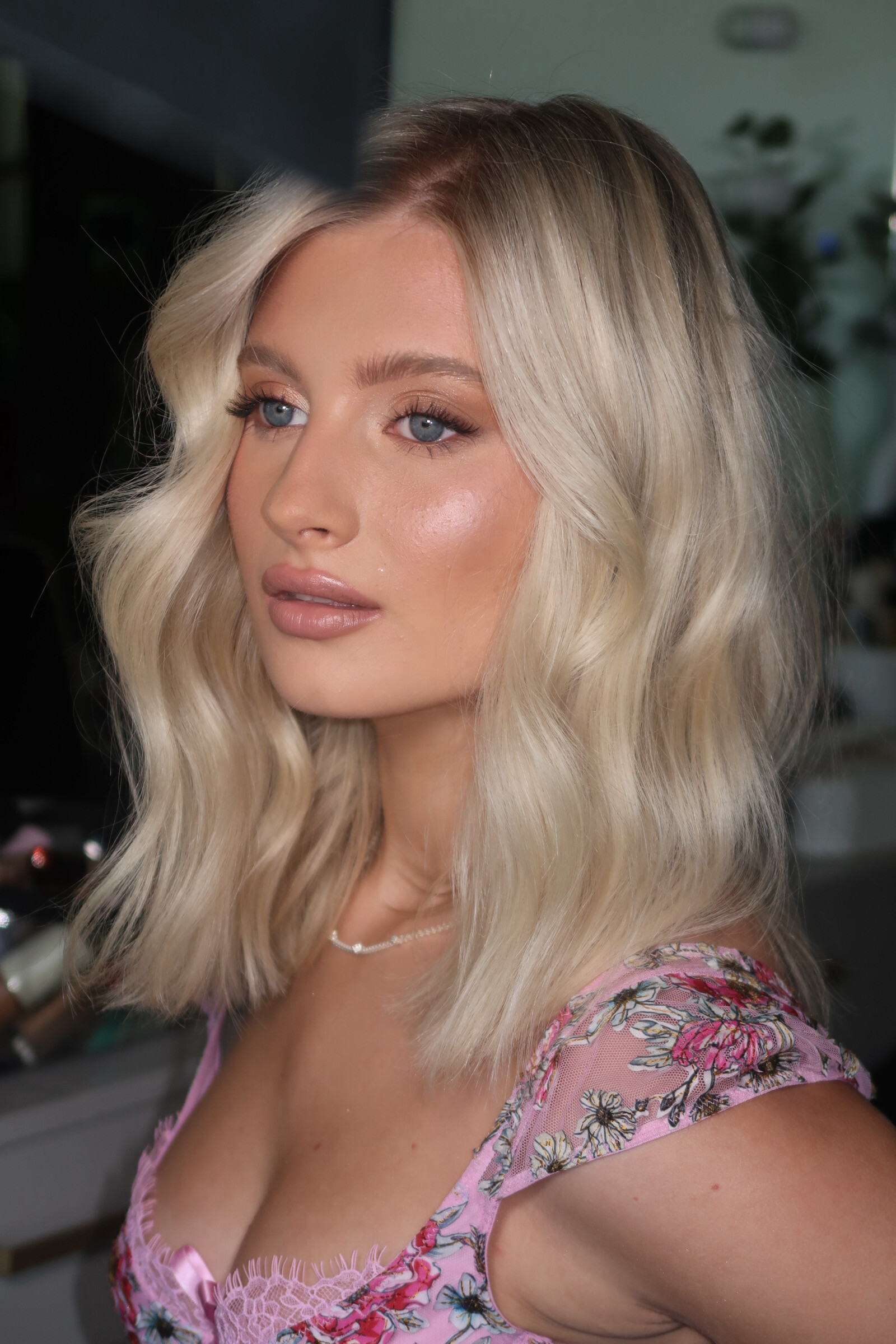
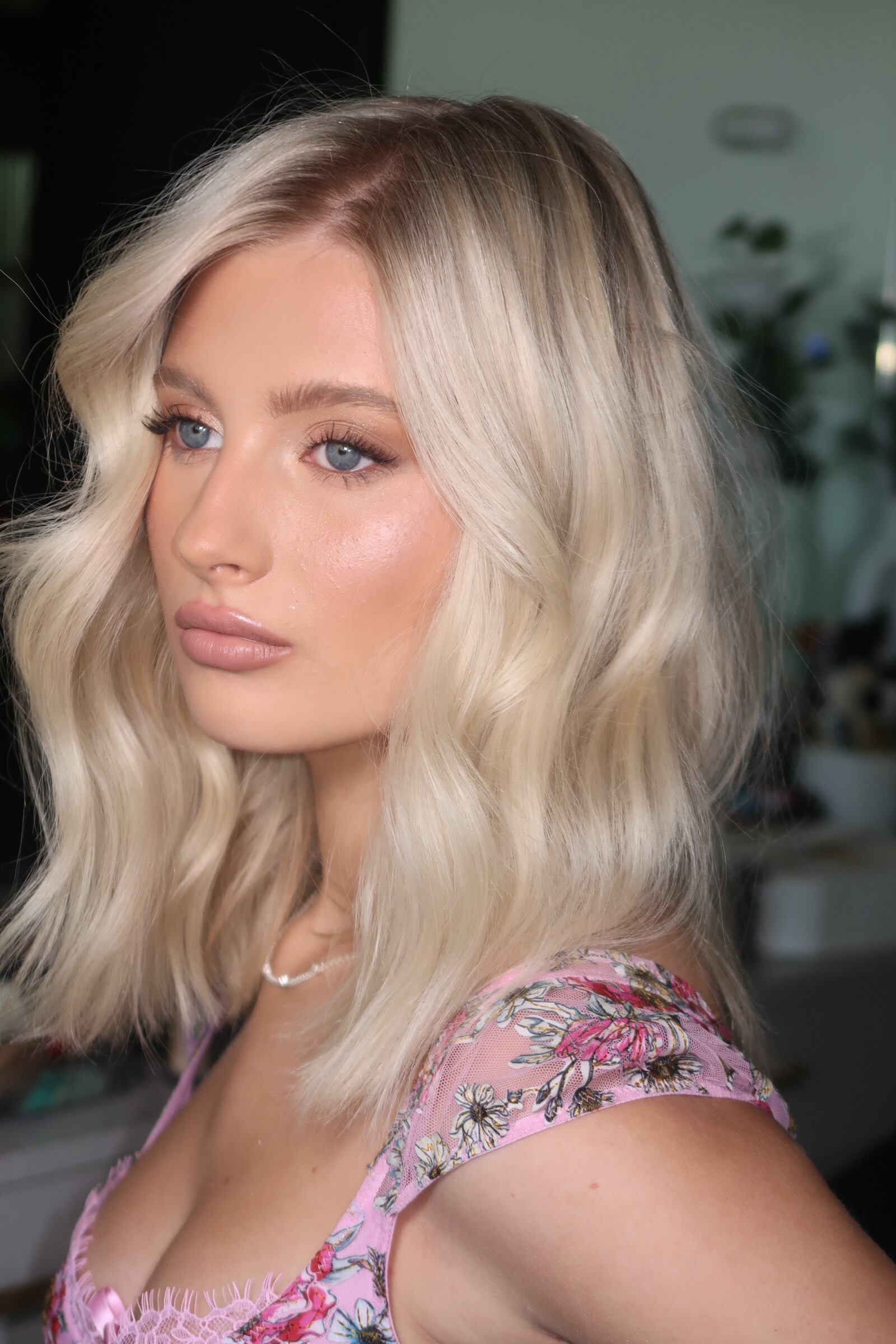
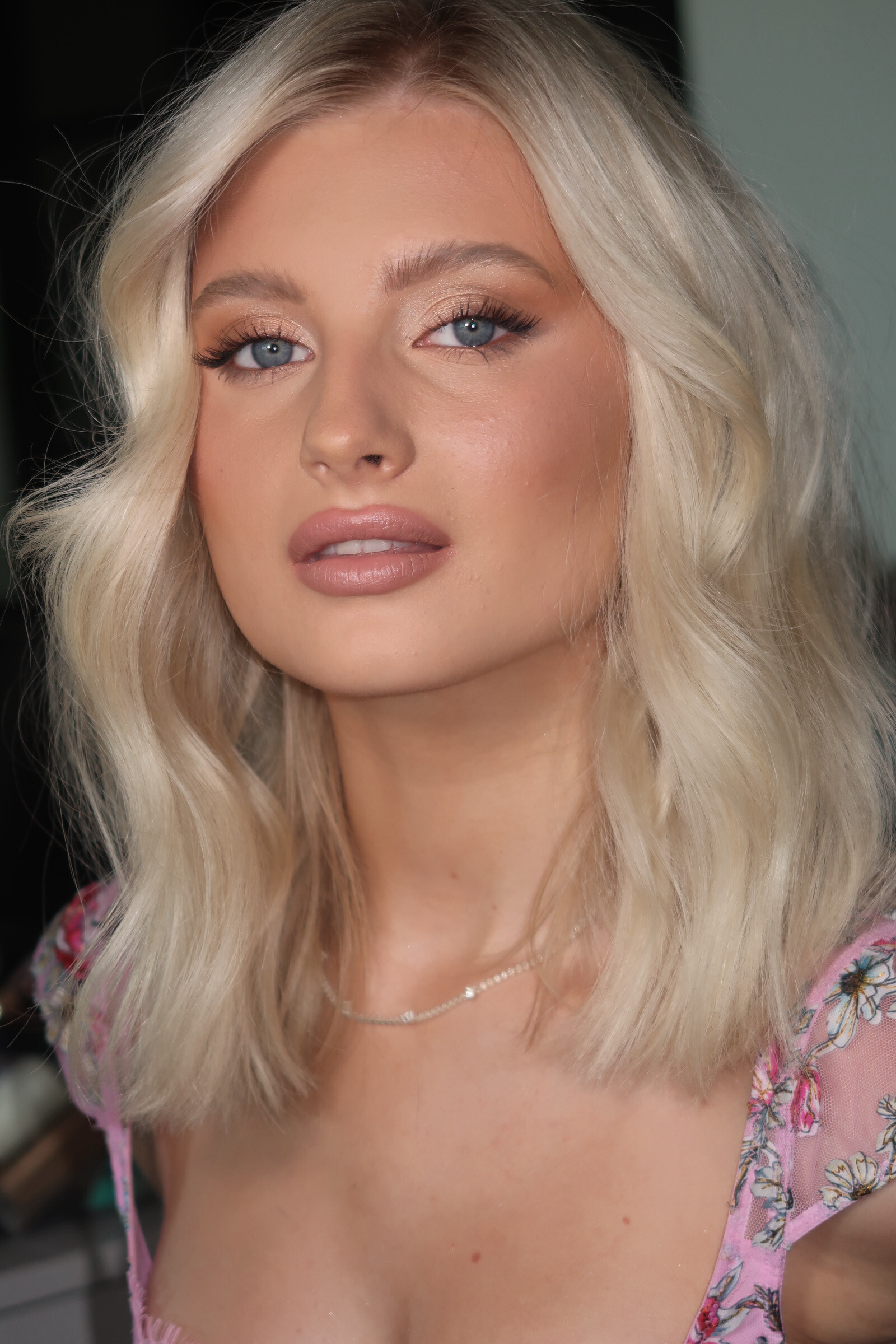
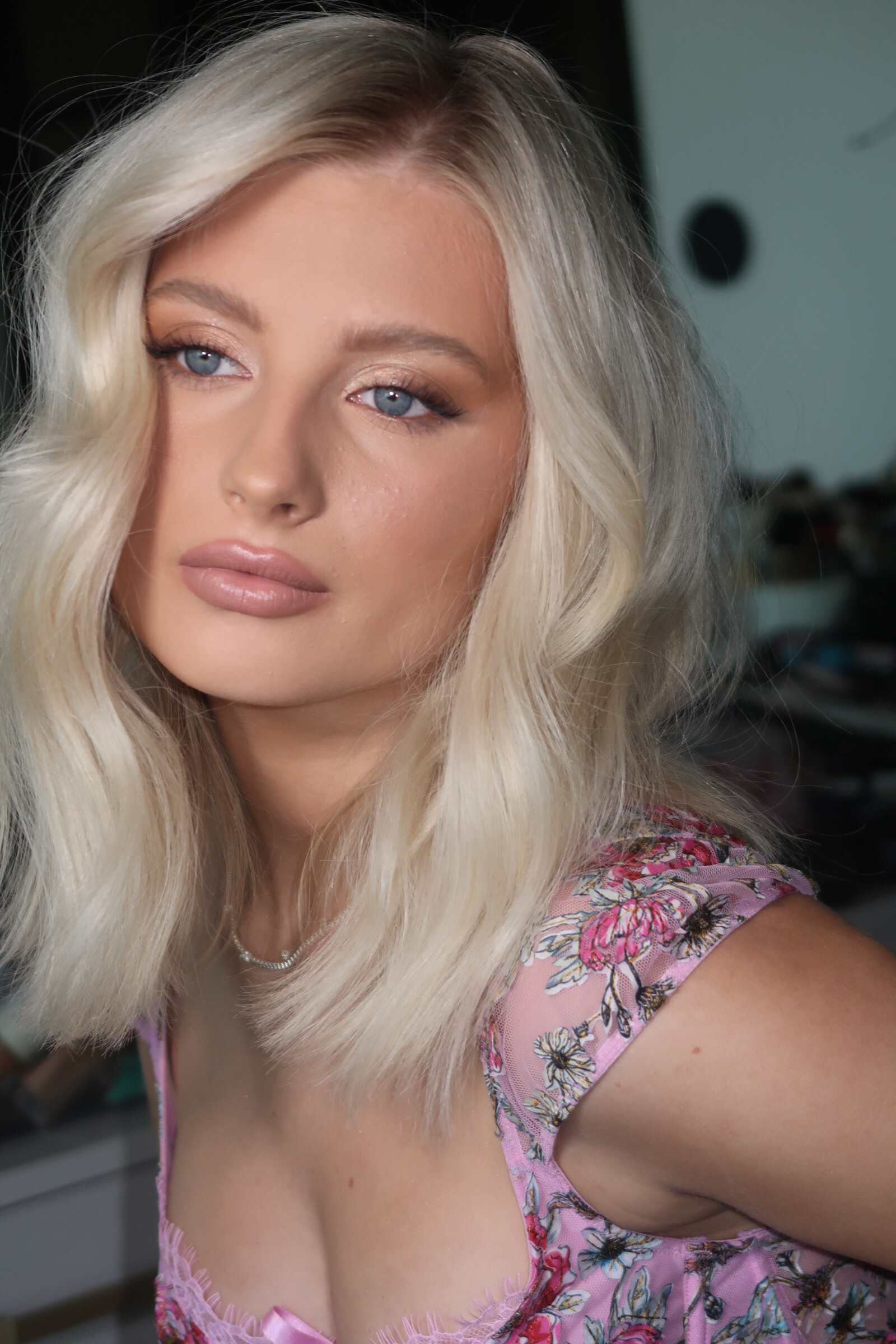




Account
Search
Configure browser push notifications
Chrome (Android)
- Tap the lock icon next to the address bar.
- Tap Permissions → Notifications.
- Adjust your preference.
Chrome (Desktop)
- Click the padlock icon in the address bar.
- Select Site settings.
- Find Notifications and adjust your preference.
Safari (iOS 16.4+)
- Ensure the site is installed via Add to Home Screen.
- Open Settings App → Notifications.
- Find your app name and adjust your preference.
Safari (macOS)
- Go to Safari → Preferences.
- Click the Websites tab.
- Select Notifications in the sidebar.
- Find this website and adjust your preference.
Edge (Android)
- Tap the lock icon next to the address bar.
- Tap Permissions.
- Find Notifications and adjust your preference.
Edge (Desktop)
- Click the padlock icon in the address bar.
- Click Permissions for this site.
- Find Notifications and adjust your preference.
Firefox (Android)
- Go to Settings → Site permissions.
- Tap Notifications.
- Find this site in the list and adjust your preference.
Firefox (Desktop)
- Open Firefox Settings.
- Search for Notifications.
- Find this site in the list and adjust your preference.