All Activity
- Past hour
-
 Tygon50 joined the community
 -
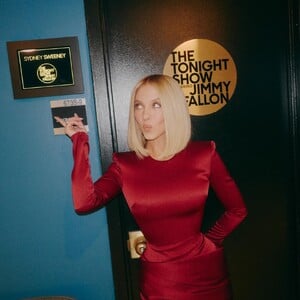
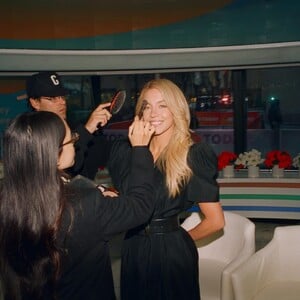
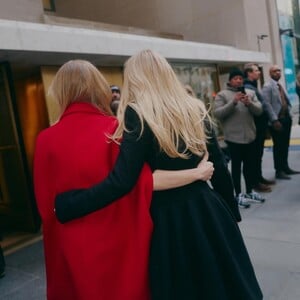
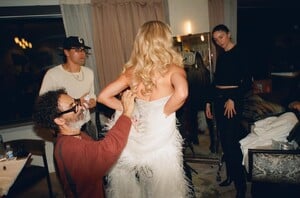
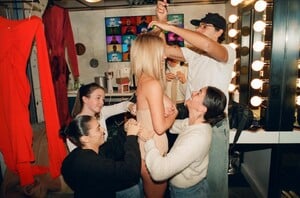
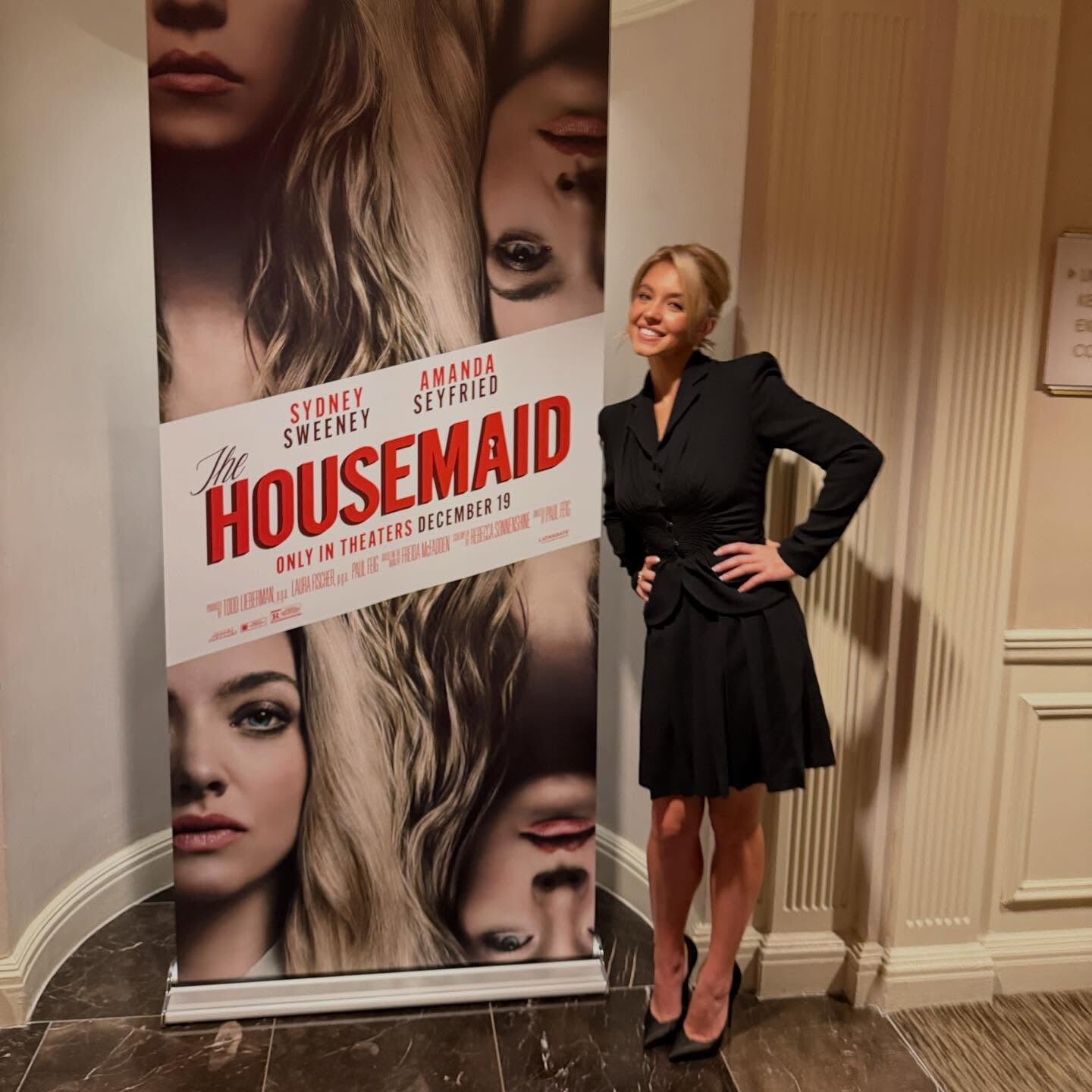
 The Housemaid (2025) press










- Yesterday
-
 I also want to know... she's gorgeous!













-
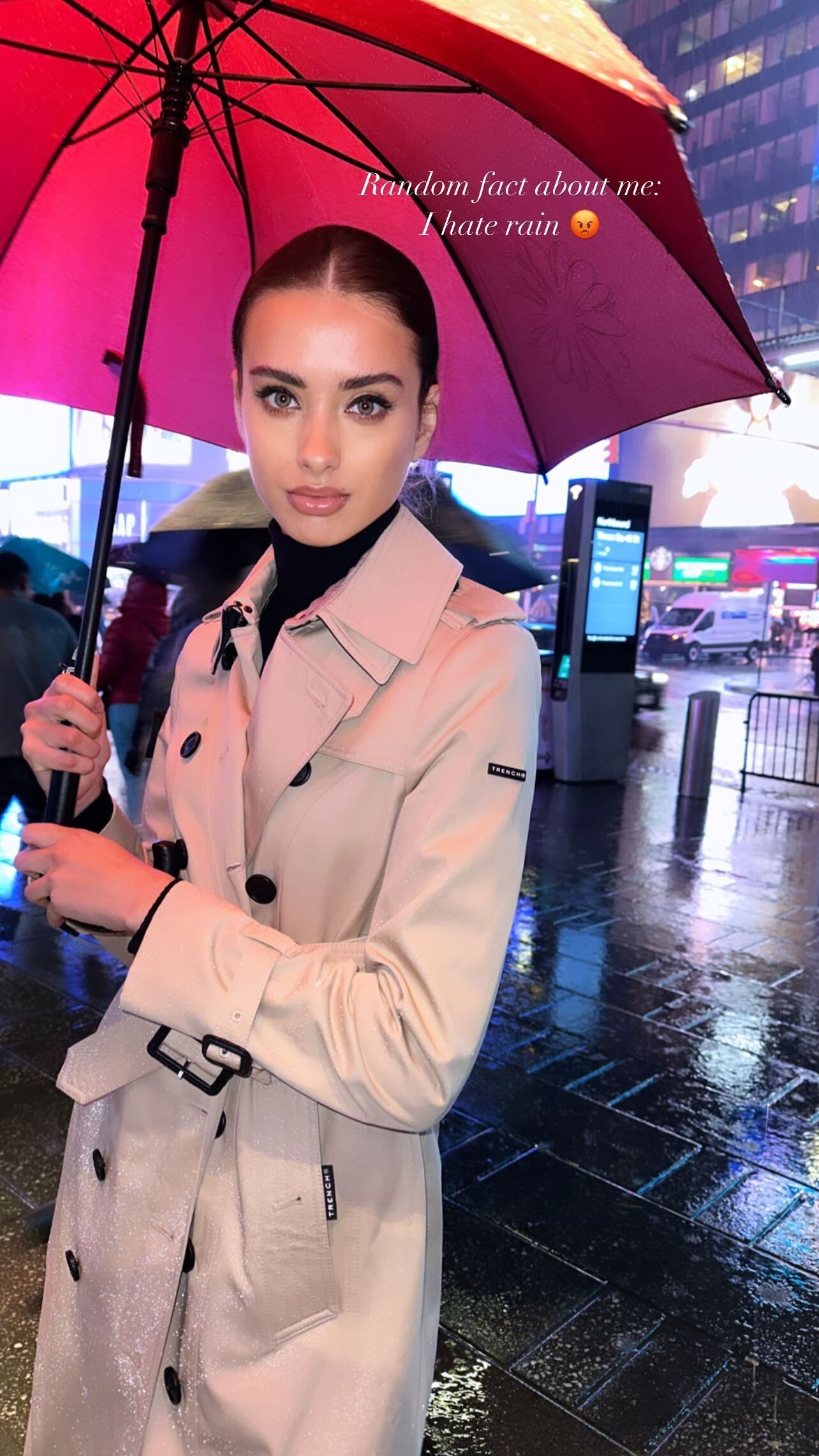
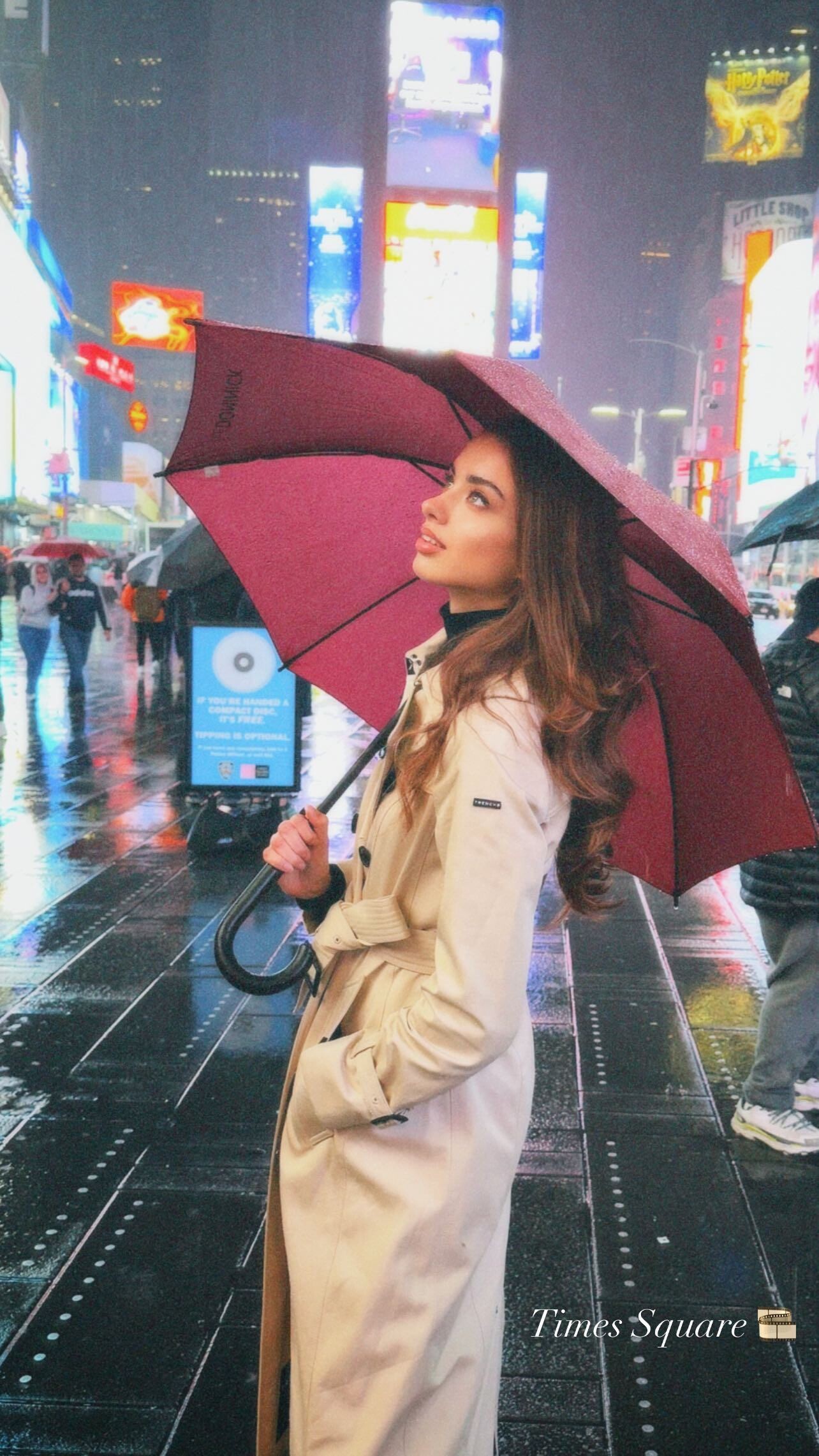
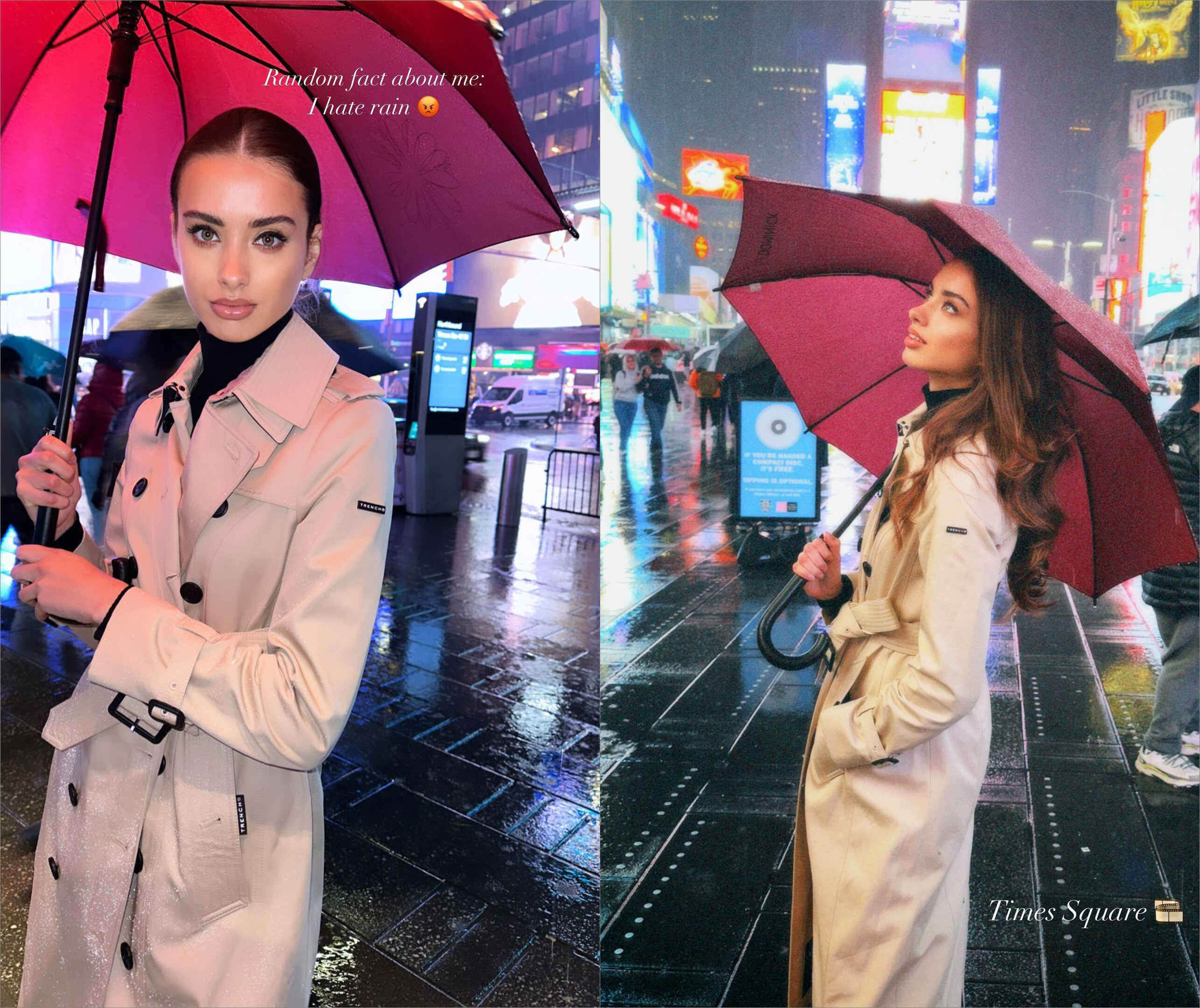
 stories (04/30/2023) video Liza Kovalenko - Instagram [2023.04.30].mp4


-
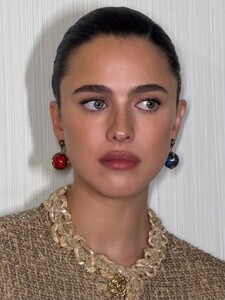
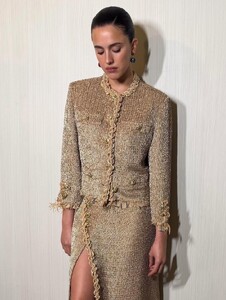
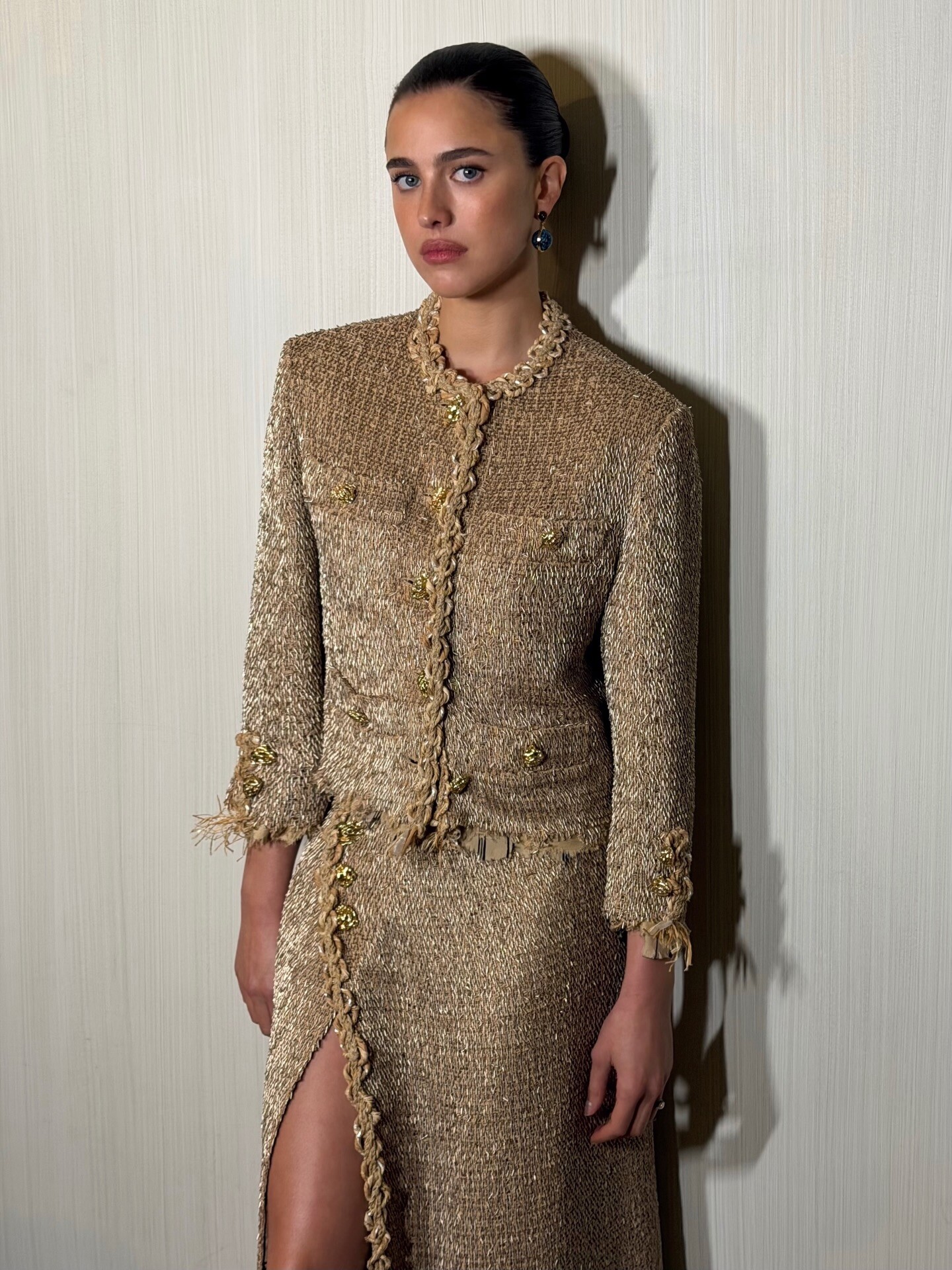
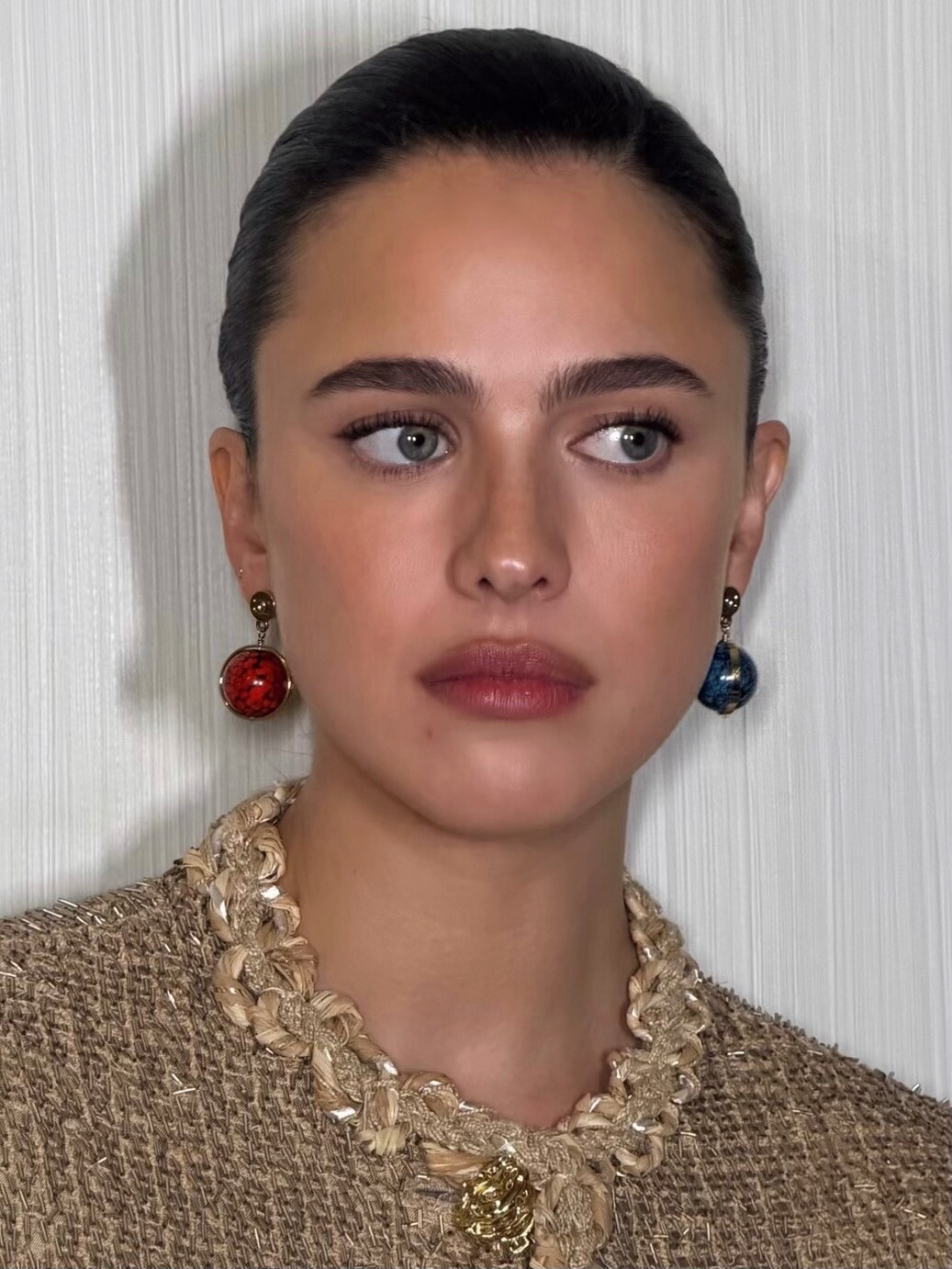
Chanel Métiers d’Art 2026 via Yukari Obayashi Bush


-
 Tini Martina StoeSSel
.jpg.309d5a96f588a8866544562628d154ac.jpg)
.jpg.543a5204b7b1c3cb0820e869eb8c9eb2.jpg)


-
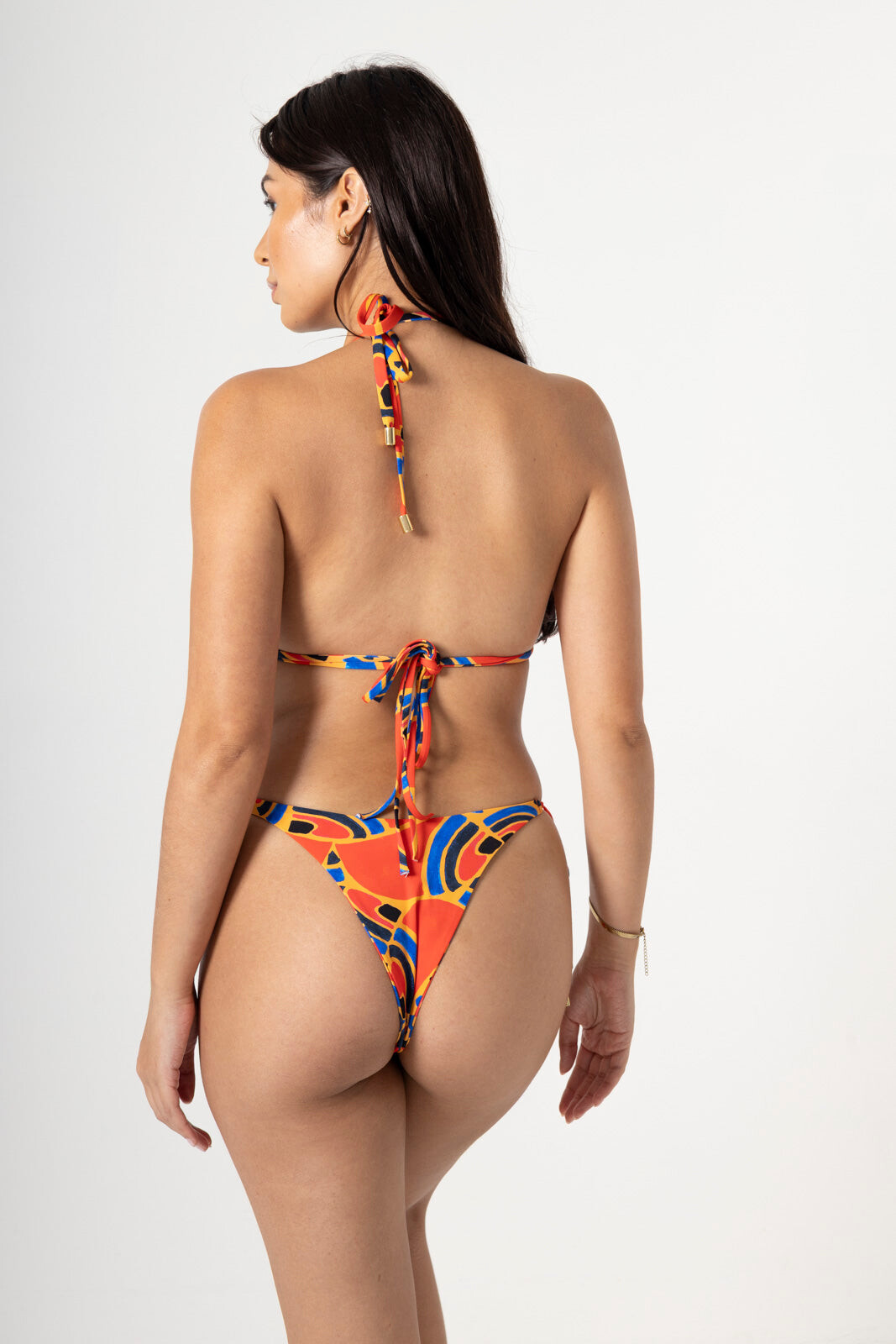
 bikini walk angelika_b_-_walk_bikini_v1 (1080p).mp4
BTS via Deadline XmUh6JUUVgSO5yiu.mp4
via Deadline Bm6XehNUDWZaNRkp.mp4
Celebrity Family Feud Special Holiday Event
Deadline Dakota Johnson Talks Dark Side Of Producing: “You See Behind The Curtain & It’s Ugly” https://deadline.com/video/dakota-johnson-a-tree-is-blue-hollywood-red-sea/ https://www.youtube.com/watch?v=kzaQufl0-jU
bikini walk angelika_b_-_walk_bikini_v1 (1080p).mp4
BTS via Deadline XmUh6JUUVgSO5yiu.mp4
via Deadline Bm6XehNUDWZaNRkp.mp4
Celebrity Family Feud Special Holiday Event
Deadline Dakota Johnson Talks Dark Side Of Producing: “You See Behind The Curtain & It’s Ugly” https://deadline.com/video/dakota-johnson-a-tree-is-blue-hollywood-red-sea/ https://www.youtube.com/watch?v=kzaQufl0-jU
 Sabrina Carpenter on Working With My Best Friends
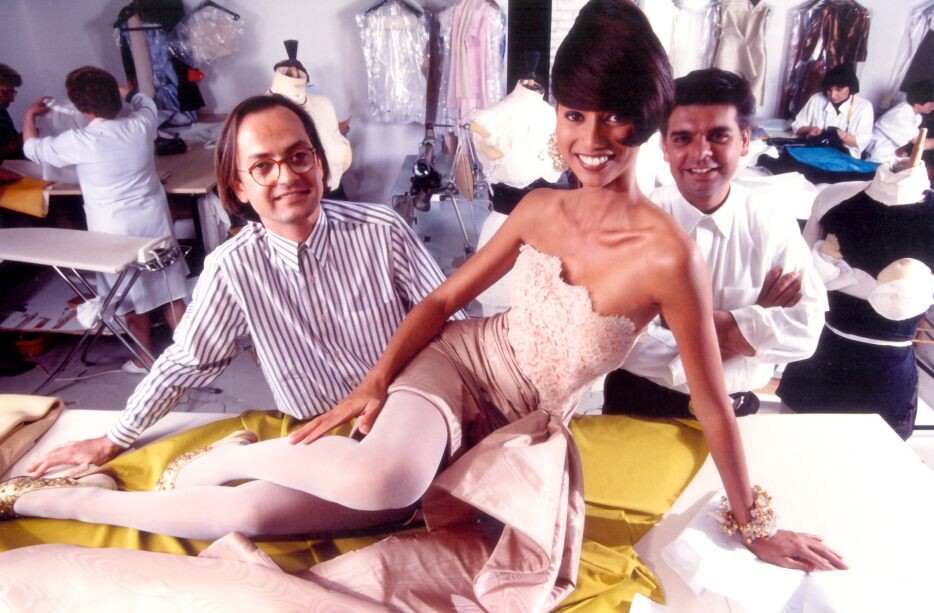
 "Perine Fernando, a model from Sri Lanka and still a dear friend, lounges on a cutting table in the silk + drape atelier, sporting a typical ‘short and long’ lace bustier dress, while we were having a giggle over the trial for an amusing hairdo we finally opted out of". --source: Lecoanet Hemant via thevoiceoffashion
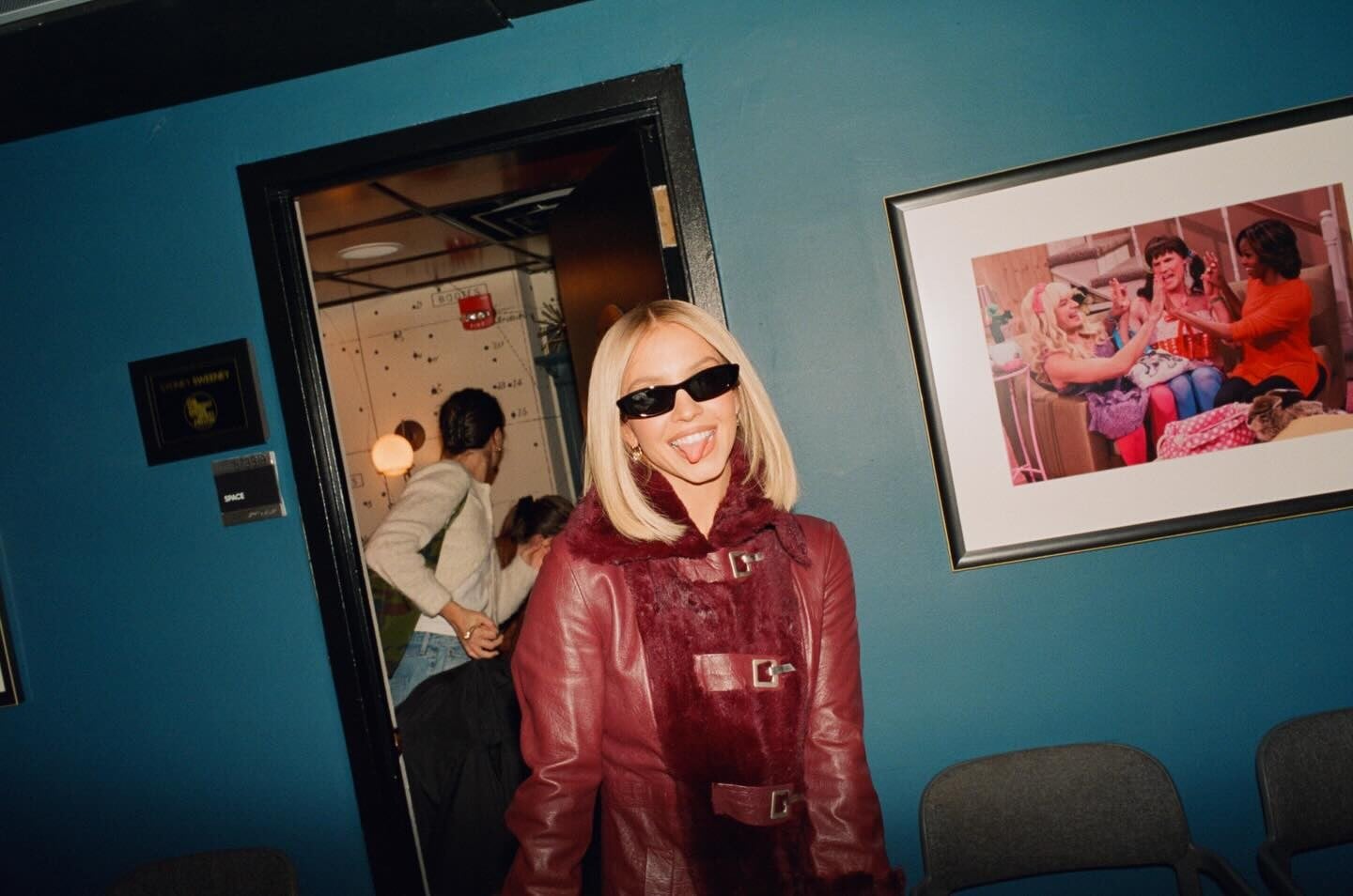
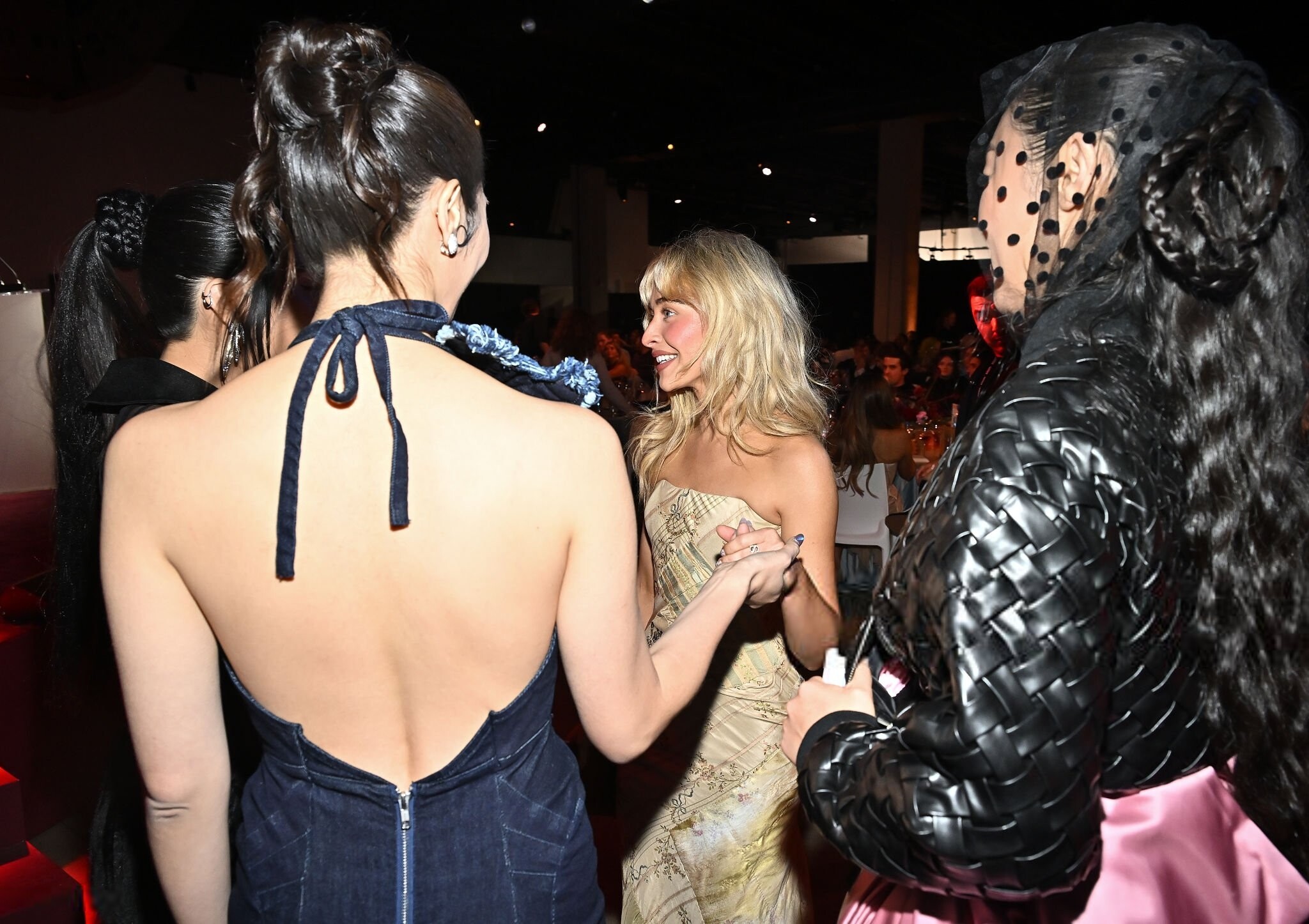
 Variety Hitmakers Brunch in Los Angeles December 6, 2025 wtr1023 at picturepub











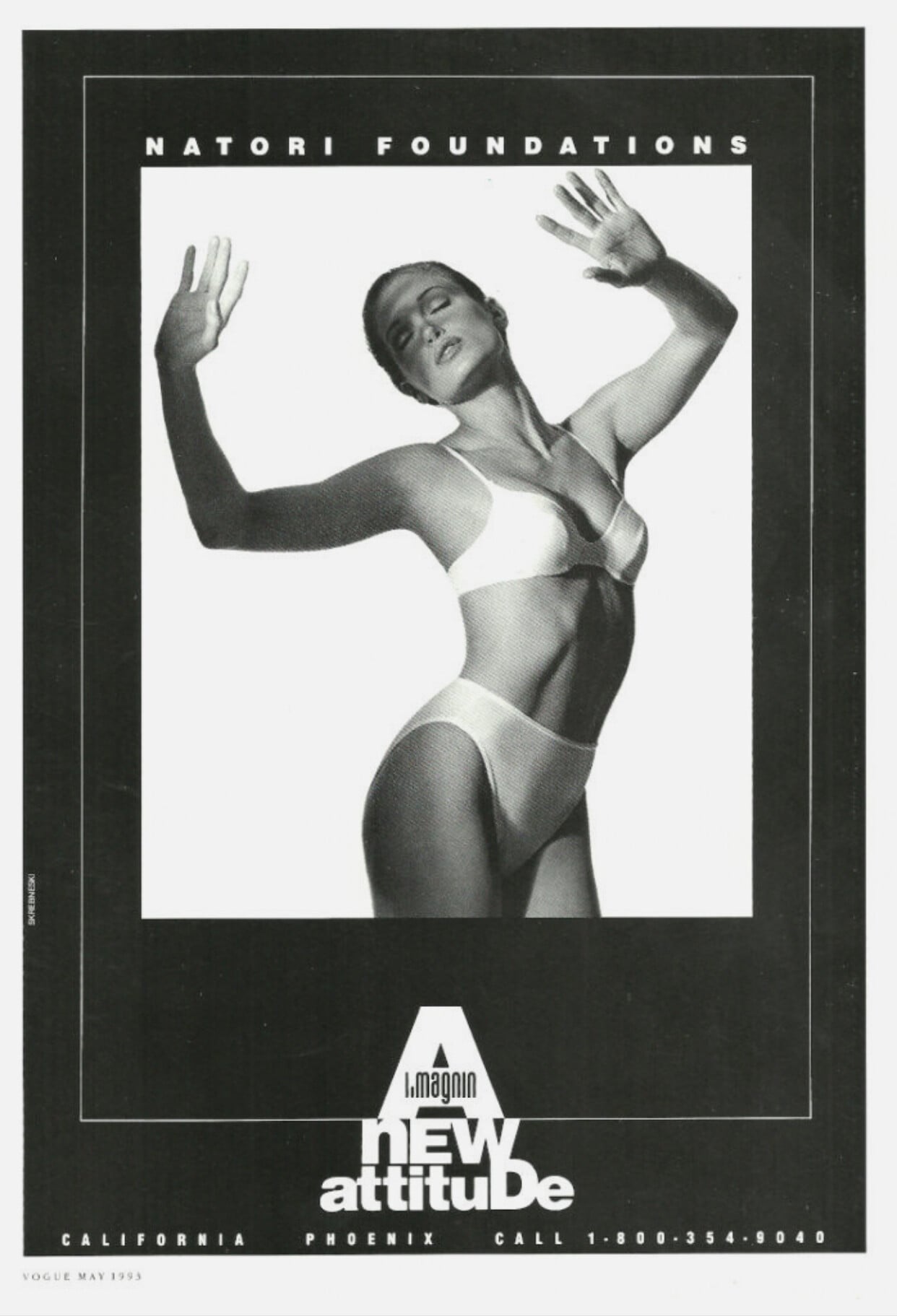
 Natori ad for i.magnin (1993) Photographer: Victor Skrebneski

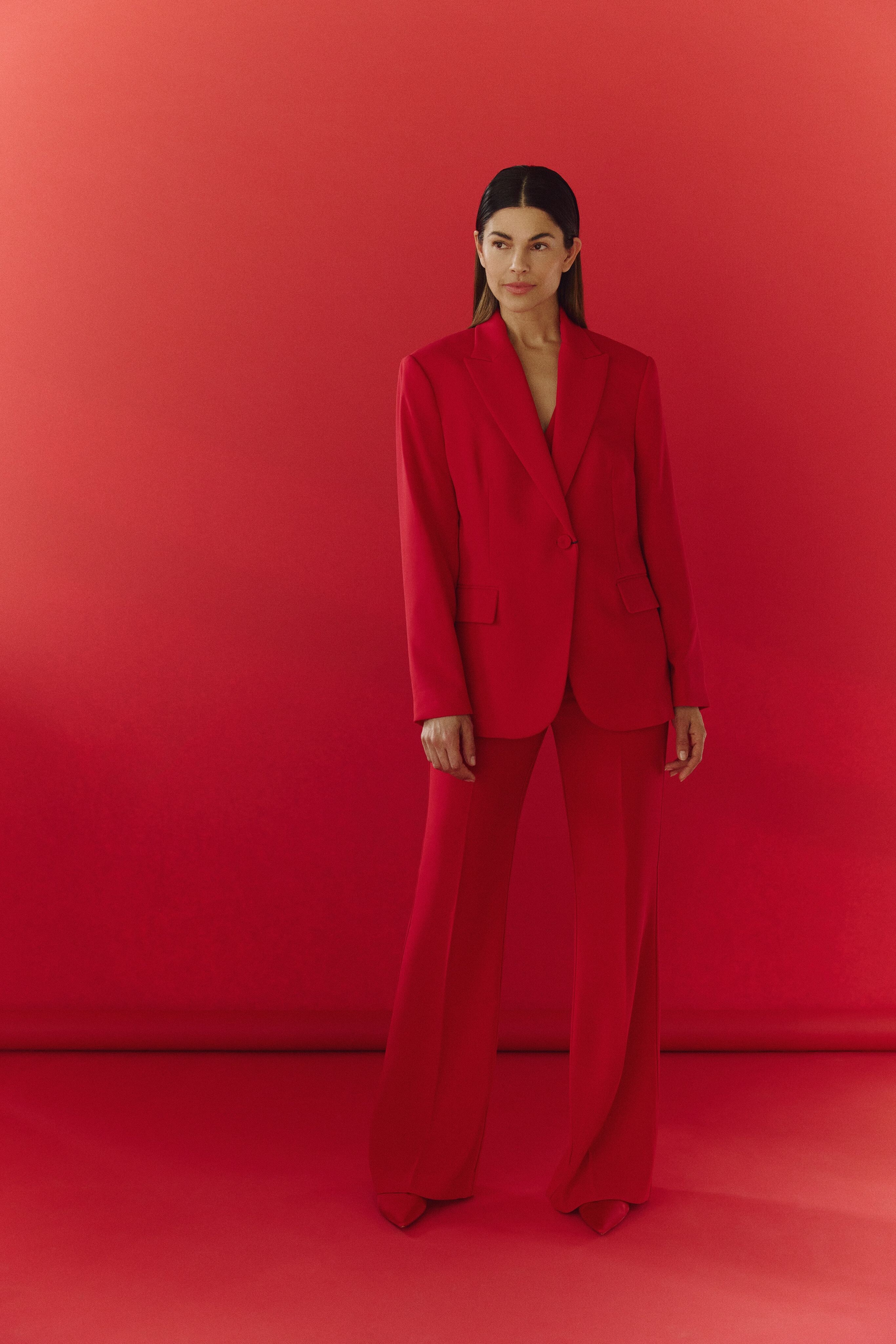
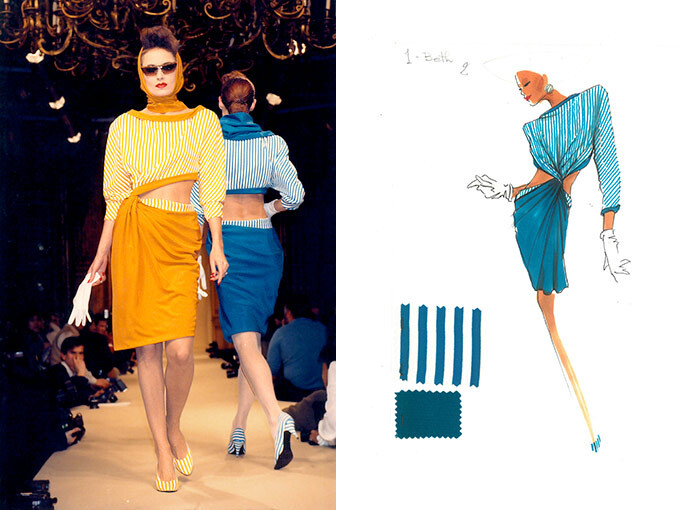
 ALAIN MANOUKIAN 1999 - PH. UNK - MY SCAN

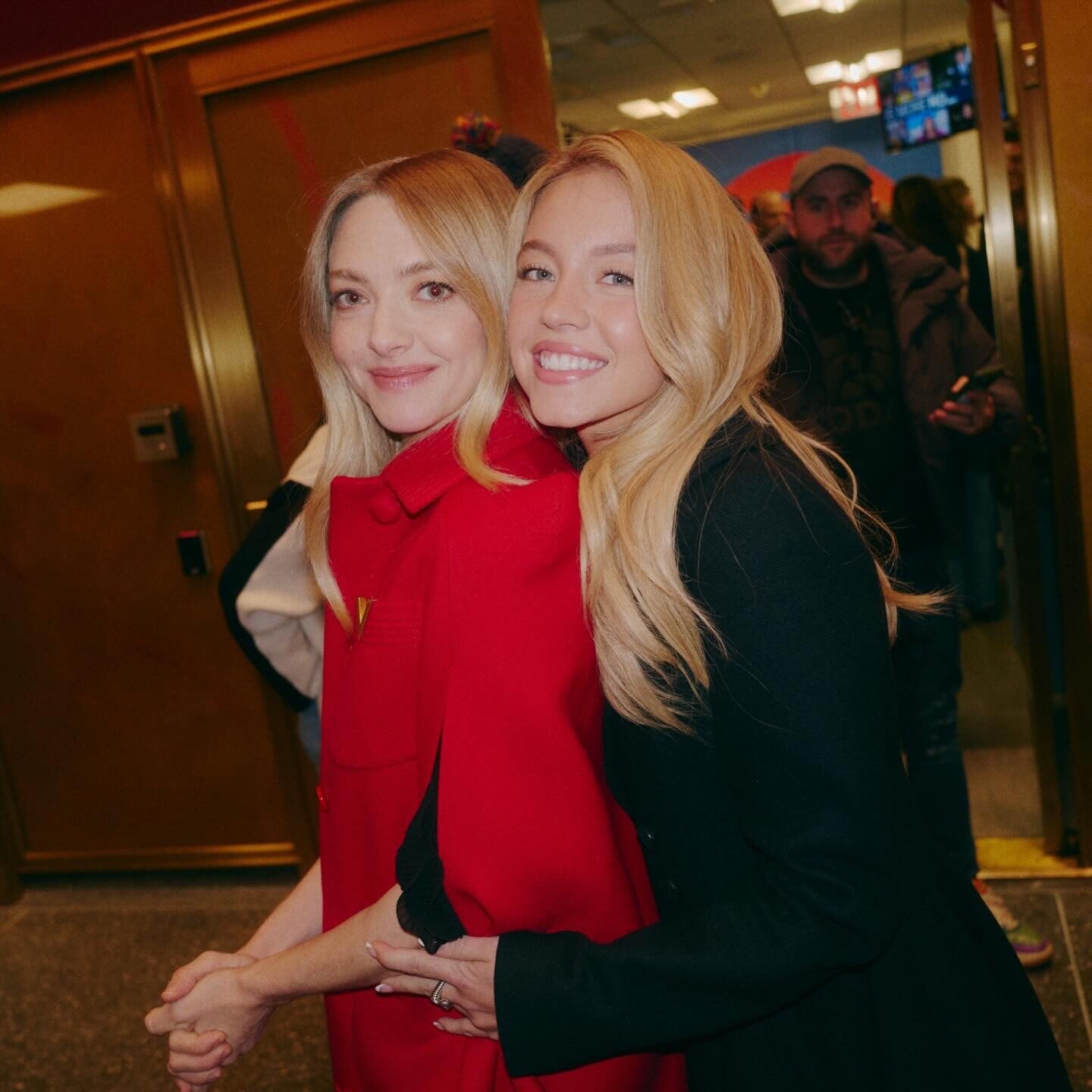
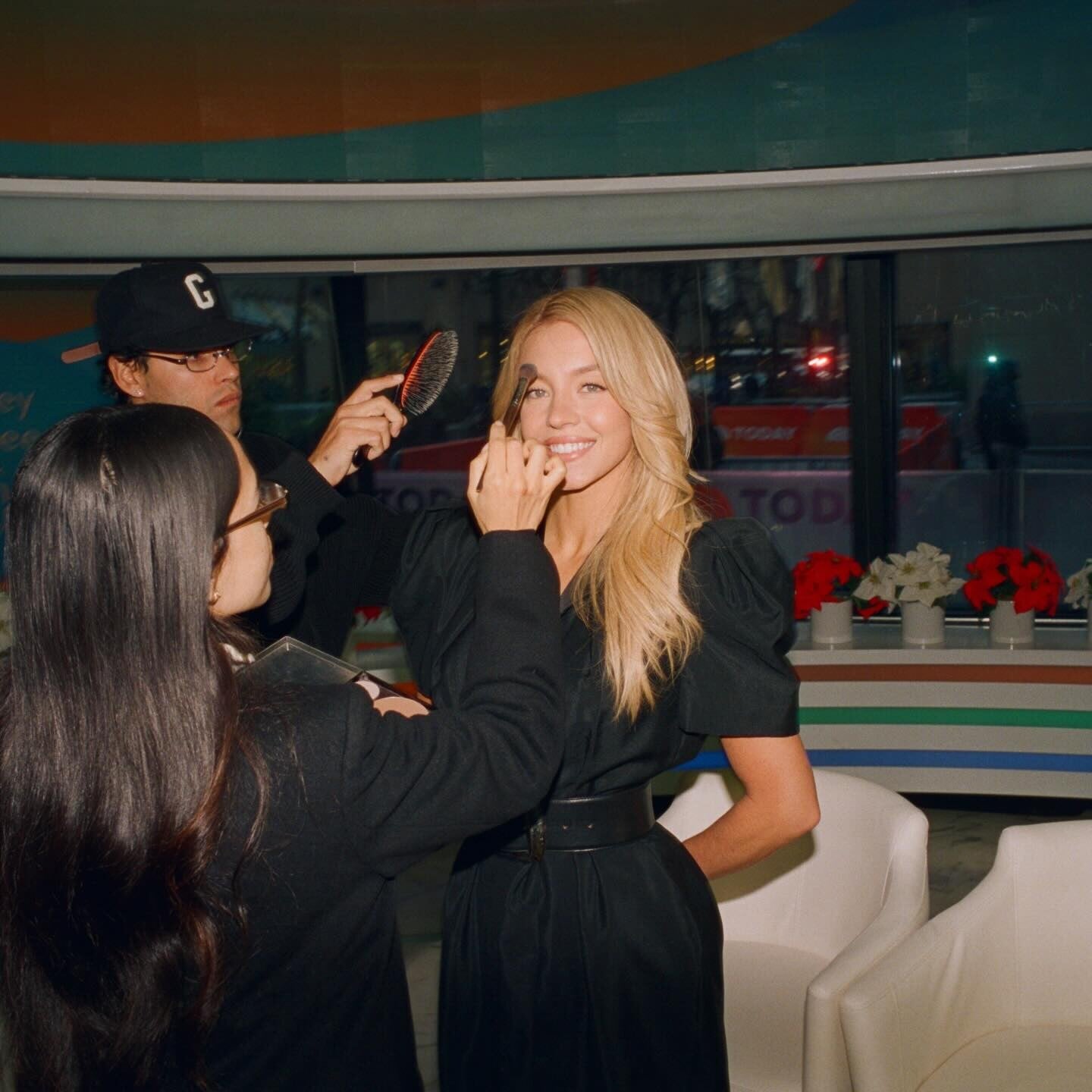

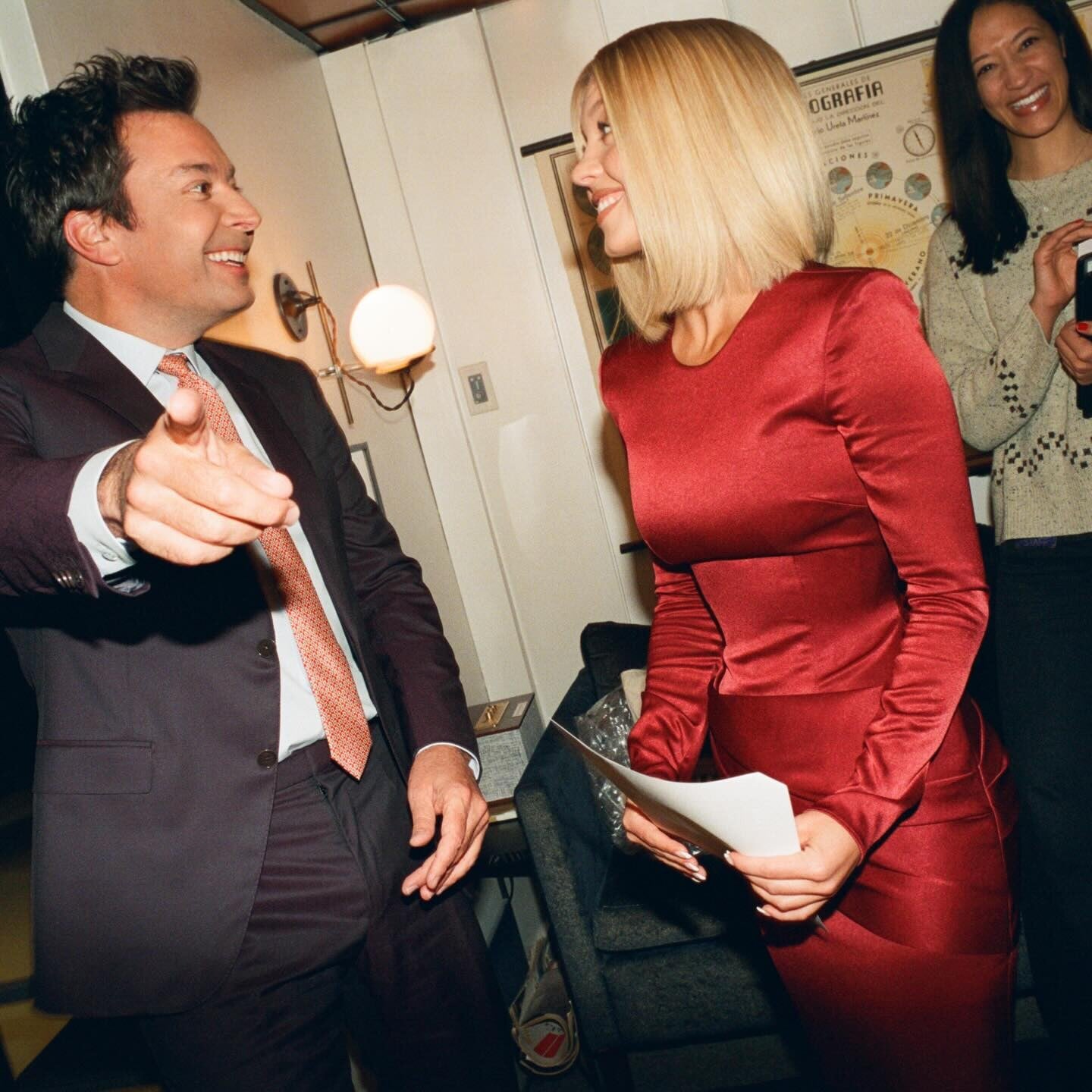
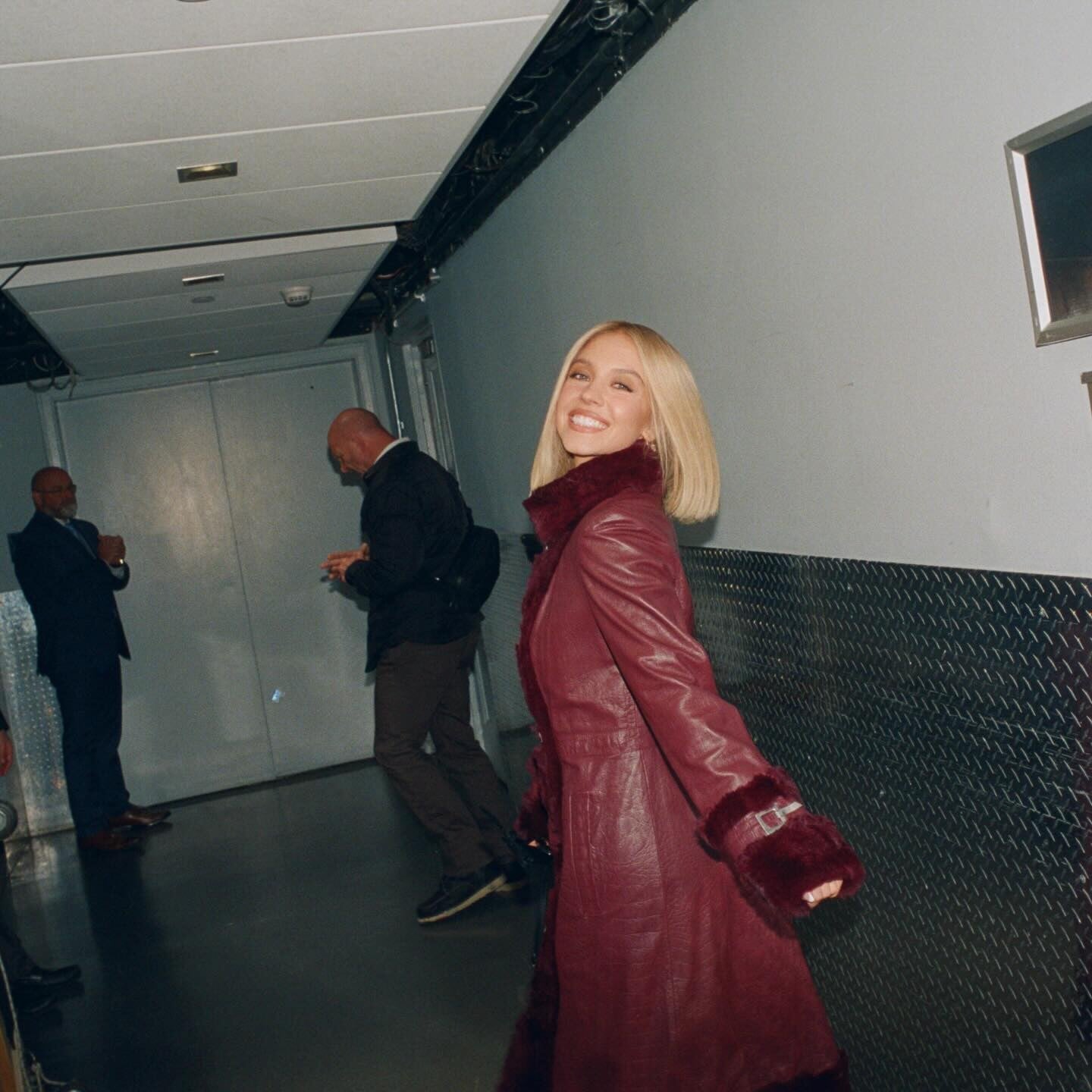
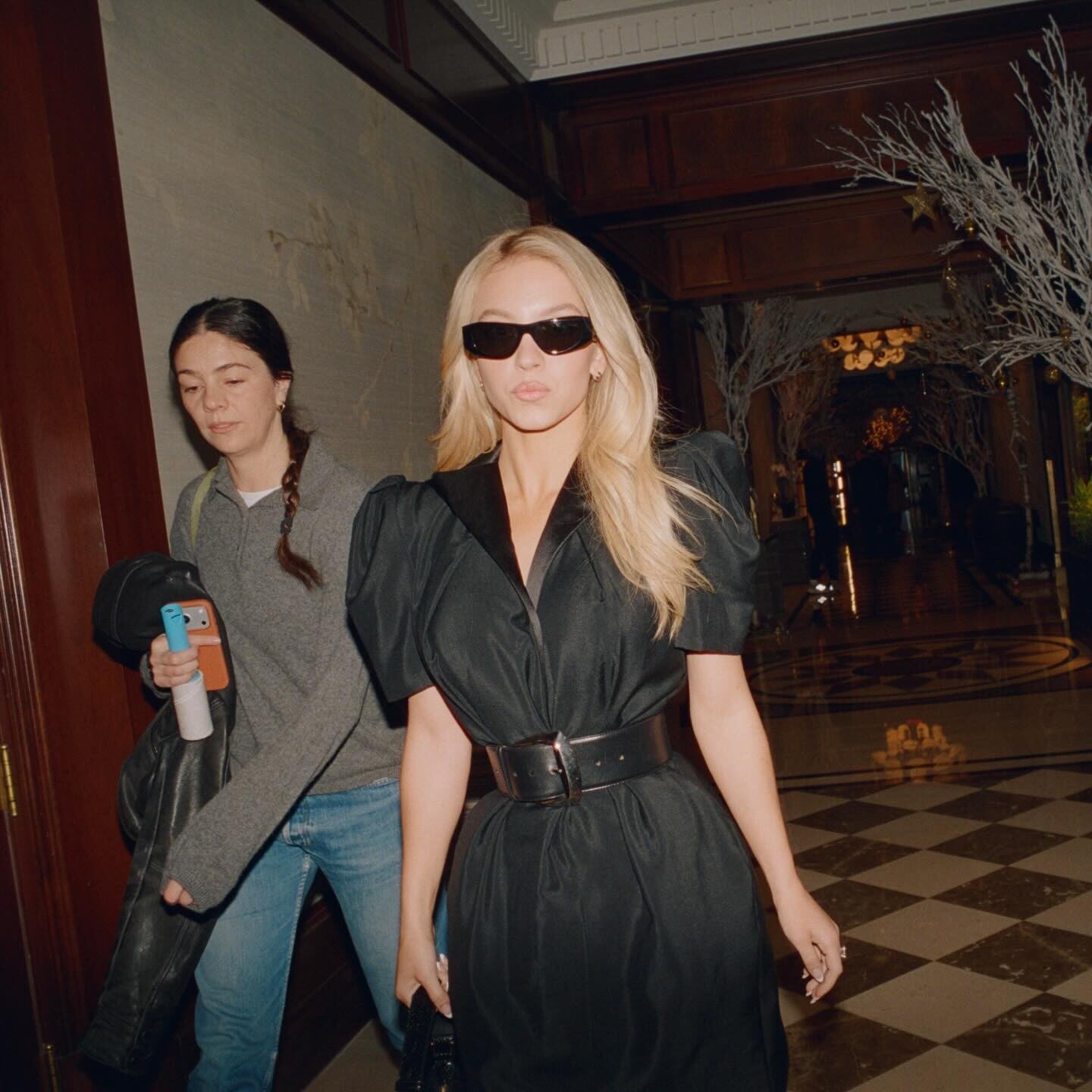
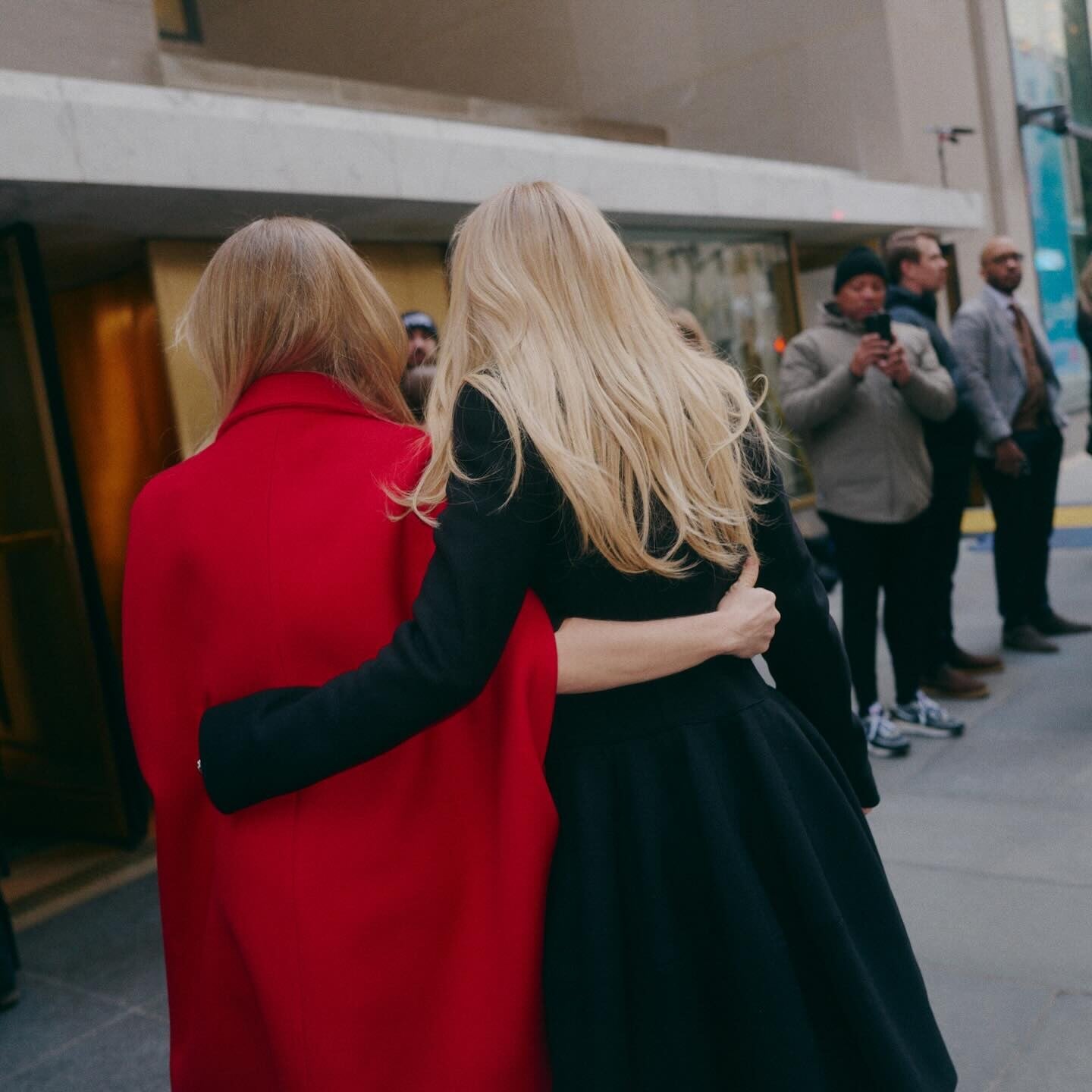
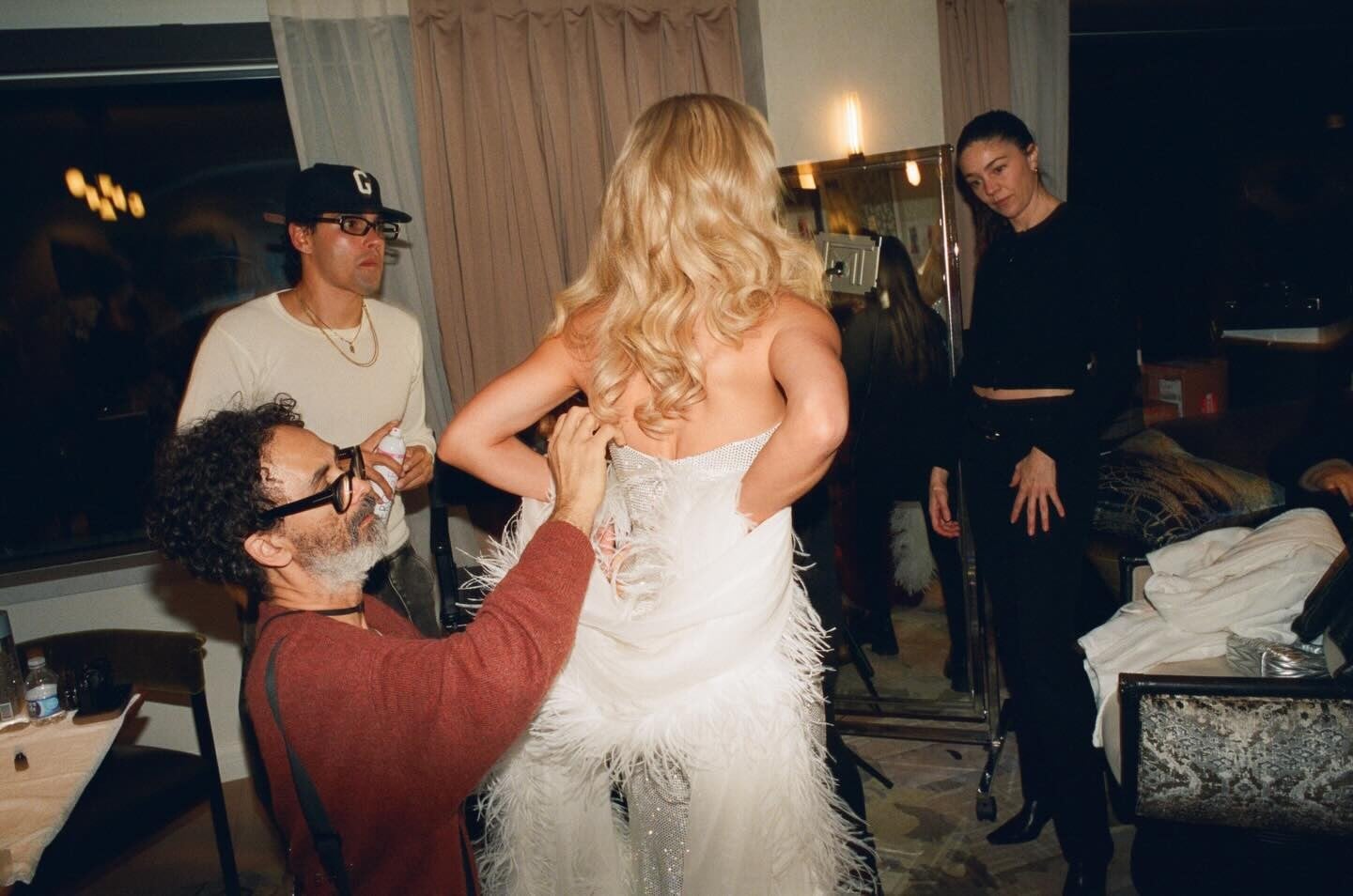
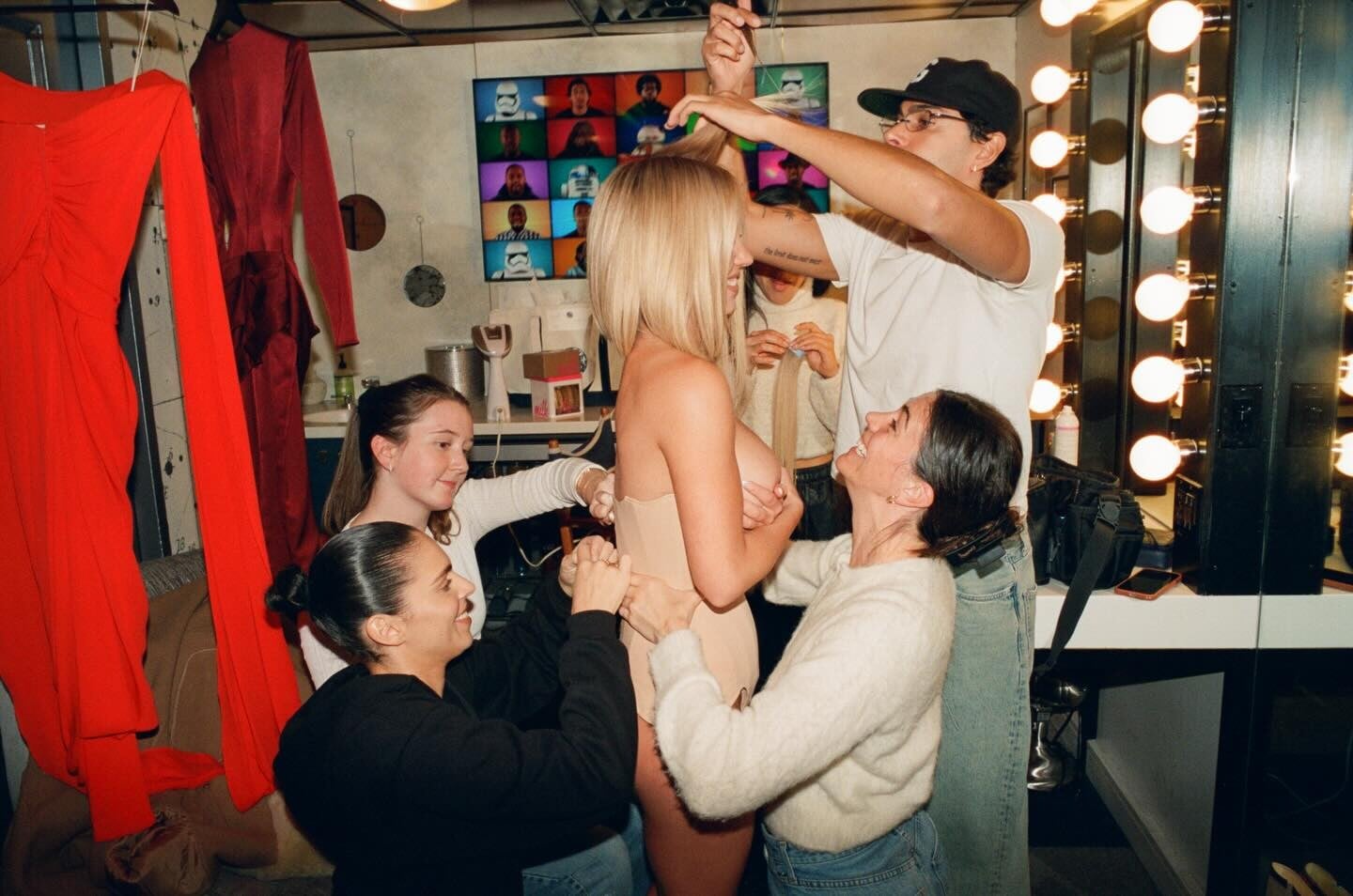




















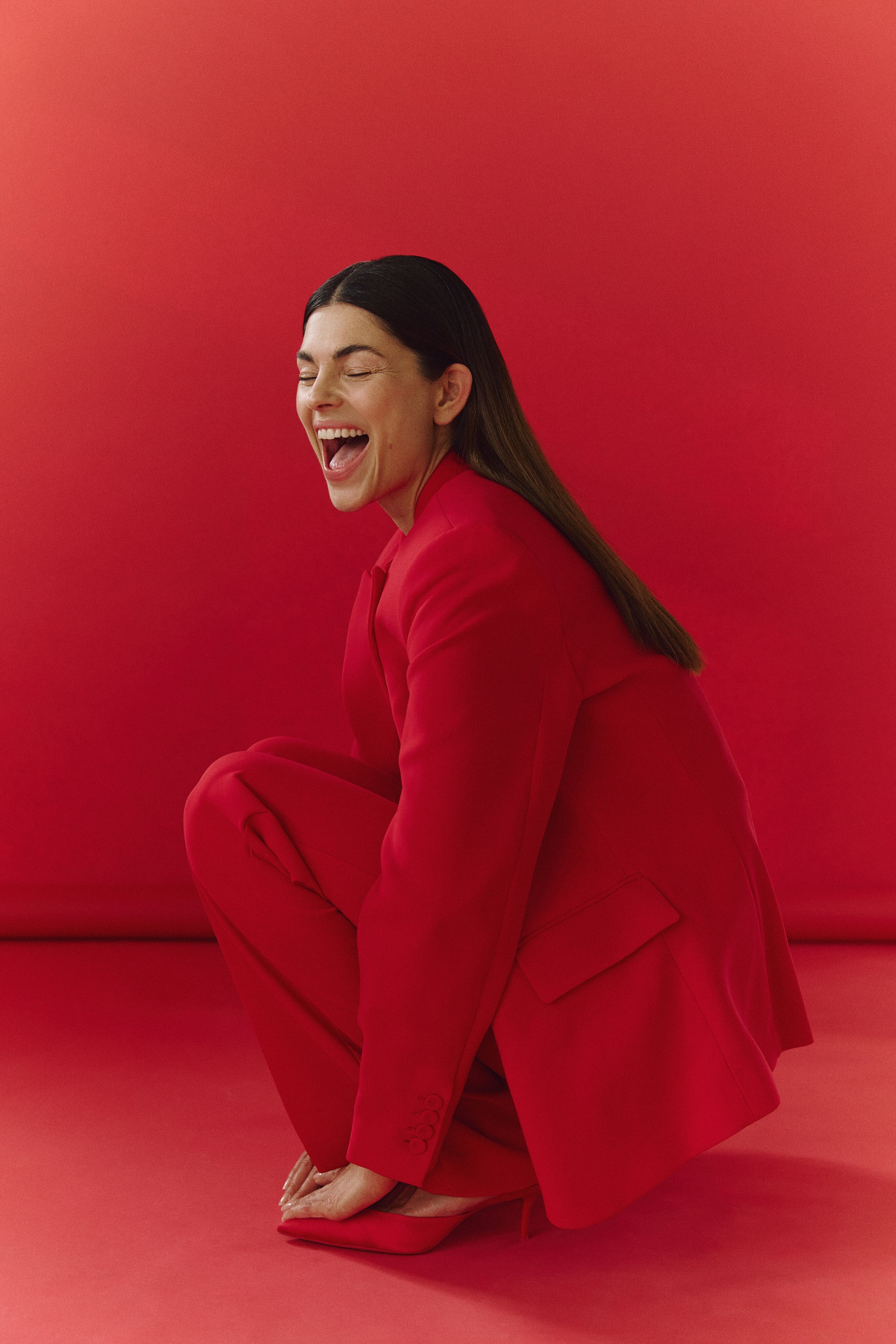
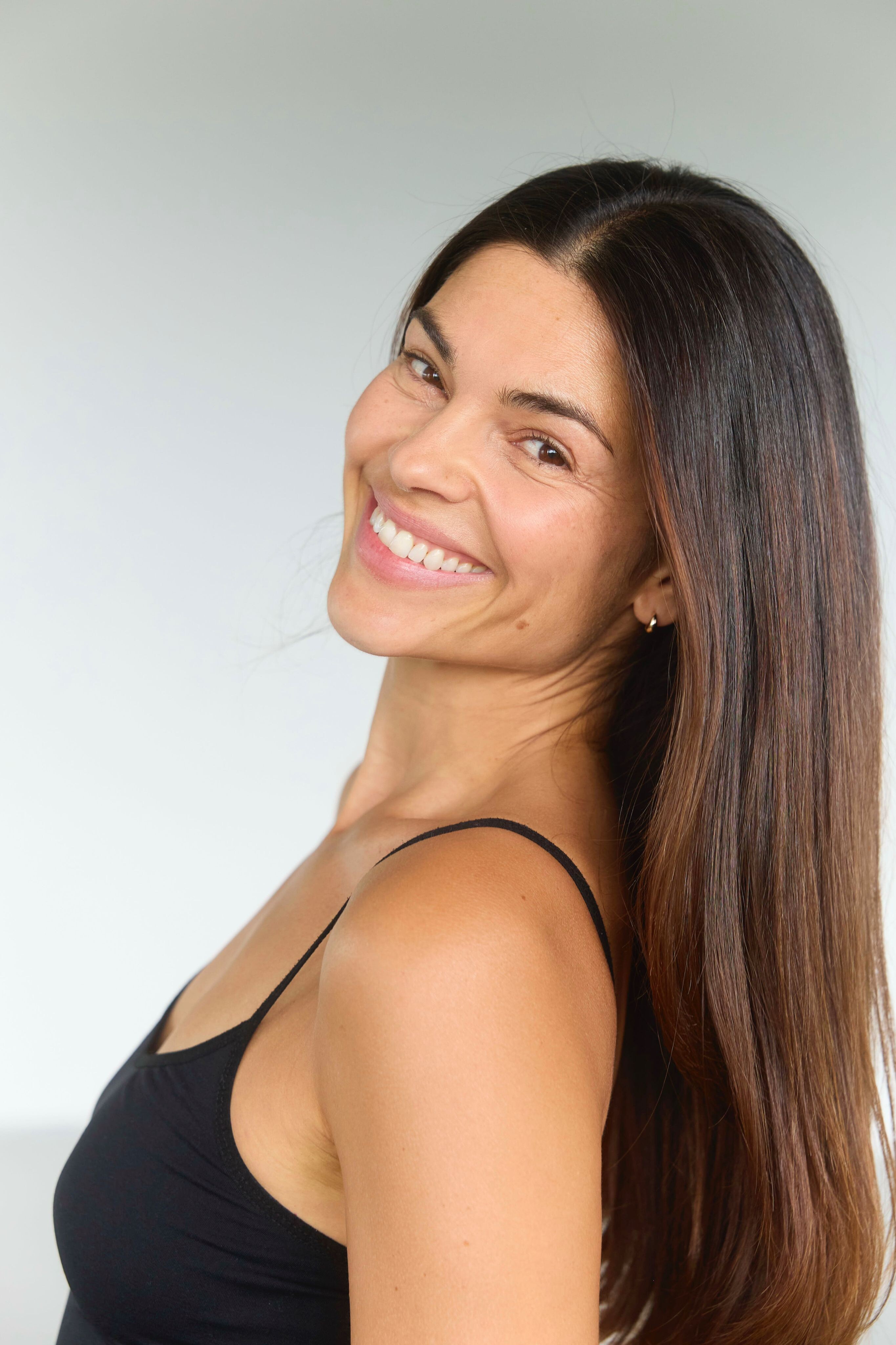

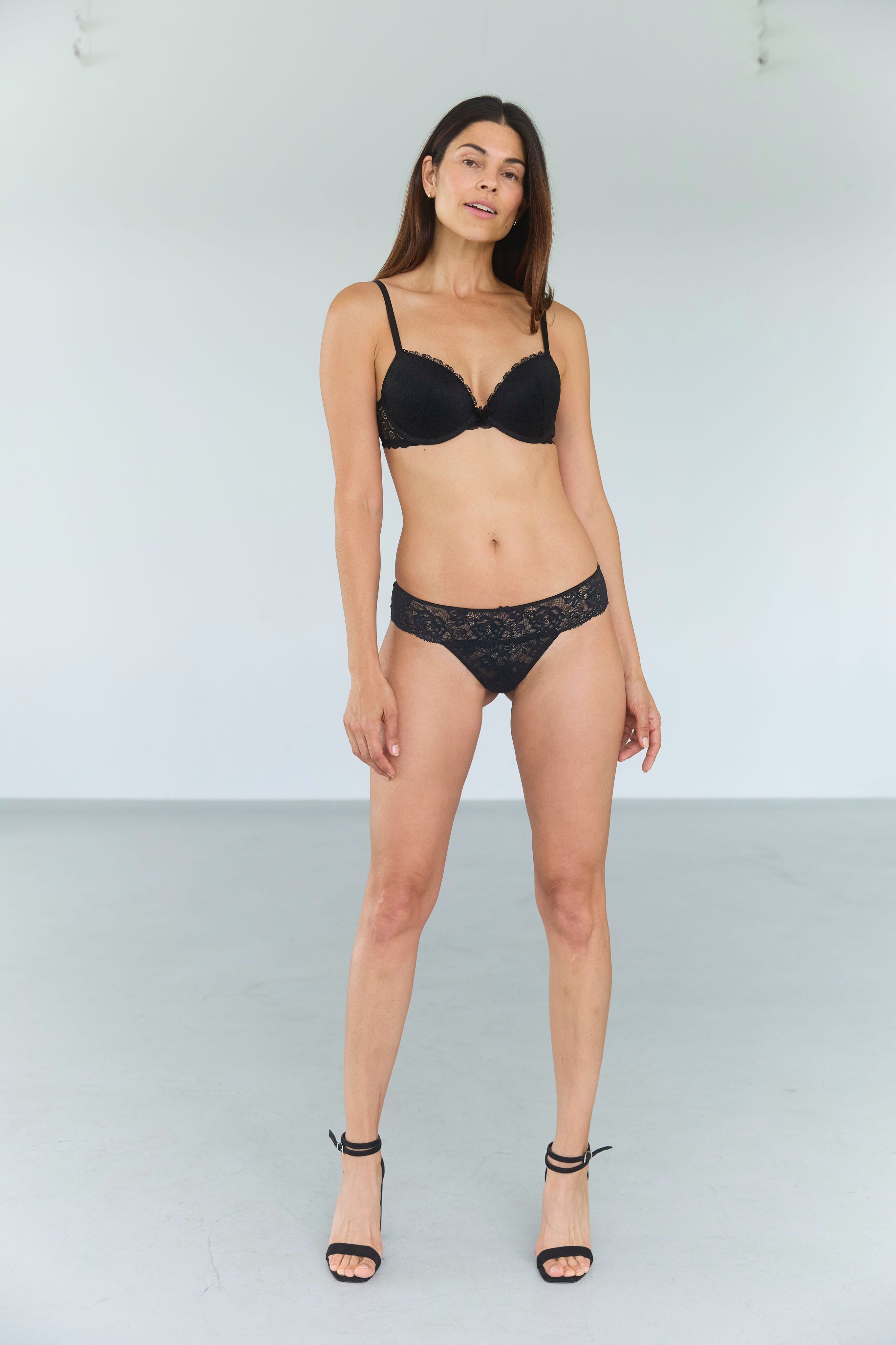
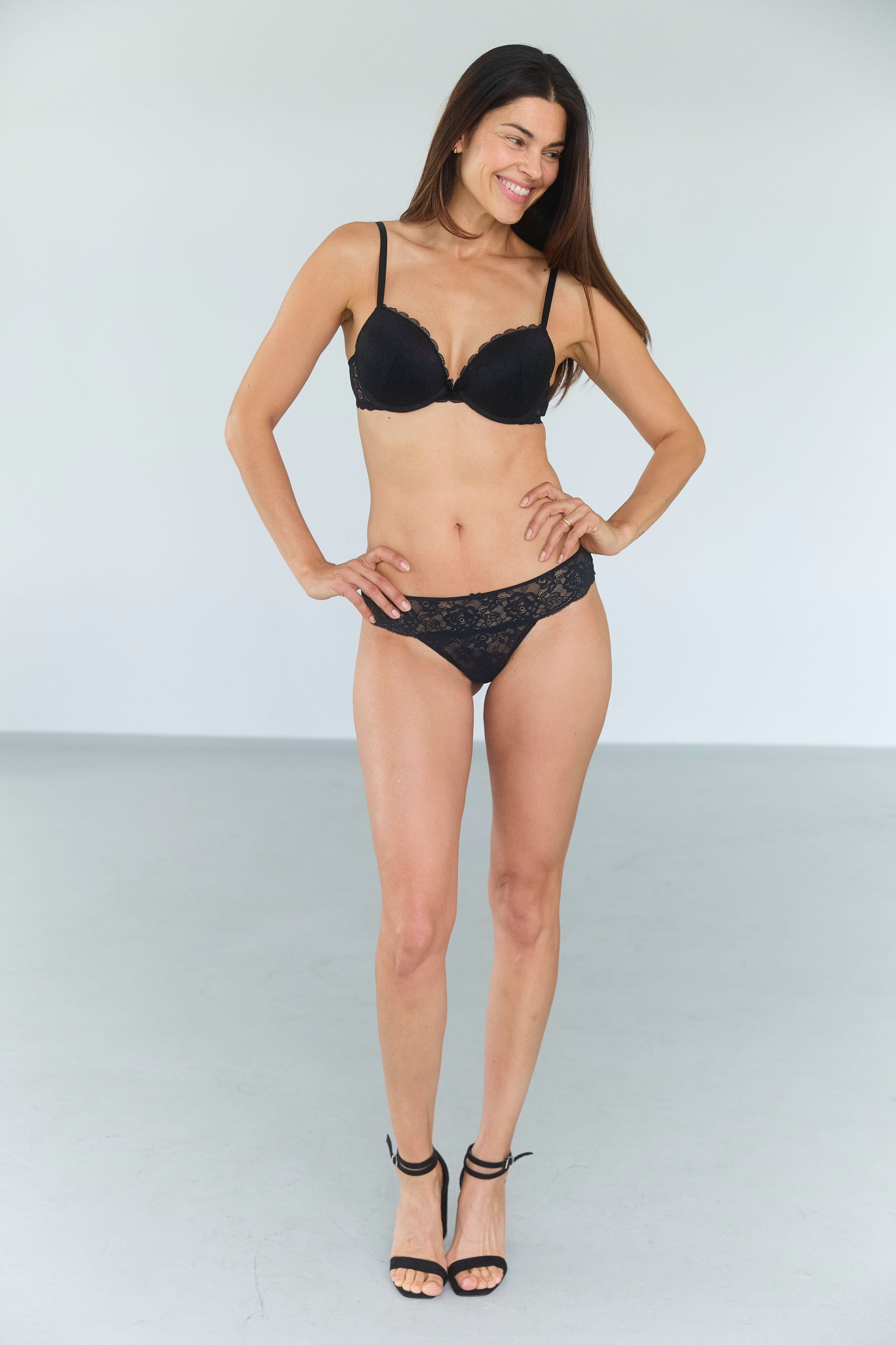





















.jpg.ddcc463e9a7bce3fa24c1336f83eba7e.jpg)




Account
Search
Configure browser push notifications
Chrome (Android)
- Tap the lock icon next to the address bar.
- Tap Permissions → Notifications.
- Adjust your preference.
Chrome (Desktop)
- Click the padlock icon in the address bar.
- Select Site settings.
- Find Notifications and adjust your preference.
Safari (iOS 16.4+)
- Ensure the site is installed via Add to Home Screen.
- Open Settings App → Notifications.
- Find your app name and adjust your preference.
Safari (macOS)
- Go to Safari → Preferences.
- Click the Websites tab.
- Select Notifications in the sidebar.
- Find this website and adjust your preference.
Edge (Android)
- Tap the lock icon next to the address bar.
- Tap Permissions.
- Find Notifications and adjust your preference.
Edge (Desktop)
- Click the padlock icon in the address bar.
- Click Permissions for this site.
- Find Notifications and adjust your preference.
Firefox (Android)
- Go to Settings → Site permissions.
- Tap Notifications.
- Find this site in the list and adjust your preference.
Firefox (Desktop)
- Open Firefox Settings.
- Search for Notifications.
- Find this site in the list and adjust your preference.