All Activity
- Past hour
-

-
 TheBeautifulCrimes joined the community
 -
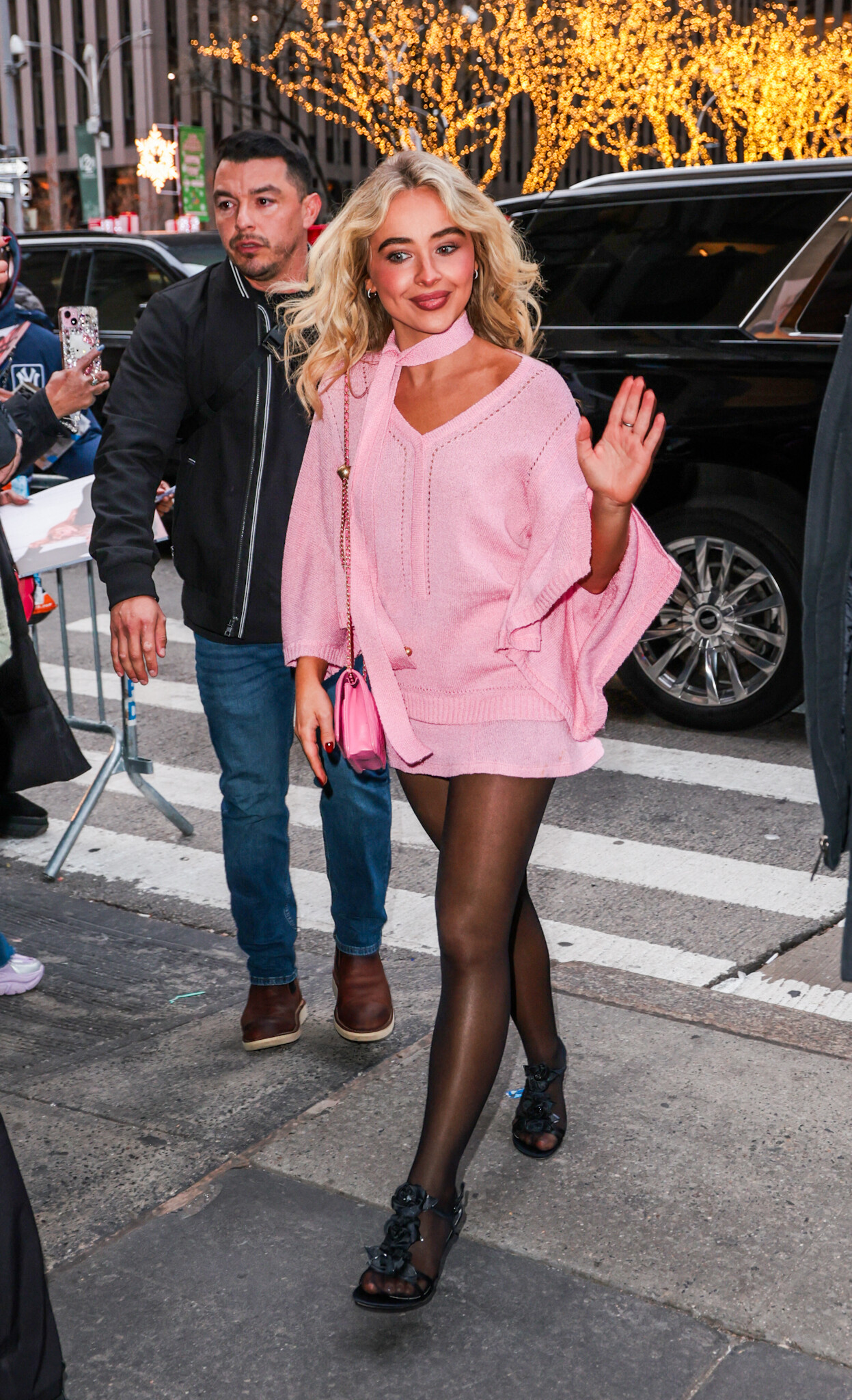
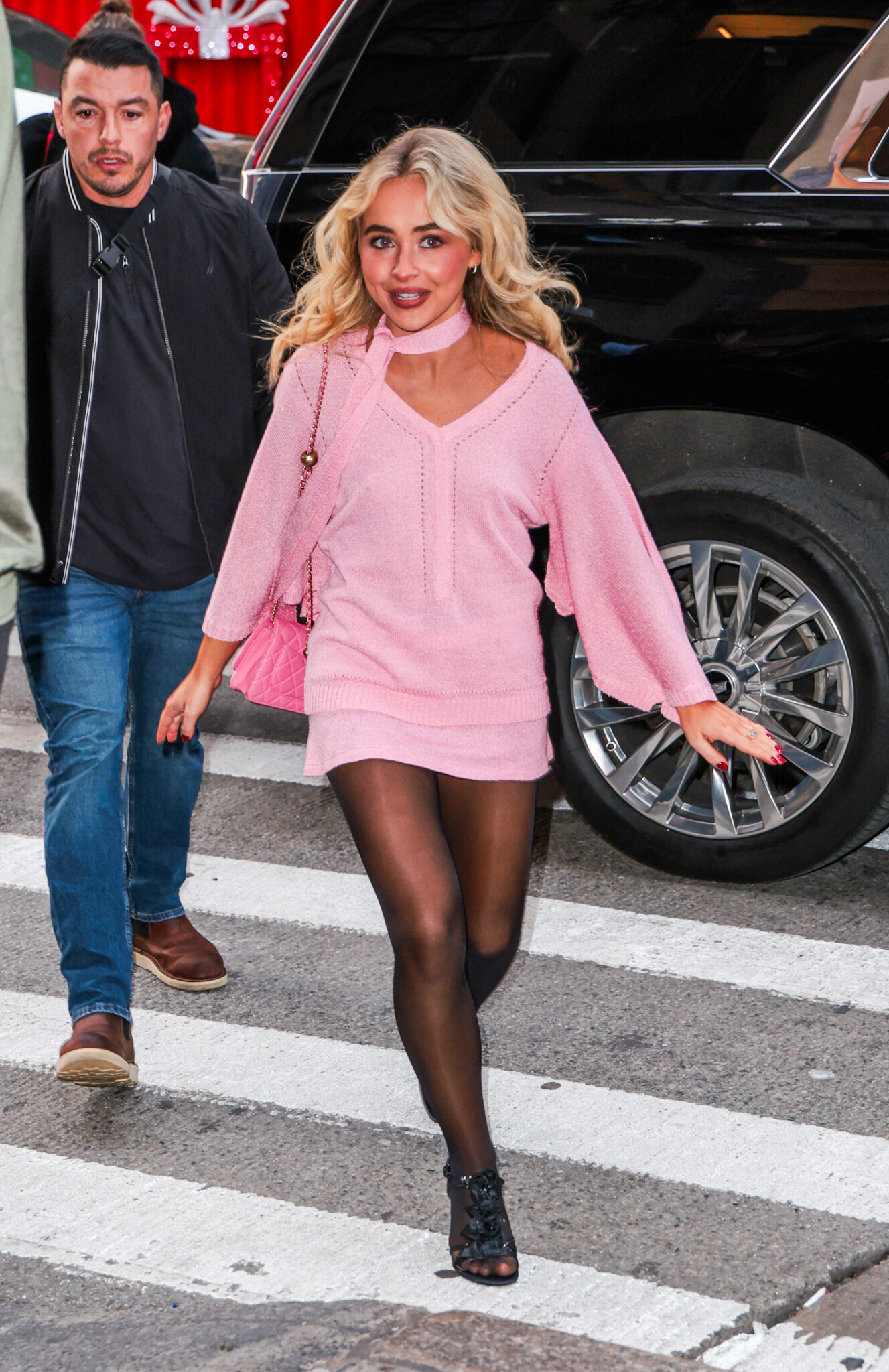
arriving at 'Late Night With Seth Meyers' in New York City - December 8, 2025 wtr1023 at picturepub


















-
'Fair Play' Star Phoebe Dynevor Chooses Between 'Bridgerton' and 'Coronation Street' I This or That
-
 The Ralph Lauren Holiday Experience in Los Angeles 12.05.2025 pantyh at picturepub


 2480e1501f6d8e7586499d.mp4
- Today
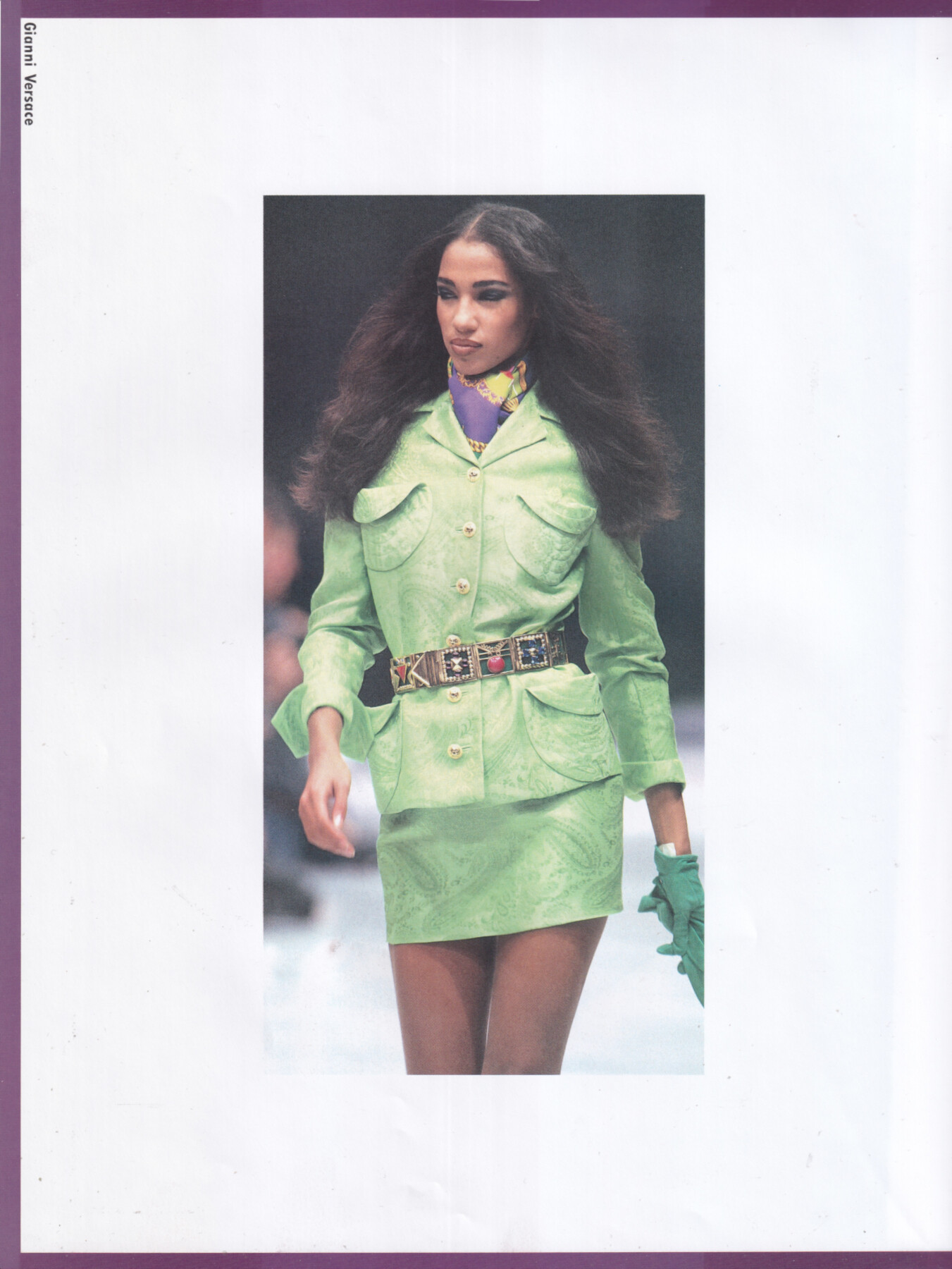
 Thanks for pointing that out! Here's the biggest version I could find. Still can't tell what year & photographer though.
 Avatar 2 cast on Kate Winslet’s 7:14 breath hold, family love in ‘Way of Water’ | Etalk Interview
 Micaela Vazquez











 https://www.instagram.com/emma.fogarty/
 Claudia Mason for Gianni Versace, ready-to-wear, spring/summer 1991 my scan
 Sonia Cole for Gianni Versace, ready-to-wear, spring/summer 1991 my scan
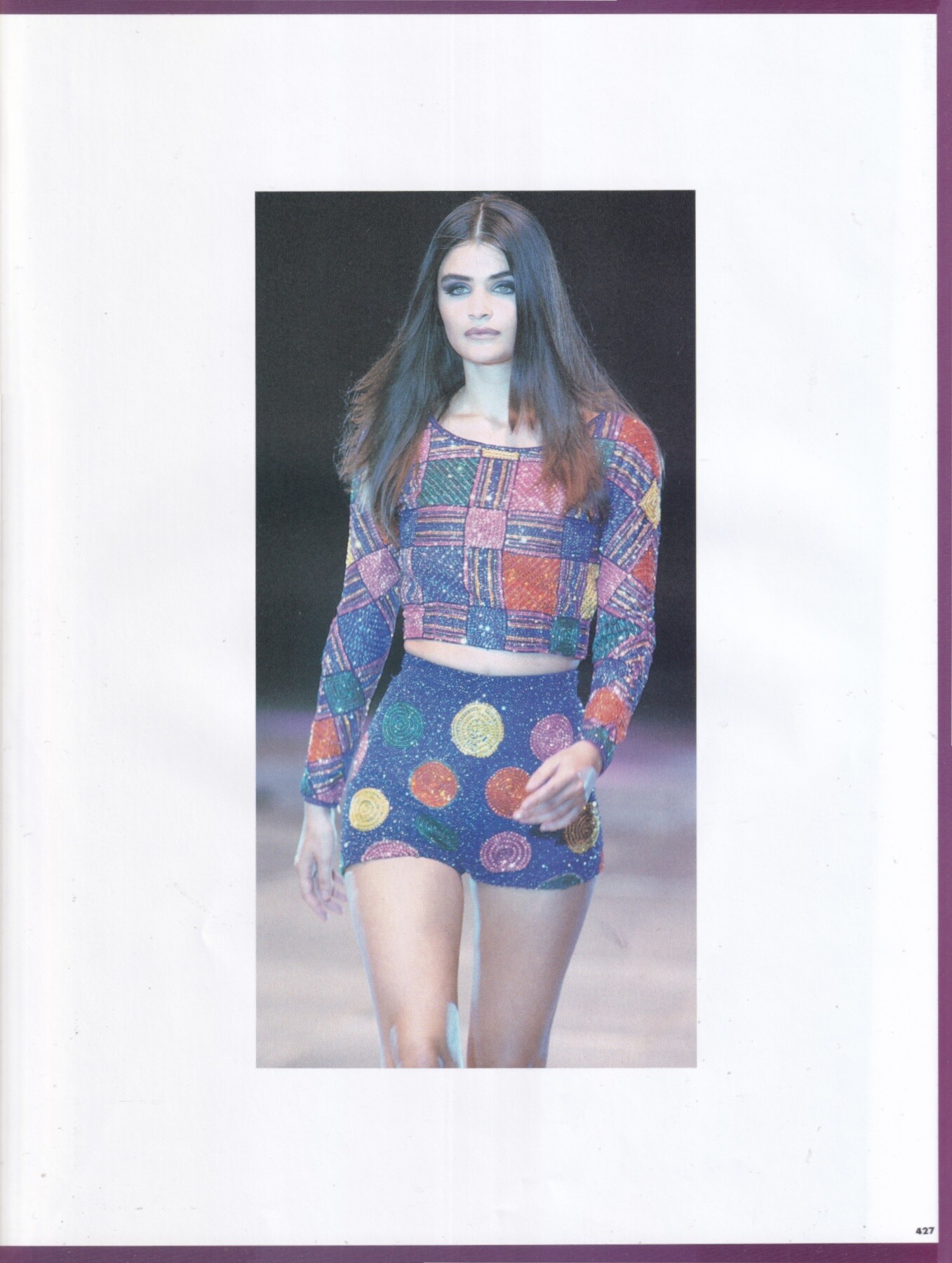
 Helena Christensen for Gianni Versace, ready-to-wear, spring/summer 1991 my scans
 Noemy François.mp4


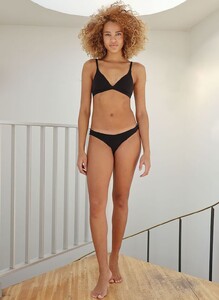 Modelwerk, ca.2023 719508.mp4
Yasmeen Ghauri for Gianni Versace, ready-to-wear, spring/summer 1991 my scan
Modelwerk, ca.2023 719508.mp4
Yasmeen Ghauri for Gianni Versace, ready-to-wear, spring/summer 1991 my scan 1757917185-7e71f593023.mp4 Spoiler 1757917174-4c7714e009.mp4
 .
. Manuela Zeballos





.thumb.jpg.646153dff653b2b2510c399919eefdae.jpg)


.thumb.jpg.d2b28db124117b07ddea2ecb9c5e0f70.jpg)
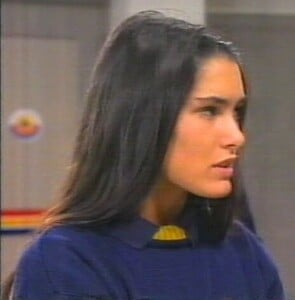 Yasmin Le Bon for Gianni Versace, ready-to-wear, spring/summer 1991 my scan
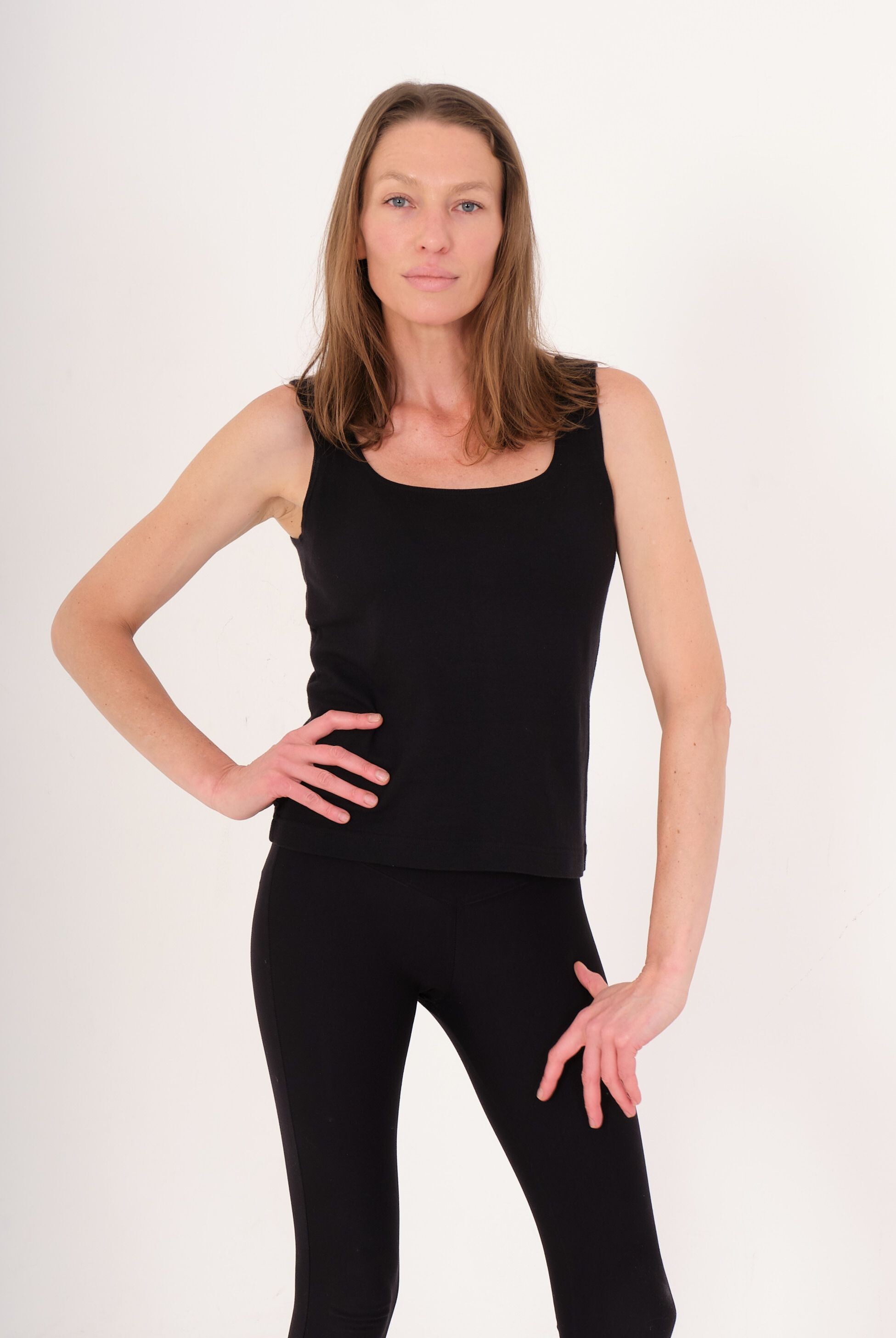
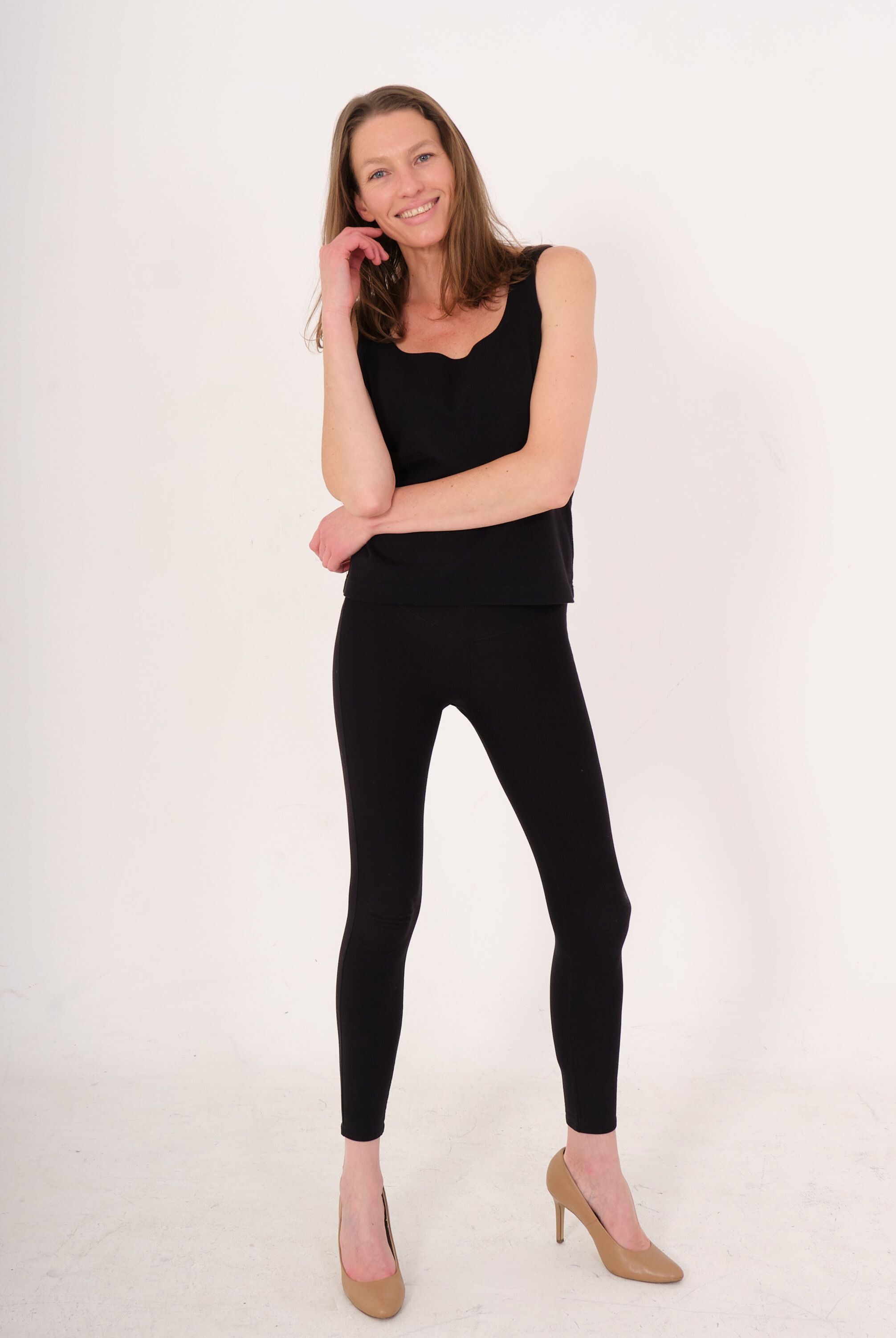
 My sister from another mister 👯♀️ guess our nationalities 👇🏽



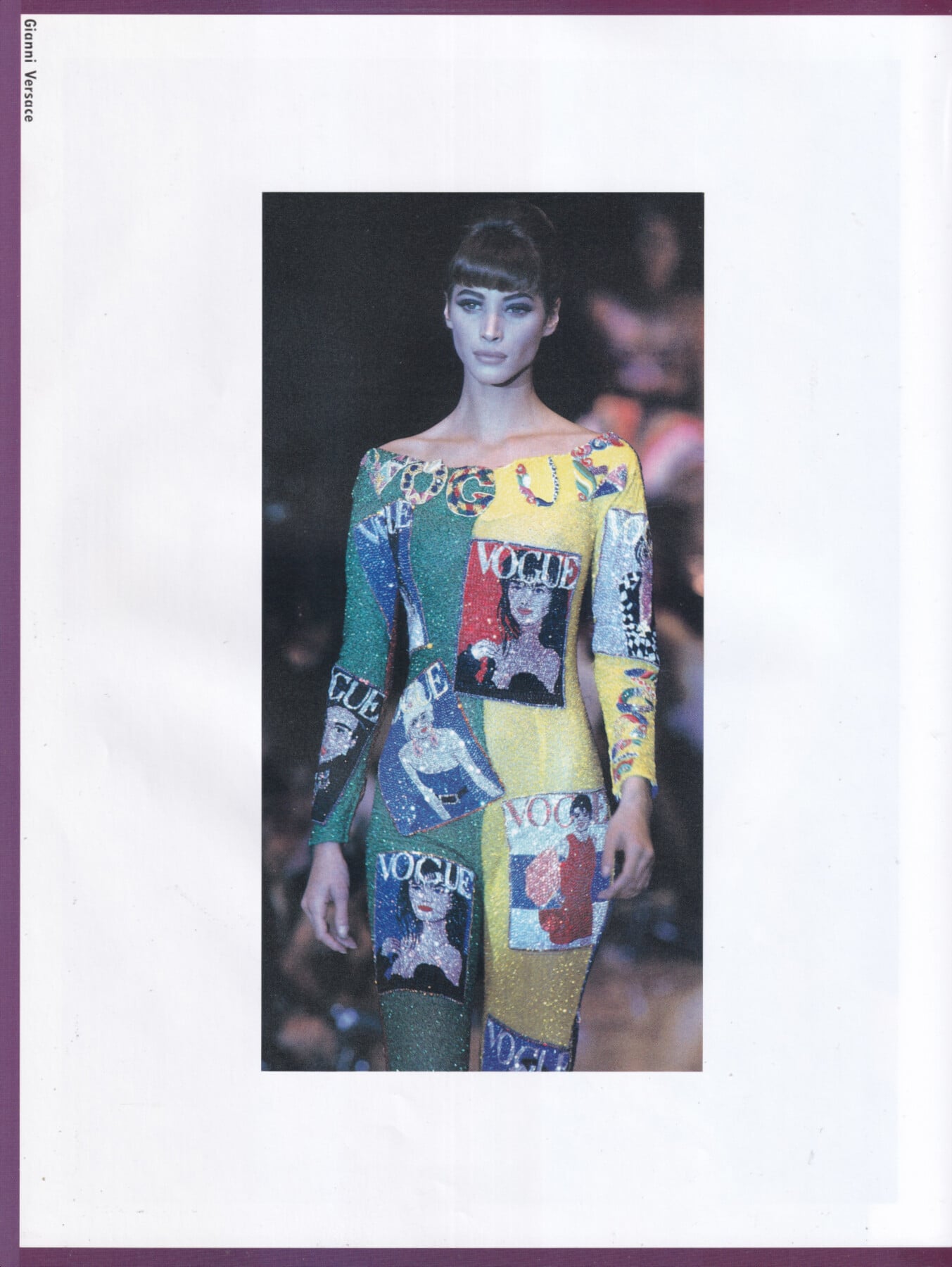
 Christy Turlington for Gianni Versace, ready-to-wear, spring/summer 1991 my scans







































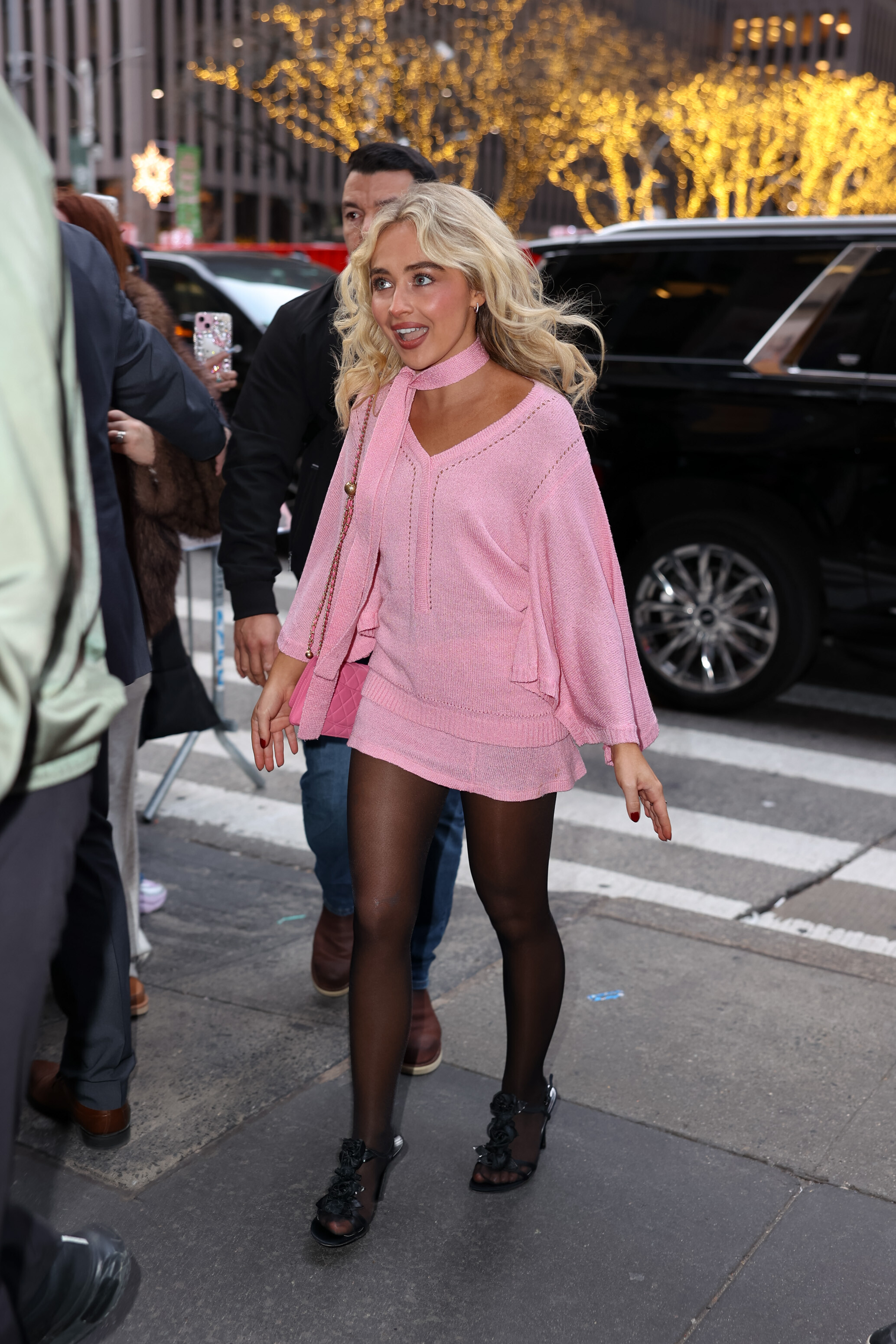




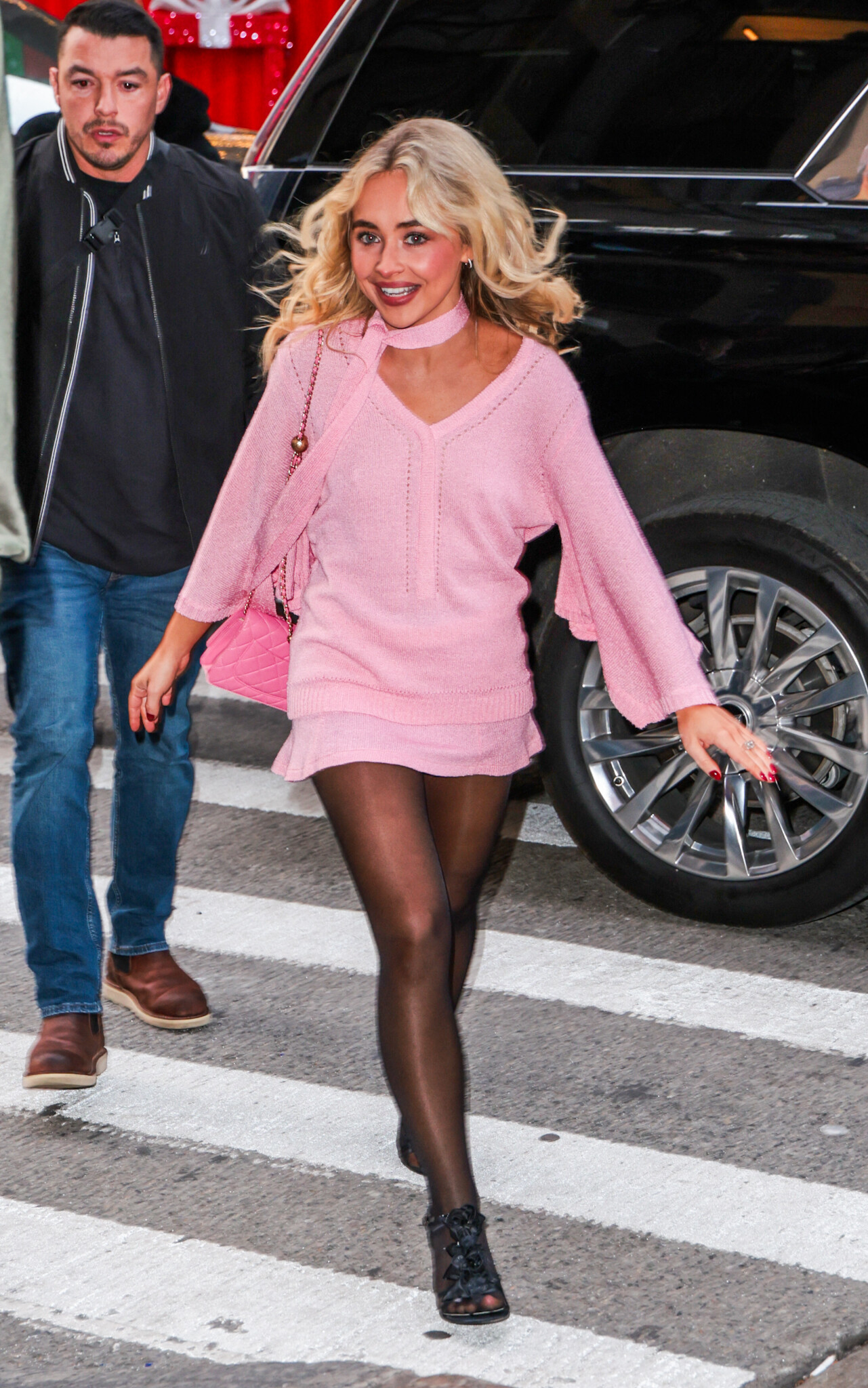

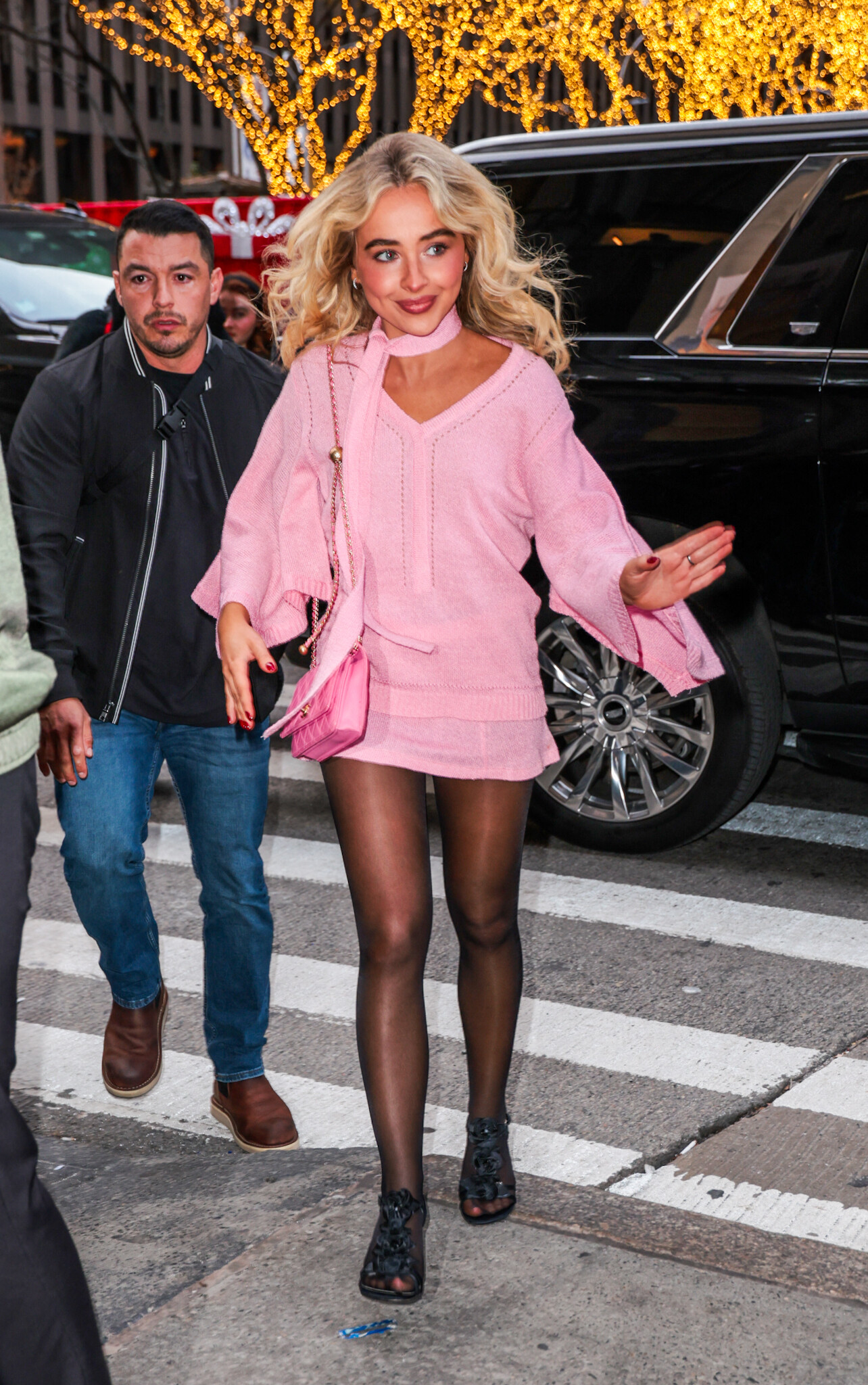

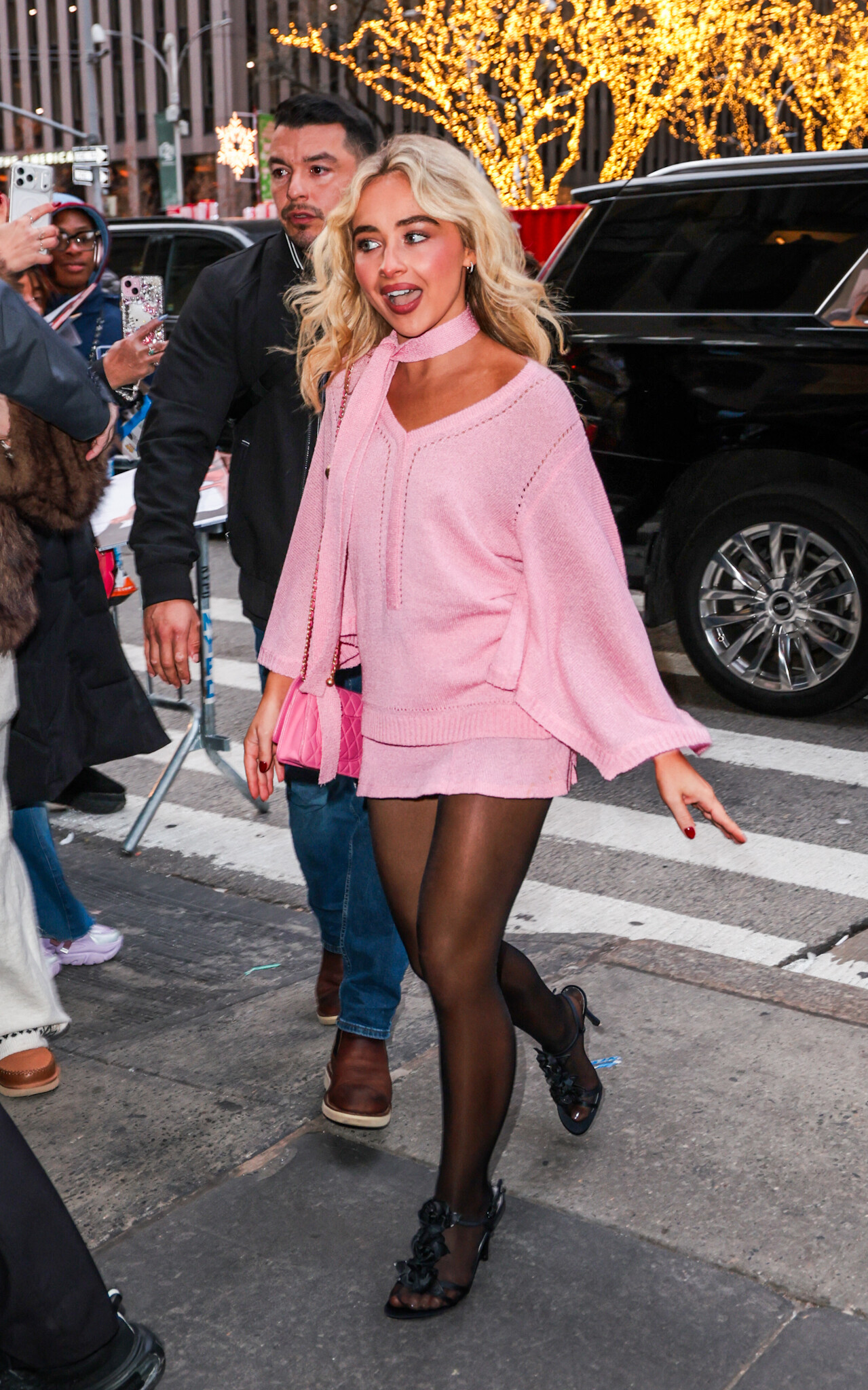
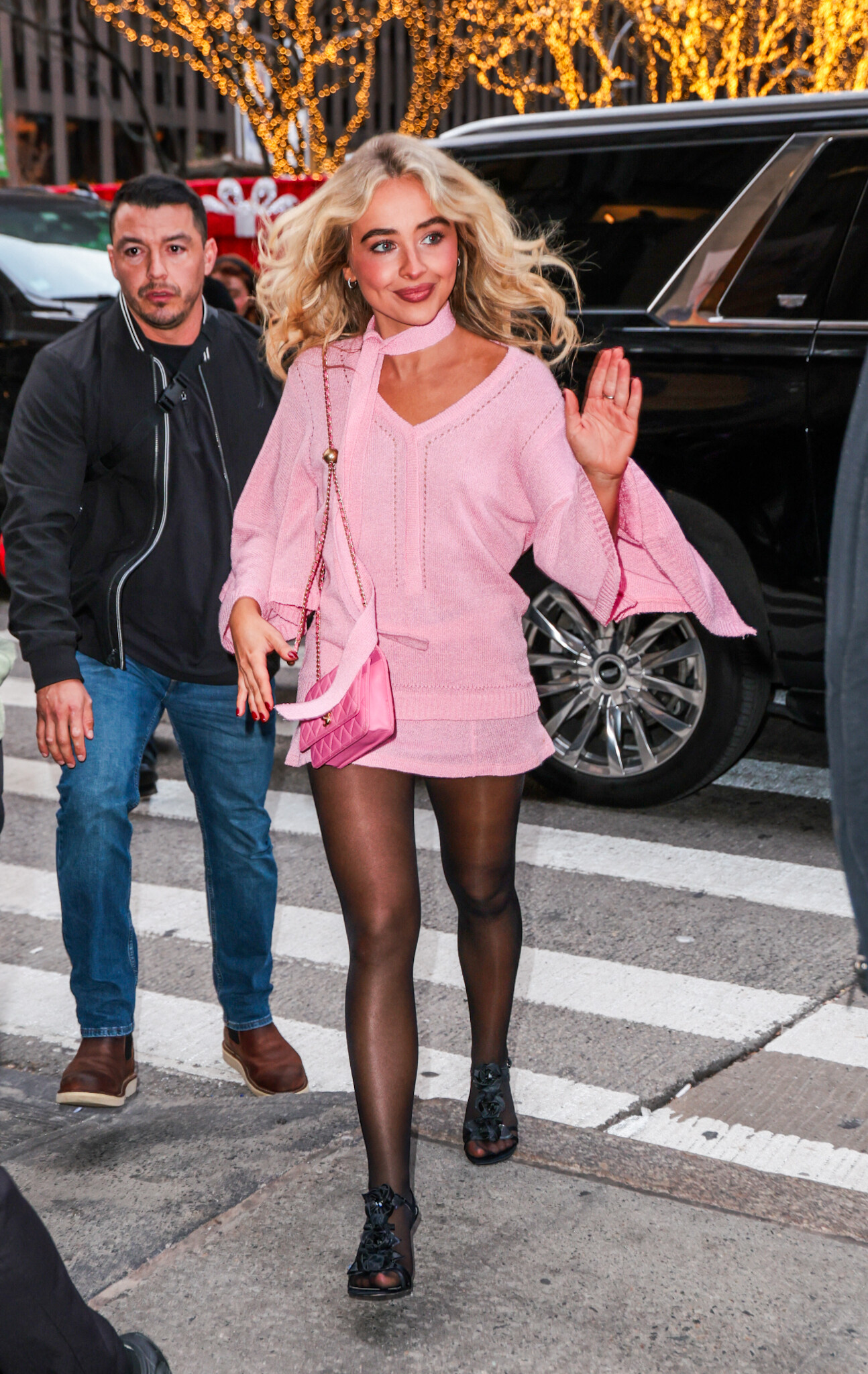
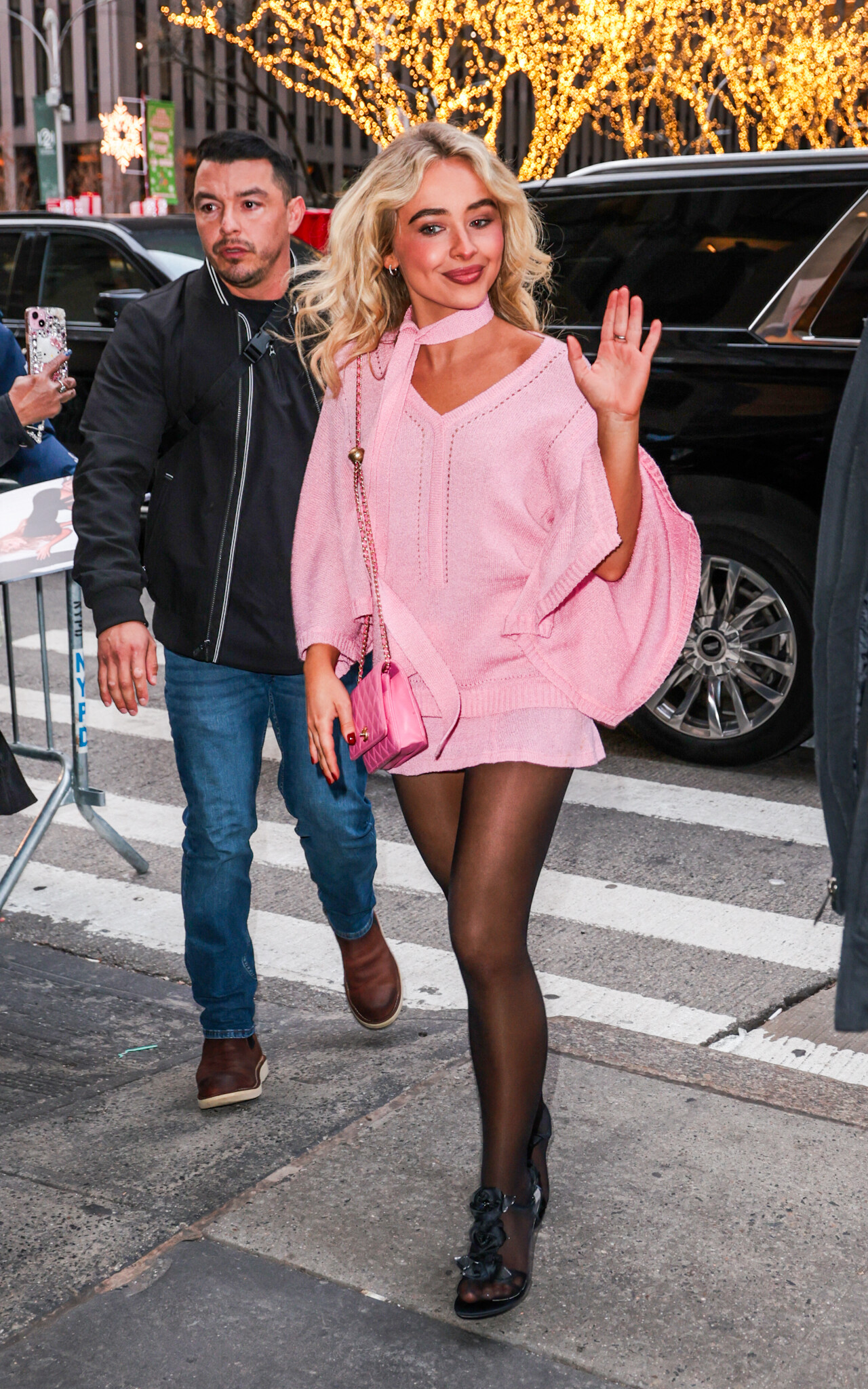













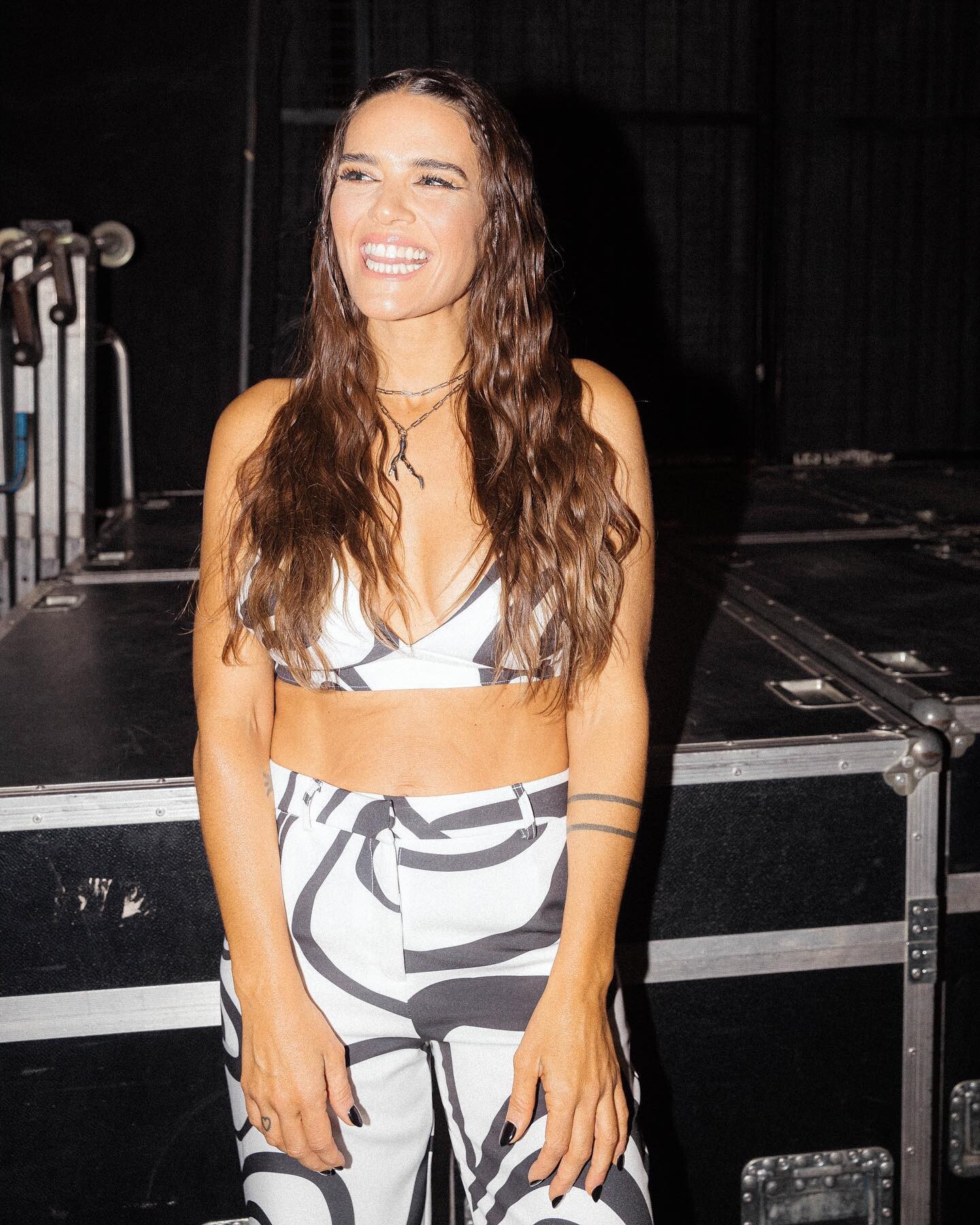
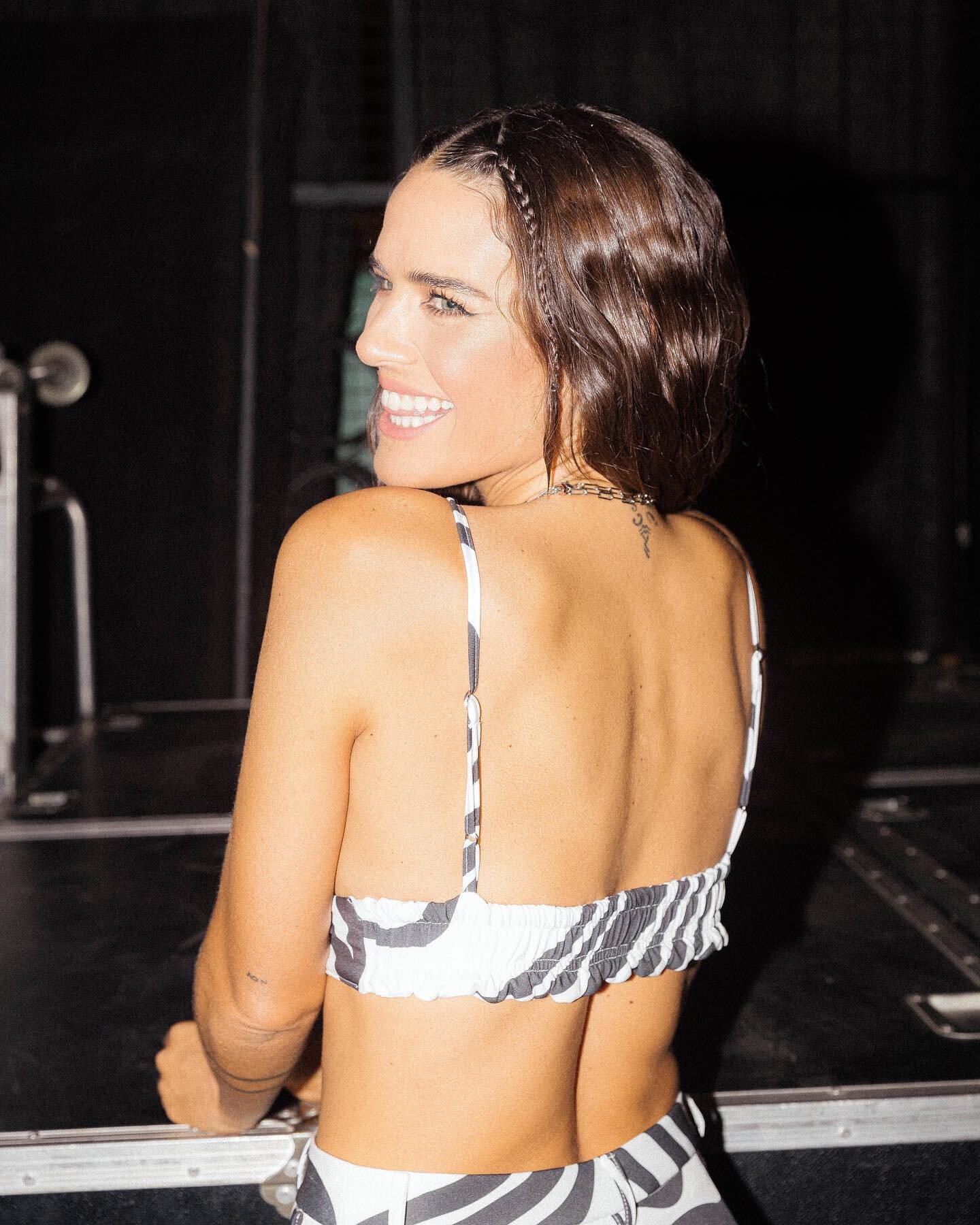


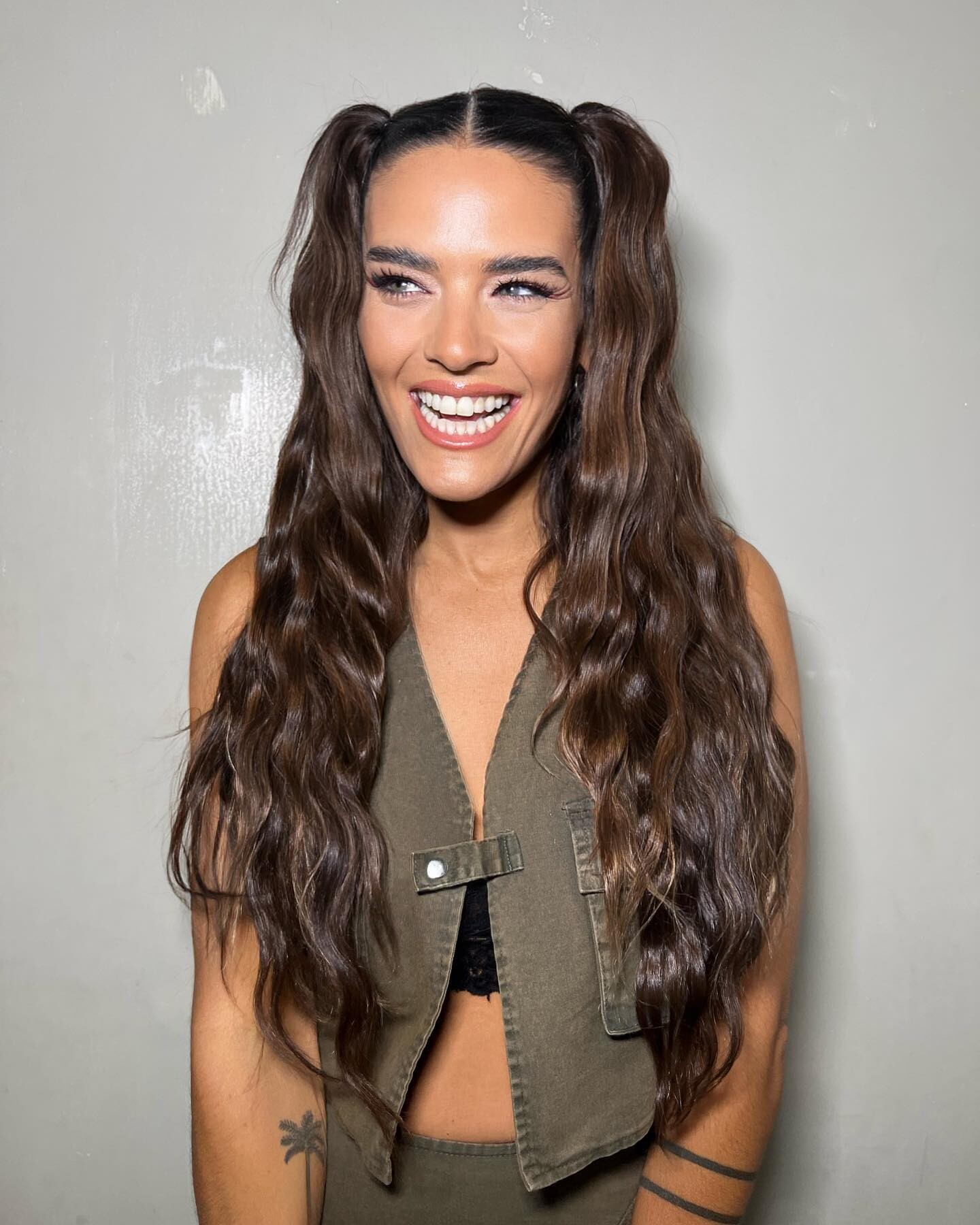
















.jpg.21b28d56f0c87c220712722fcdaabf0c.jpg)


.jpg.33abaeebfb513b0f5a8d74d89d591b3d.jpg)









Account
Search
Configure browser push notifications
Chrome (Android)
- Tap the lock icon next to the address bar.
- Tap Permissions → Notifications.
- Adjust your preference.
Chrome (Desktop)
- Click the padlock icon in the address bar.
- Select Site settings.
- Find Notifications and adjust your preference.
Safari (iOS 16.4+)
- Ensure the site is installed via Add to Home Screen.
- Open Settings App → Notifications.
- Find your app name and adjust your preference.
Safari (macOS)
- Go to Safari → Preferences.
- Click the Websites tab.
- Select Notifications in the sidebar.
- Find this website and adjust your preference.
Edge (Android)
- Tap the lock icon next to the address bar.
- Tap Permissions.
- Find Notifications and adjust your preference.
Edge (Desktop)
- Click the padlock icon in the address bar.
- Click Permissions for this site.
- Find Notifications and adjust your preference.
Firefox (Android)
- Go to Settings → Site permissions.
- Tap Notifications.
- Find this site in the list and adjust your preference.
Firefox (Desktop)
- Open Firefox Settings.
- Search for Notifications.
- Find this site in the list and adjust your preference.